

Email an admin via Gmail when a BPC refund is updated
When BPC reports a refund through its Refund Updated event, this workflow emails an admin from your Gmail account with the refund details you choose to include.
 BPC
BPC
 Gmail
Gmail2 steps Setup ~5 min Used on 2.4k sites Free to import
What this workflow does
Refunds affect revenue, stock and sometimes a customer relationship, yet they are easy to miss if nobody watches the payments dashboard. Finance or the store owner usually wants a note in their inbox instead. This workflow sends that note.
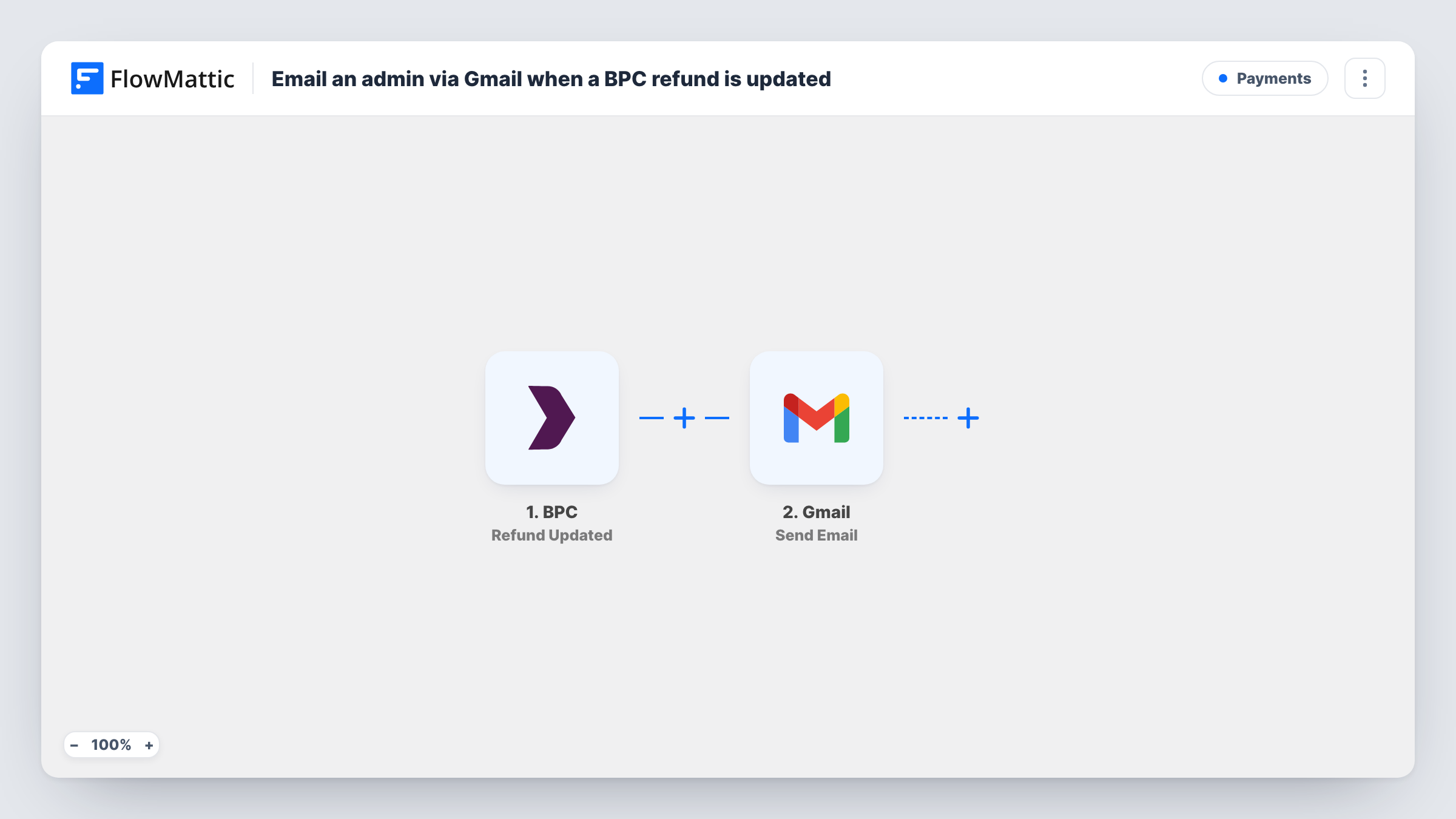
The BPC trigger is Refund Updated, which fires when money is refunded. FlowMattic takes the refund data BPC sends and passes it to Gmail, where Send Email delivers a message from your connected Gmail account. You set the admin's address, the subject and the body, and map refund values such as the amount into the text.
Each time the trigger fires, one email goes out. If BPC sends Refund Updated more than once for the same refund, the admin receives more than one email. The workflow only reports; it doesn't change anything in BPC. Task History shows each email and Gmail's response.
Store owner watching refunds
A shop owner gets a Gmail message for every BPC refund and can check the order before the next stock count.
Finance inbox for reconciliation
Send each refund email to a shared finance address, so whoever reconciles the month has a record in their inbox.
Support lead reviewing refund reasons
The support lead reads each refund email and follows up with the customer if the refund points to a product problem.
How this workflow runs
What happens at each step once the workflow is on, and what you need before you import it.
 BPC Refund Updated
Runs when BPC's Refund Updated event fires, which FlowMattic describes as money being refunded. The refund data is passed on for the email.
- Gmail Send Email
Sends an email from your connected Gmail account to the admin address you enter. Write the subject and body and map refund details, such as the amount, into the message.
What you need
- FlowMatticCore
- BPC AccountAccount
- Gmail AccountAccount
After importing, map your own data. To keep the template universal, not every step is pre-filled. Open each step in the builder and connect your accounts and fields (channels, lists, sheets, recipients) before you switch the workflow on.
Make it yours
Changes worth making after you import it.
- Put the refund amount in the subject line, so the admin can see the size of the refund without opening the email.
- Add a Filter after the trigger on the amount if the admin only needs to hear about large refunds; mind that a decimal amount is compared as a whole number.
- Send to a shared mailbox rather than one person, so refund alerts still reach someone when the admin is away.
Questions about this workflow
When does BPC's Refund Updated trigger fire?
FlowMattic's description of the trigger is that it fires when money is refunded. Make a test refund after import to see the data BPC sends and how many emails one refund produces.
Can the BPC refund email go to more than one admin?
Use a shared address, or check the Gmail Send Email step for how many recipients it accepts. A test run shows who received the message.
Does the workflow change anything in BPC?
No. It reads the refund event and sends one Gmail message. Refunds are still issued and managed in BPC.
More Payments workflows
Other ready-to-import templates from the same category.




Import this workflow into your WordPress site
Download the JSON, import it from the Workflows screen and connect your accounts. Every run stays on your server, with no per-task fees.
30-day money-back guarantee Unlimited workflows and runs Self-hosted