

Add a Monday.com item for every new Monetizze awaiting payment
Each Monetizze sale that is awaiting payment creates a new item on a monday.com board, so your team has a visible list of pending sales to follow up.
 Monetizze
 Monday.com
2 steps Setup ~5 min Used on 2.2k sites Free to import
What this workflow does
A sale that is waiting for payment is not money yet. Someone may need to remind the buyer, or simply watch whether it goes through. Keeping those sales on a monday.com board gives your team one place to track them alongside the rest of their work.
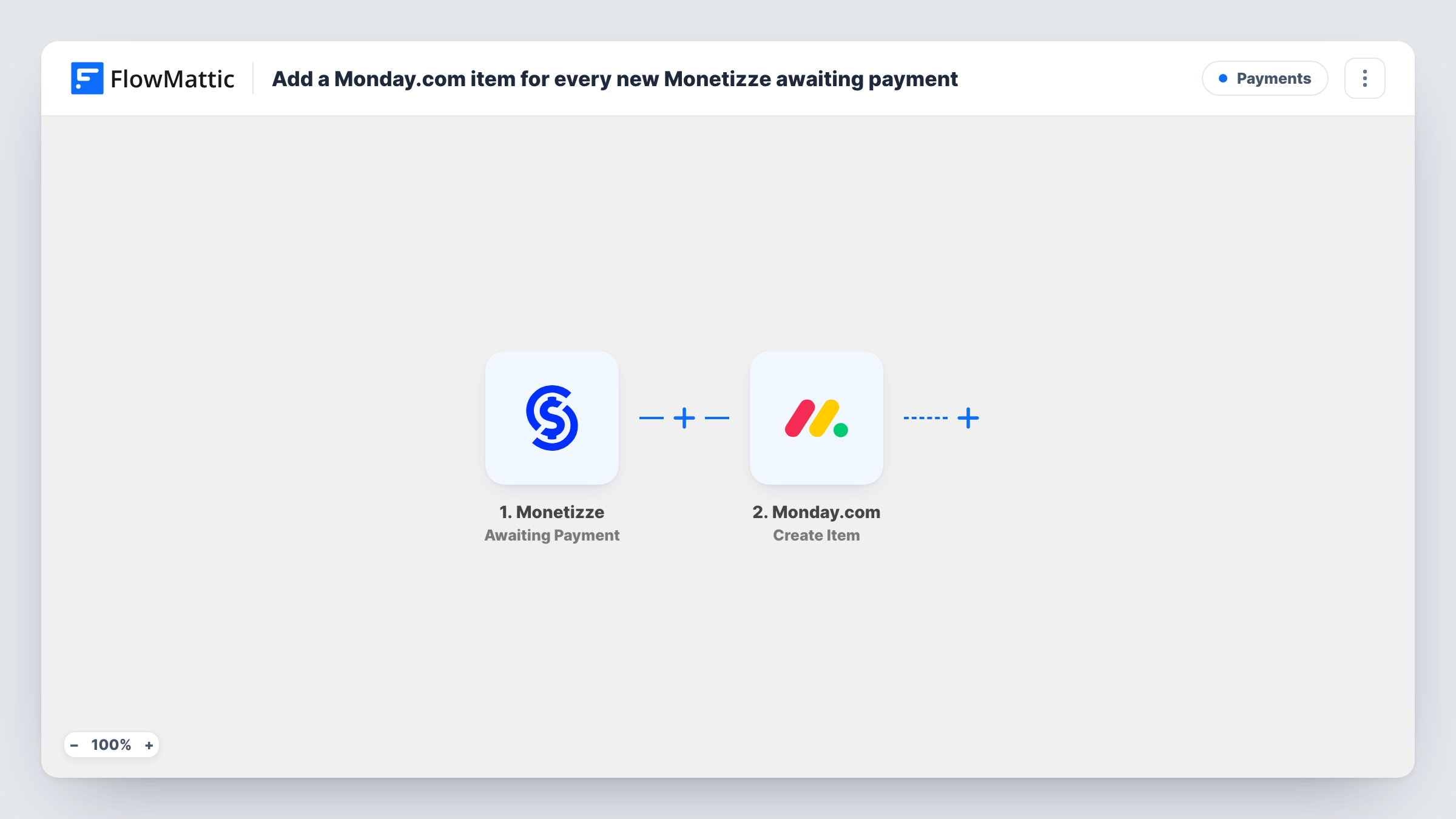
The Monetizze trigger fires when a sale is awaiting payment. FlowMattic receives the sale's details and passes them to the monday.com step, which creates a new item on the board you pick. You build the item from the sale data, for example the buyer's name and the product.
The workflow only adds items. When the payment later goes through, the item stays as it is, so your team updates or archives it on the board. Task History records each run and the data sent to monday.com.
Follow-up list for a sales assistant
A digital product seller's assistant works through the monday.com board each day and contacts buyers whose Monetizze sale is still waiting for payment.
Spotting pending sales after a launch
During a product launch, the board fills with an item for each sale awaiting payment, so the team sees the backlog at a glance.
Hand-off between sales and support
Support picks up items from the board when a buyer writes in about a payment, with the sale details already in the item.
How this workflow runs
What happens at each step once the workflow is on, and what you need before you import it.
 Monetizze Awaiting Payment
Fires when a sale in Monetizze is awaiting payment. The sale and buyer details are passed to the monday.com step.
- Monday.com Create Item
Adds an item for the pending sale to the monday.com board you select. Connect monday.com and map Monetizze sale data into the item; a test run shows which item details you can fill.
What you need
- FlowMatticCore
- Monetizze AccountAccount
- Monday.com AccountAccount
After importing, map your own data. To keep the template universal, not every step is pre-filled. Open each step in the builder and connect your accounts and fields (channels, lists, sheets, recipients) before you switch the workflow on.
Make it yours
Changes worth making after you import it.
- Put the buyer's name and the product in the item name, so the board reads as a clear list of who still owes payment.
- Build a second workflow on Monetizze's Completed / Approved trigger to post an update or create a record when the payment goes through.
- Create a test sale that waits for payment after import, so FlowMattic captures the Monetizze fields before you map the item.
Questions about this workflow
Does the monday.com item change when the Monetizze payment is approved?
No. This workflow only creates items for sales awaiting payment. Update the item on the board yourself, or build a second workflow on the Completed / Approved trigger.
Which monday.com board receives the pending sales?
Whichever board you select when setting up the monday.com step on import. Changing it later only affects new pending sales.
Will Monetizze sales that were already pending be added?
No. Only sales that reach awaiting payment after the workflow is switched on create an item.
Can I send the pending sale somewhere else too?
Yes. Add another action after the monday.com step, such as a Slack message or a Google Sheets row, and map the same sale data.
More Payments workflows
Other ready-to-import templates from the same category.







Import this workflow into your WordPress site
Download the JSON, import it from the Workflows screen and connect your accounts. Every run stays on your server, with no per-task fees.
30-day money-back guarantee Unlimited workflows and runs Self-hosted