

Suspend a site when Subscription in Stripe is canceled
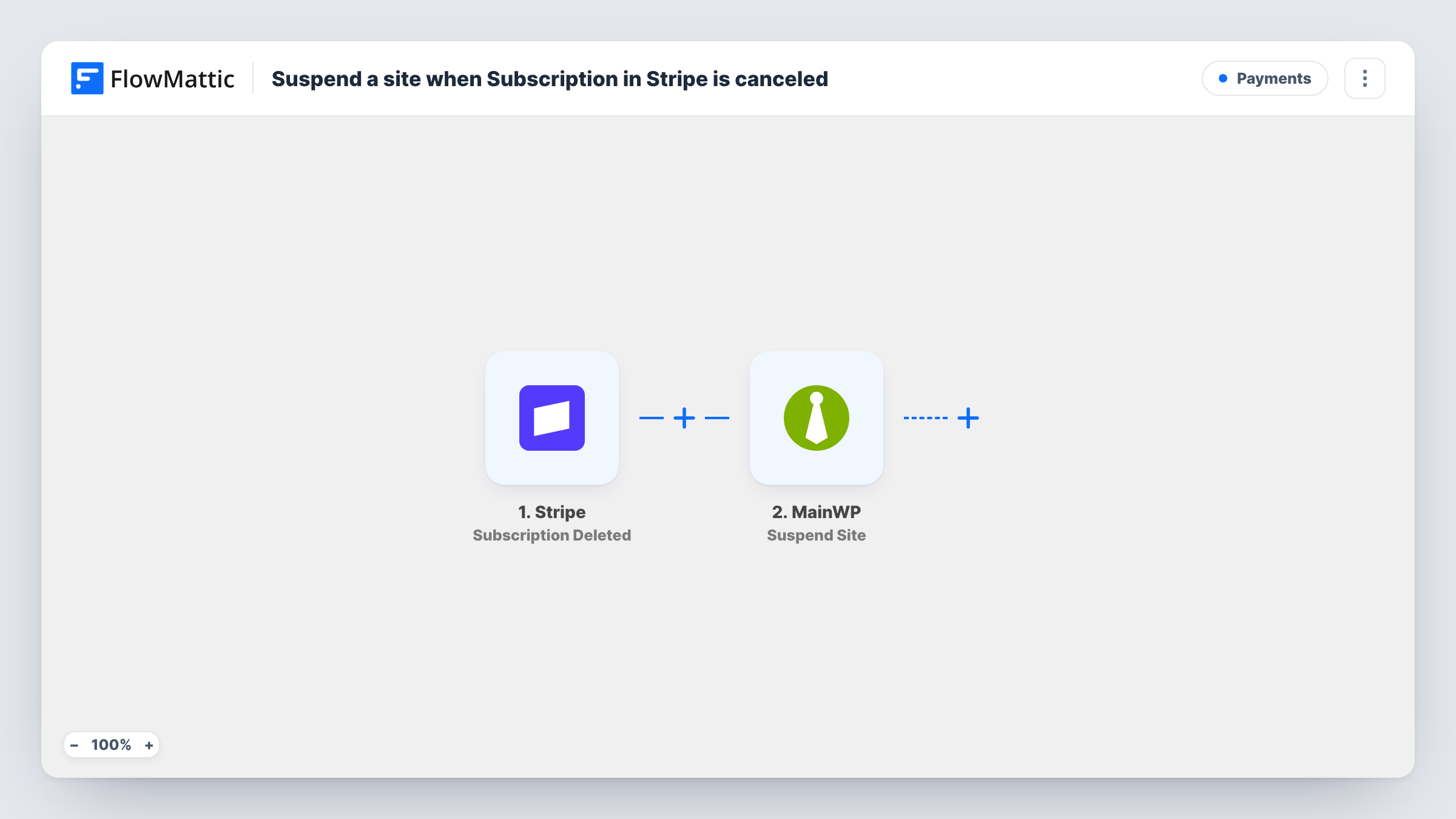
When a customer’s Stripe subscription ends, FlowMattic finds their site in a FlowMattic Tables table that links Stripe customers to MainWP sites, and suspends that site in MainWP.
 Stripe
 Tables by FlowMattic
 Filter
 MainWP
4 steps Setup ~8 min Used on 1.7k sites Free to import
What this workflow does
Agencies and hosts that bill care plans or site subscriptions through Stripe need to act when a customer stops paying. Doing it by hand means matching the cancelled subscription to the right site in MainWP and suspending it. This workflow does the matching through a table you keep, then suspends the site.
The Stripe Subscription Deleted trigger fires whenever a customer's subscription ends. The event identifies the customer by their Stripe customer ID, which is what the lookup uses.
Next, the FlowMattic Tables Find Record step searches a table you build, with one record per customer holding the Stripe customer ID and the MainWP site ID. A Filter then continues only when the lookup's status code exactly matches found, so subscriptions with no matching record stop there. Finally the MainWP step suspends the site, using the site ID from the record.
The Find Record and Suspend Site steps ship unmapped. After import, pick your table and search column, map the customer ID from Stripe, then map the site ID from the record. Test with a subscription on a staging site first and check Task History.
Care plans that lapse
A WordPress agency bills monthly maintenance through Stripe, and when a client's plan ends their site is suspended in MainWP until they renew.
Hosted sites for small businesses
A host that builds and runs sites for a subscription suspends a customer's site as soon as the subscription is gone, without checking Stripe by hand.
Trial sites for prospects
A site builder gives prospects a site on a Stripe trial subscription, and sites whose subscription ends are suspended automatically.
How this workflow runs
What happens at each step once the workflow is on, and what you need before you import it.
 Stripe Subscription Deleted
Fires whenever a customer's Stripe subscription ends. The event carries the Stripe customer ID, which the next step searches for.
- Tables by FlowMattic Find Record
Searches your FlowMattic Tables table for the record that holds this Stripe customer ID. The step ships unmapped: pick the table and column, and map the customer ID from the trigger.
- Filter Continue If Condition Meet
Continues only when the Find Record status code exactly matches "found". Subscriptions with no matching record in your table stop here and no site is suspended.
- MainWP Suspend Site
Suspends the site in MainWP. Map the MainWP site ID from the record found in step 2, so the right site is suspended.
What you need
- FlowMatticCore
- Stripe AccountAccount
- MainWP AccountAccount
After importing, map your own data. To keep the template universal, not every step is pre-filled. Open each step in the builder and connect your accounts and fields (channels, lists, sheets, recipients) before you switch the workflow on.
Make it yours
Changes worth making after you import it.
- Build the table before importing: one record per customer, with columns for the Stripe customer ID and the MainWP site ID. Add a record each time you sign up a client.
- Add Slack or Email after Suspend Site to tell your team which site was suspended, mapping the site ID and customer from the earlier steps.
- Build a second workflow on Stripe's New Subscription trigger with the same lookup and Filter, ending in MainWP Unsuspend Site, so a returning customer's site comes back.
Questions about this workflow
How does FlowMattic know which MainWP site belongs to the Stripe customer?
From your FlowMattic Tables table. The Find Record step looks up the Stripe customer ID there and returns the MainWP site ID stored with it. Keep the table current when you add or move clients.
What if a cancelled Stripe customer has no record in the table?
Find Record reports not found, the Filter doesn't match, and the run stops there. No site is suspended. Task History shows those runs.
Does this delete the site from MainWP?
No. It suspends the site. FlowMattic's MainWP integration has a separate Unsuspend Site action to bring it back.
When does Stripe's Subscription Deleted event fire?
When the subscription ends. A subscription set to cancel at the end of its billing period ends then, not when the customer clicks cancel.
More Payments workflows
Other ready-to-import templates from the same category.








Import this workflow into your WordPress site
Download the JSON, import it from the Workflows screen and connect your accounts. Every run stays on your server, with no per-task fees.
30-day money-back guarantee Unlimited workflows and runs Self-hosted