

Create an Airtable record every time a Bokun tag structure is updated
Every time the tag structure is updated in Bokun, FlowMattic creates a record in Airtable, giving you a dated log of changes to how your tours and activities are tagged.
 Bokun
 Airtable
2 steps Setup ~5 min Used on 758 sites Free to import
What this workflow does
Tags in Bokun decide how products are grouped and found, on your own booking pages and in the channels that sell them. A change to the tag structure can quietly affect filters and listings. This workflow writes each change into Airtable, so there is a record you can look back on when something shows up in the wrong place.
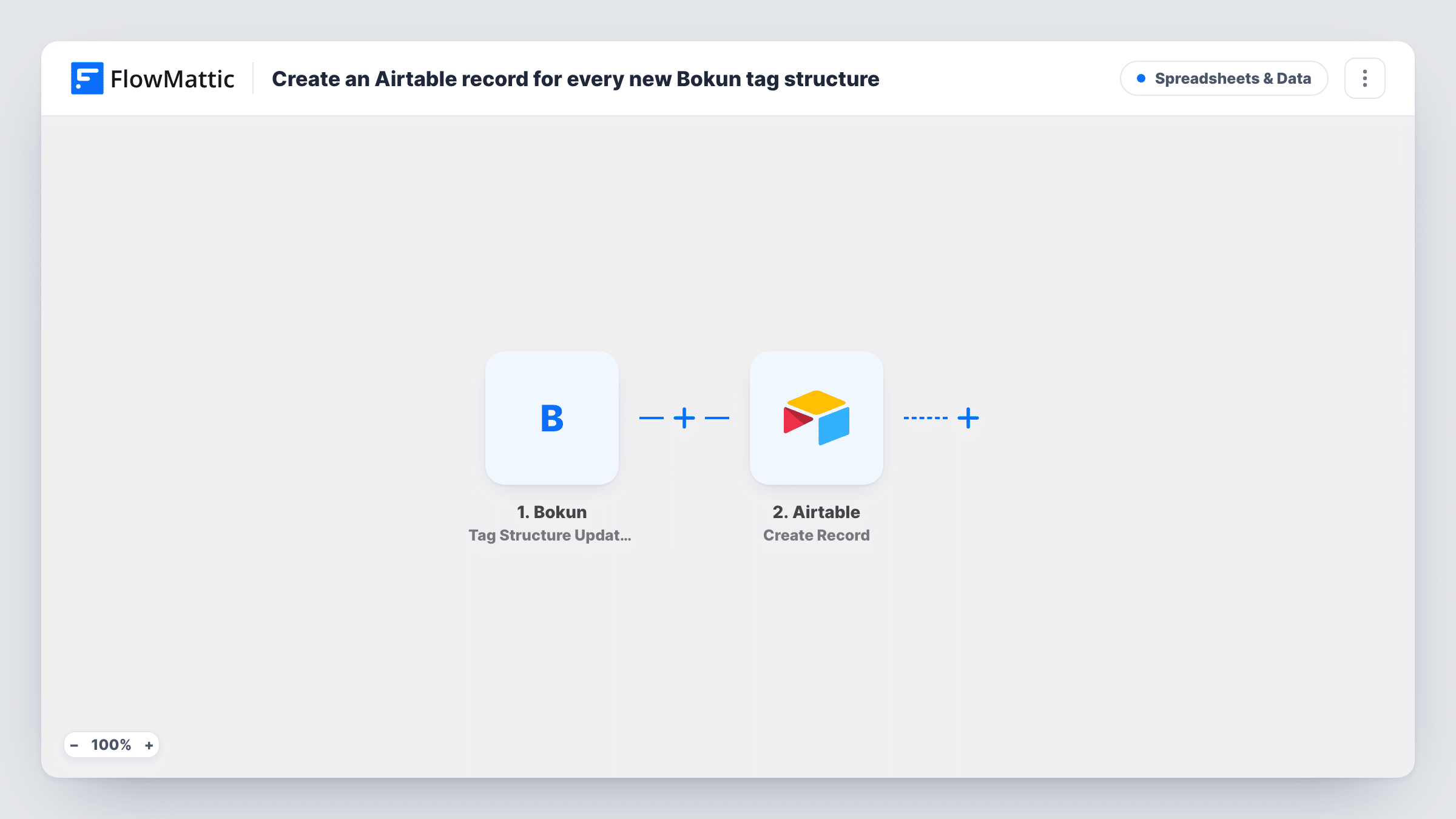
The Bokun Tag Structure Updated trigger fires when the tag structure is updated in Bokun. FlowMattic receives the data Bokun sends with that update and makes it available to map. Change a tag in a test and look at the run to see what arrives.
The Airtable Create Record step then adds a new record to a table you choose. It ships unmapped: after import you connect Airtable, pick the base and table and map the Bokun values into your fields.
Each update makes one new record. Nothing is merged or overwritten, so the table grows into a full history. Task History shows every run and the record Airtable created.
Tracking tag changes across a team
A tour company where several staff manage the Bokun catalogue keeps an Airtable log of tag structure updates to see when categories were reorganised.
Checking channel listings after changes
An activity provider reviews its Airtable log when a reseller reports products in the wrong category, and matches the timing to a tag update.
Monthly catalogue review
An operations manager filters the Airtable table by month to report how the tag structure changed during the season.
How this workflow runs
What happens at each step once the workflow is on, and what you need before you import it.
 Bokun Tag Structure Updated
Fires when the tag structure is updated in Bokun. The data Bokun sends with the update is passed to the Airtable step.
- Airtable Create Record
Adds a new record to the Airtable table you pick, once per tag structure update. The template leaves the fields unmapped, so match the Bokun values to your Airtable fields after import.
What you need
- FlowMatticCore
- Bokun AccountAccount
- Airtable AccountAccount
After importing, map your own data. To keep the template universal, not every step is pre-filled. Open each step in the builder and connect your accounts and fields (channels, lists, sheets, recipients) before you switch the workflow on.
Make it yours
Changes worth making after you import it.
- Add a created-time field in Airtable, which fills itself, so each record shows when the Bokun change was logged.
- Map the full update data into a long text field as well, so you can read exactly what Bokun sent if a change needs investigating.
- Use an Airtable view grouped by date to scan recent tag structure changes quickly.
Questions about this workflow
Does every Bokun tag structure update add an Airtable record?
Yes. Each update starts a run and creates one new record. Records are never merged, so repeated edits show up as separate rows.
What Bokun data ends up in Airtable?
Whatever you map in the Create Record step. Update a tag in Bokun with the workflow active, then check Task History to see the values before mapping fields.
Do Bokun product or booking changes add records too?
No. This workflow only uses Tag Structure Updated. Bokun's Product Updated and booking events are separate triggers for other workflows.
More Spreadsheets & Data workflows
Other ready-to-import templates from the same category.




Import this workflow into your WordPress site
Download the JSON, import it from the Workflows screen and connect your accounts. Every run stays on your server, with no per-task fees.
30-day money-back guarantee Unlimited workflows and runs Self-hosted