

Create an Airtable record for every new Formdesk submission
Every new Formdesk submission is copied into Airtable as a new record, with each answer mapped to a field, so responses sit in a base you can sort, filter and link to other tables.
 Formdesk
 Airtable
2 steps Setup ~5 min Used on 1.2k sites Free to import
What this workflow does
Formdesk is good at collecting answers, but once they're in, you often want to work with them alongside other data: assign them, add notes, link them to projects or clients. Airtable is built for that. This workflow sends each new Formdesk response there as a record.
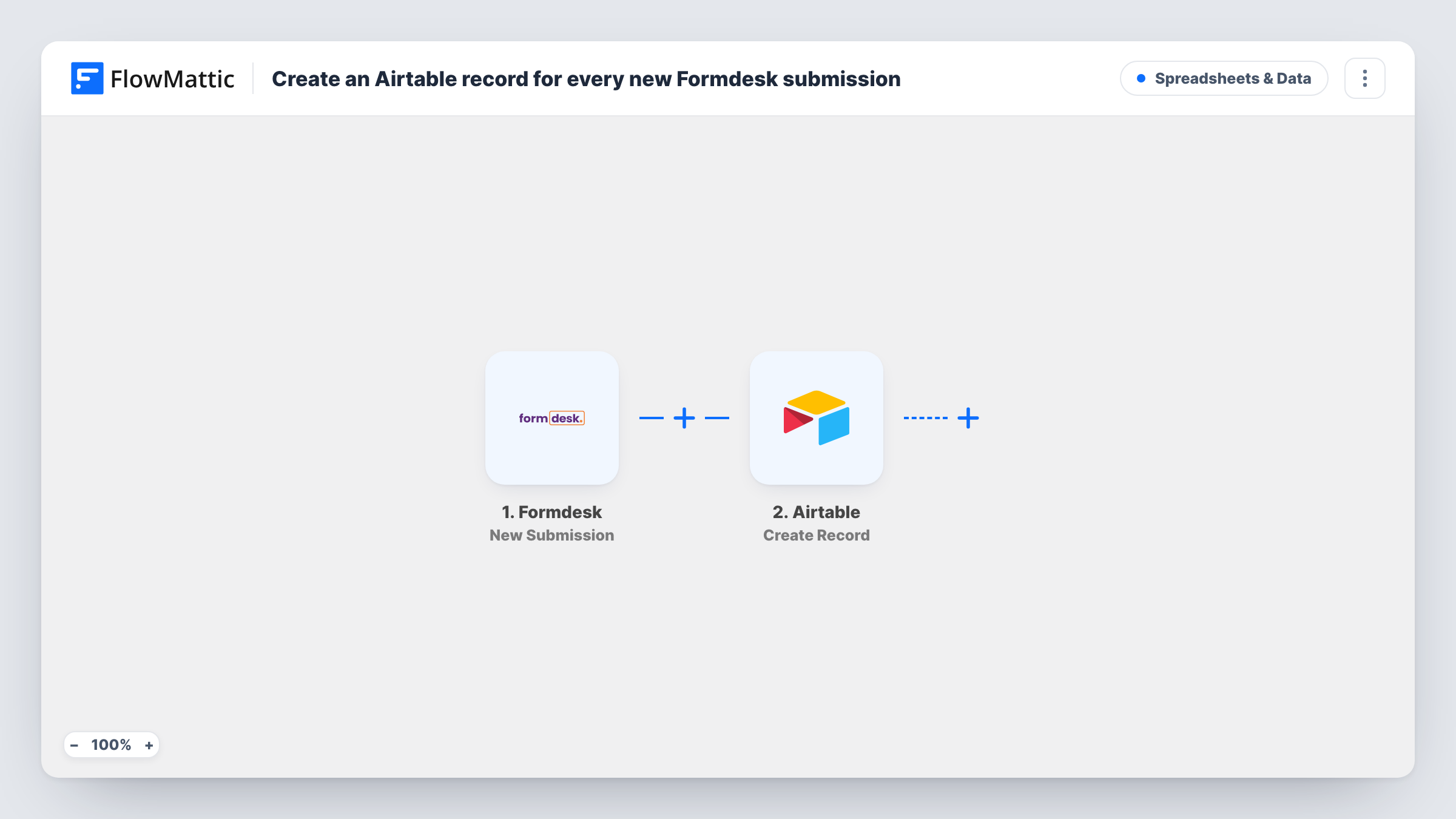
The Formdesk trigger fires for a new form submission and passes its answers to FlowMattic. The Airtable step creates a new record in the base and table you pick, filling the fields you map from those answers.
Each submission becomes one record, and the workflow doesn't look for an existing record first, so a person who submits twice appears twice. Formdesk keeps its own copy of the response as usual. You can follow each run in Task History, including Airtable's reply, which shows the cause if a record wasn't created.
Grant or membership applications
Applicants fill in a detailed Formdesk form. Reviewers work through the records in Airtable, adding status and score fields of their own.
Customer onboarding questionnaires
New clients answer an intake form in Formdesk. Each record lands in the Airtable base your account team already uses to plan onboarding.
Equipment or facility booking requests
Staff request rooms or equipment through Formdesk, and the facilities team sees every request as an Airtable record in a grid or calendar view.
How this workflow runs
What happens at each step once the workflow is on, and what you need before you import it.
 Formdesk New Submission
Starts a run for each response submitted to your Formdesk form. Every answer becomes a value you can map into the Airtable record.
- Airtable Create Record
Adds one Airtable record per Formdesk response to the table you select. Map each answer to the matching field, and make sure field types such as dates or single selects accept the values sent.
What you need
- FlowMatticCore
- Formdesk AccountAccount
- Airtable AccountAccount
After importing, map your own data. To keep the template universal, not every step is pre-filled. Open each step in the builder and connect your accounts and fields (channels, lists, sheets, recipients) before you switch the workflow on.
Make it yours
Changes worth making after you import it.
- Add Airtable fields that aren't on the form, such as Status or Owner, and leave them unmapped. Your team fills them in while working on each record.
- Using one Formdesk account for several forms? Add a Filter after the trigger so only the form meant for this base creates records.
- Submit a test response after import so the Formdesk answers are captured, then map them field by field in the Airtable step.
Questions about this workflow
Does the Airtable table need to exist before I import this Formdesk workflow?
Yes. The step creates records in an existing base and table, so set up the fields first and pick the table when you configure the step.
What if a Formdesk answer doesn't match the Airtable field type?
Airtable may reject the value, for example text sent to a number field. Task History shows the Airtable response for that run so you can adjust the mapping.
Will a repeat Formdesk respondent create a second Airtable record?
Yes. The step uses Create Record, which always adds a record and doesn't check for existing ones.
Are Formdesk file uploads copied into Airtable?
Only what the trigger provides can be mapped. Check a test submission with a file to see what Formdesk sends before mapping it to an attachment field.
More Spreadsheets & Data workflows
Other ready-to-import templates from the same category.




Import this workflow into your WordPress site
Download the JSON, import it from the Workflows screen and connect your accounts. Every run stays on your server, with no per-task fees.
30-day money-back guarantee Unlimited workflows and runs Self-hosted