

Create Breeze projects from Contact Form 7 submissions for agency client onboarding
When a new client fills in your Contact Form 7 onboarding form, this workflow creates a project in Breeze from their answers, so the work has a home before your kickoff call.
 Contact Form 7
 Breeze
2 steps Setup ~5 min Used on 3.0k sites Productivity Free to import
What this workflow does
Agencies often start onboarding with a form: company name, contact person, what they need. Someone then reads the entry and sets up the project by hand, which can sit for days. This workflow creates the Breeze project the moment the form arrives.
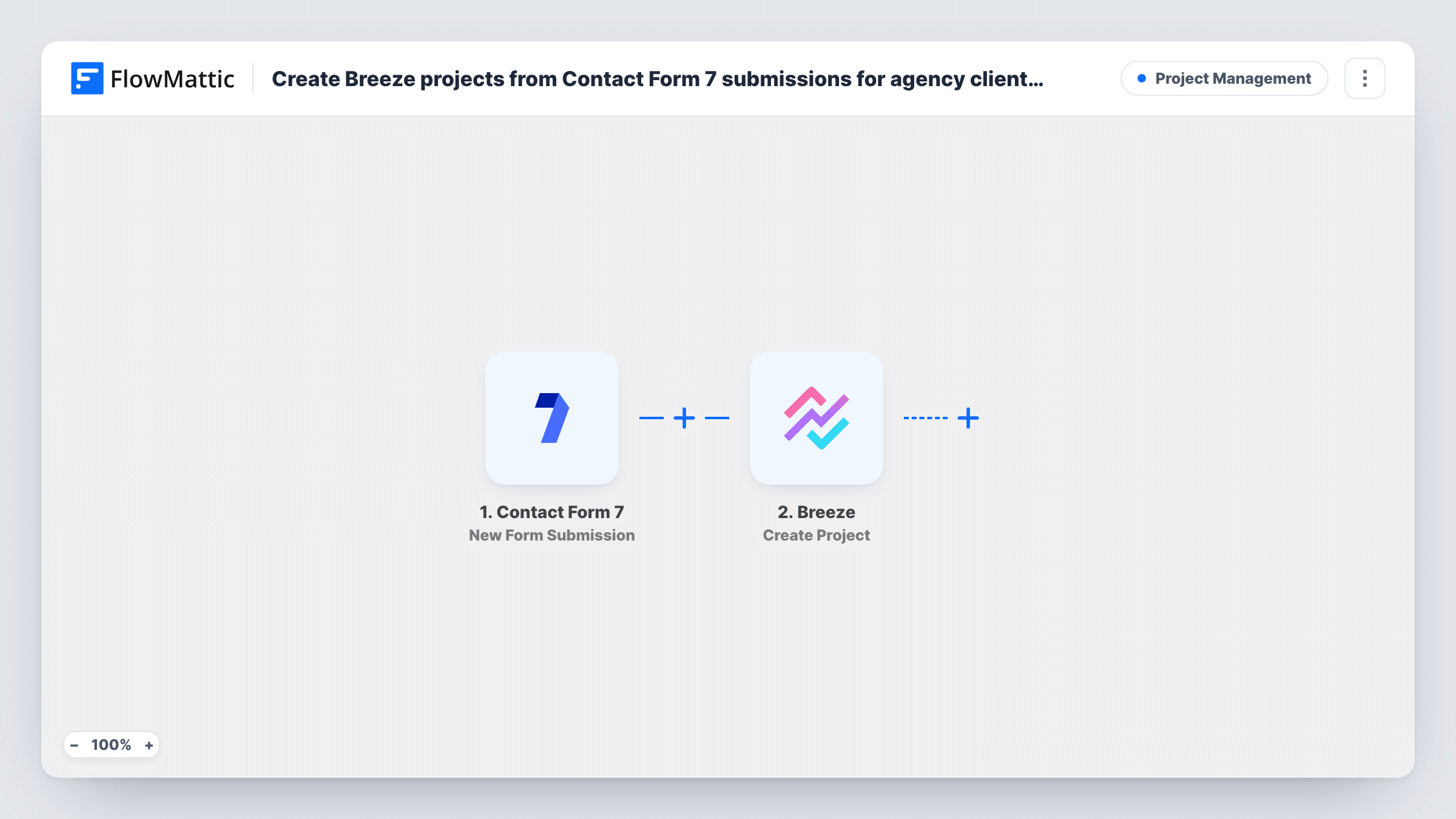
The Contact Form 7 trigger fires on each new form submission. FlowMattic sends the submitted fields to Breeze, where Create Project makes a new project. You map form answers into it, for example the client's company name.
Each submission makes one project. If your general contact form also starts runs, add a Filter so only onboarding entries reach Breeze. Task History records each run with Breeze's response, which helps when a project doesn't appear.
Web design agency kickoffs
A signed client fills in the onboarding form with their domain and goals, and the Breeze project for the build is waiting when your designer logs in.
Marketing retainers
New retainer clients submit their brand details through Contact Form 7, and account managers find a Breeze project named after the client ready to plan the first month.
Freelancers with repeat intake
You send every new client the same intake form, so each answer set becomes its own project without you creating it by hand.
How this workflow runs
What happens at each step once the workflow is on, and what you need before you import it.
 Contact Form 7 New Form Submission
Runs when a visitor sends a Contact Form 7 form on your WordPress site. Every field in the form becomes available to map into Breeze.
- Breeze Create Project
Creates a new project in Breeze. Connect your Breeze account and map form answers into the project, such as the client's name for the title. A test submission shows which details Breeze accepts.
What you need
- FlowMatticCore
- Contact Form 7 PluginPlugin
- Breeze AccountAccount
After importing, map your own data. To keep the template universal, not every step is pre-filled. Open each step in the builder and connect your accounts and fields (channels, lists, sheets, recipients) before you switch the workflow on.
Make it yours
Changes worth making after you import it.
- Make the company or client name field required in the form (use text* in the form tag) so every Breeze project gets a name.
- Add a Breeze Create Card step after the project step to open a first task, such as a kickoff call, mapping the new project from the step before.
- Add a Delay before the Breeze step if you want time to review the entry and stop the run from Task History first.
Questions about this workflow
Will a general Contact Form 7 enquiry create a Breeze project too?
Check a test run to see which form submissions start it. If general enquiries do, add a Filter on a field only your onboarding form has, such as a hidden form name.
What if the same client submits the onboarding form twice?
Breeze gets two Create Project calls, so you end up with two projects. The step doesn't look for an existing one first.
Can the workflow add tasks inside the new Breeze project?
Not as imported. Breeze actions such as Create Card and Create Todo are available in FlowMattic, so you can add them after the project step.
More Project Management workflows
Other ready-to-import templates from the same category.




Import this workflow into your WordPress site
Download the JSON, import it from the Workflows screen and connect your accounts. Every run stays on your server, with no per-task fees.
30-day money-back guarantee Unlimited workflows and runs Self-hosted