

Create coupons in WooCommerce Smart Coupons for new survey responses in Typeform
Every new Typeform survey response creates a coupon in WooCommerce Smart Coupons, ready to hand to the respondent as a thank-you. As imported, the coupon is created but not sent.
 Typeform
 WooCommerce Smart Coupons
2 steps Setup ~5 min Used on 1.5k sites Free to import
What this workflow does
Offering a discount in return for feedback is a common way to ask customers for their time. The awkward part is issuing each code: someone checks the responses, creates a coupon in WooCommerce and sends it. This workflow takes care of the coupon creation.
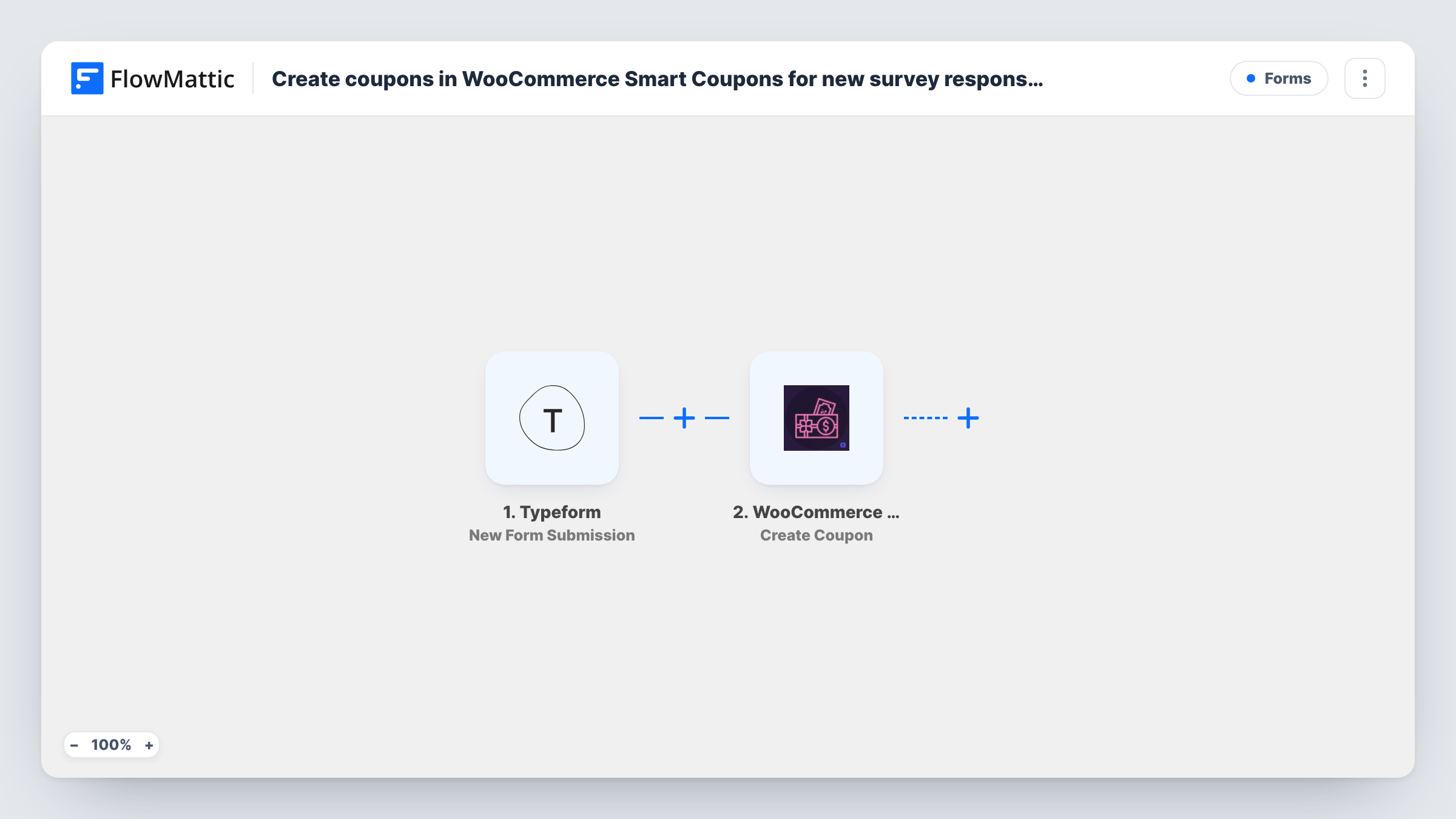
The Typeform New Form Submission trigger starts a run when someone completes your survey. FlowMattic passes the answers to WooCommerce Smart Coupons, whose Create Coupon action creates a new coupon on your store. You set up the coupon in the step and can map Typeform answers into it, such as the respondent's email.
Keep two points in mind before turning on this survey reward. Each response creates its own coupon, so a person who fills in the survey twice gets two. And the template stops at creation: the respondent isn't told about the code until you add a step that sends it, as the tips explain. Task History shows each coupon the workflow created.
Post-purchase feedback survey
Customers who answer your Typeform survey after an order get a coupon created for their next purchase.
Product research panel
A store asks regulars about a planned product line and creates a discount for each person who responds.
Net promoter survey for an online shop
Every completed NPS form creates a thank-you coupon, whichever score the person gives.
How this workflow runs
What happens at each step once the workflow is on, and what you need before you import it.
 Typeform New Form Submission
Starts a run when someone completes the Typeform form you connect. Each answer, including any email question, can be mapped into the coupon.
- WooCommerce Smart Coupons Create Coupon
Creates a new coupon in WooCommerce Smart Coupons on your store. Configure the coupon in the step and map Typeform answers where useful, then check a test run to confirm the result.
What you need
- FlowMatticCore
- Typeform AccountAccount
- WooCommerce Smart Coupons PluginPlugin
After importing, map your own data. To keep the template universal, not every step is pre-filled. Open each step in the builder and connect your accounts and fields (channels, lists, sheets, recipients) before you switch the workflow on.
Make it yours
Changes worth making after you import it.
- Add WooCommerce Smart Coupons' Send Coupon via Email action after Create Coupon, mapping the new coupon and the respondent's email from Typeform, so each person receives their code.
- Make the email question required in Typeform, so every response carries an address to tie the coupon to.
- Submit the survey once yourself after import and check in WooCommerce that the coupon looks the way you expect before sharing the form.
Questions about this workflow
Does the Typeform respondent receive the coupon code?
Not as imported. Once the Smart Coupons step has made the code, the run is over. Add Smart Coupons' Send Coupon via Email step, or another email step, to deliver it.
Can one person collect several coupons from my Typeform survey?
Yes. Every response creates a coupon, and nothing checks whether that person already has one. Smart Coupons' Get Coupons by Email action could help you build that check with a Filter.
Do I need WooCommerce Smart Coupons for this survey reward?
Yes. The Create Coupon step comes from the WooCommerce Smart Coupons plugin, which must be active on the WordPress site running FlowMattic.
More Forms workflows
Other ready-to-import templates from the same category.








Import this workflow into your WordPress site
Download the JSON, import it from the Workflows screen and connect your accounts. Every run stays on your server, with no per-task fees.
30-day money-back guarantee Unlimited workflows and runs Self-hosted