

Create Mailchimp subscribers from new booking in Fluent Booking
When a booking is confirmed in Fluent Booking on your WordPress site, this workflow adds the person who booked to your Mailchimp audience, or updates them if they are already on it.
 Fluent Booking
 Mailchimp
2 steps Setup ~5 min Used on 1.2k sites Free to import
What this workflow does
People who book a call or a session with you have already shown real interest. If they never make it onto your mailing list, you lose an easy way to stay in touch after the meeting. This workflow puts each confirmed booker into Mailchimp without an export.
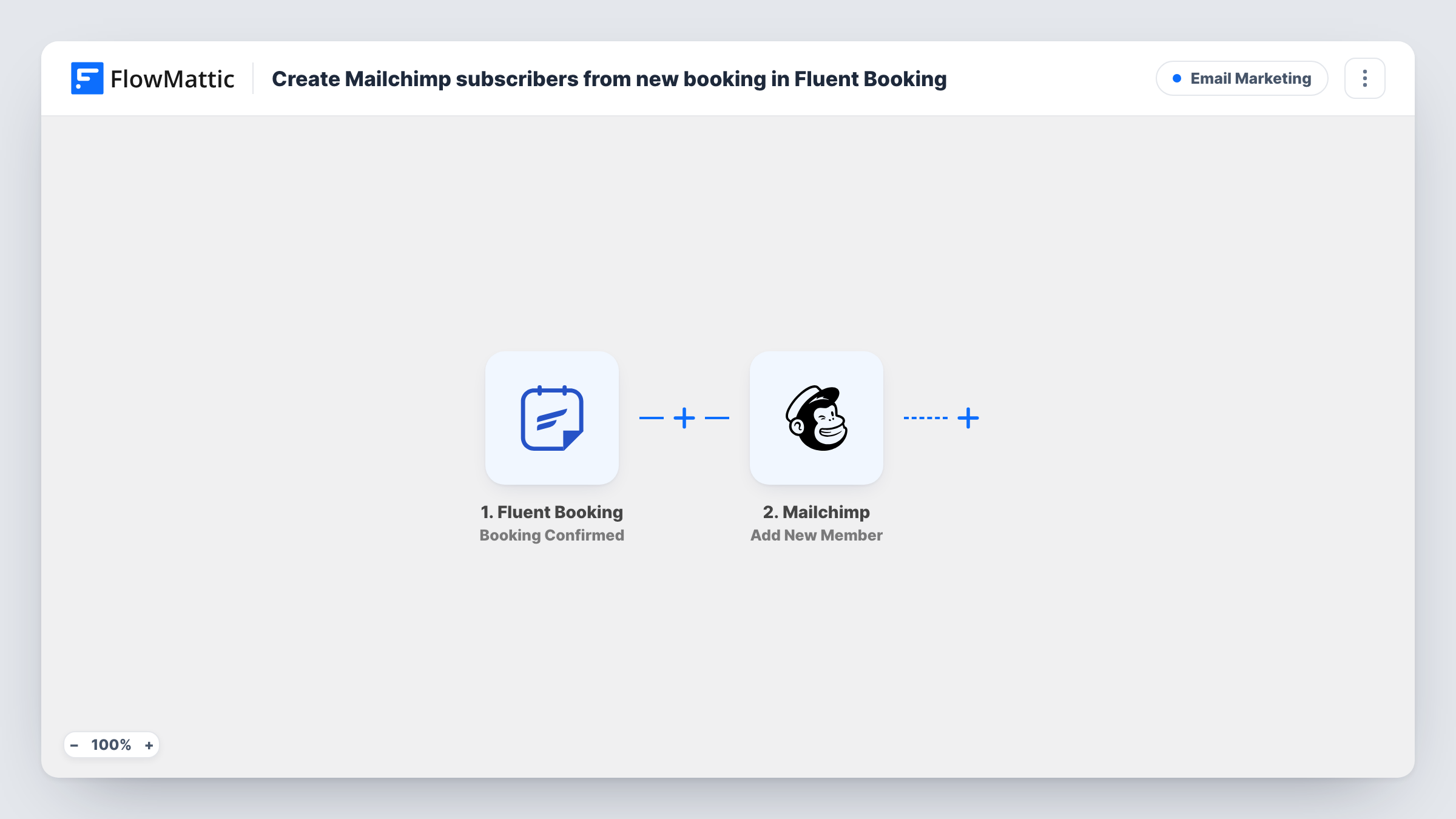
The Fluent Booking trigger fires when a booking is confirmed on the same WordPress site as FlowMattic. The booking details, such as the guest's name and email, are passed to Mailchimp. Its Add New Member action adds that person to the audience you choose, or updates their details if the address is already there.
Every confirmed booking runs the workflow, including repeat bookings from the same person. Because Mailchimp updates an existing member instead of adding a second copy, a returning client stays on your list once. Task History in FlowMattic shows each run and what Mailchimp returned.
Coaches with discovery calls
Everyone who books a free discovery call joins your Mailchimp audience, so they receive your newsletter after the call whether or not they sign up.
Workshop and class bookings
Each confirmed class booking adds the attendee to Mailchimp, giving you one list to announce the next dates to.
Consultants who send follow-up resources
Clients who book a consultation end up in Mailchimp, where you can send them guides or checklists after the meeting.
How this workflow runs
What happens at each step once the workflow is on, and what you need before you import it.
 Fluent Booking Booking Confirmed
Fires when a booking is confirmed in Fluent Booking on this WordPress site. The guest's details from the booking are passed on to the Mailchimp step.
- Mailchimp Add New Member
Adds the guest to your chosen Mailchimp audience, or updates them if their address is already a member. Map the booking email and name, then connect your Mailchimp account.
What you need
- FlowMatticCore
- Fluent Booking PluginPlugin
- Mailchimp AccountAccount
After importing, map your own data. To keep the template universal, not every step is pre-filled. Open each step in the builder and connect your accounts and fields (channels, lists, sheets, recipients) before you switch the workflow on.
Make it yours
Changes worth making after you import it.
- Make a test booking after import so FlowMattic captures the Fluent Booking fields, then map the guest's email and name in the Mailchimp step.
- Running several calendars? Add a Filter after the trigger on the event or calendar details in the booking data, so only bookings for one type of meeting reach Mailchimp.
- Copy the workflow and switch the trigger to Booking Cancelled or Booking Completed if you want to act on those events too.
Questions about this workflow
What happens if the Fluent Booking guest is already in Mailchimp?
Add New Member adds new people and updates existing members, so the guest is not added twice. Their details are refreshed with what you mapped from the booking.
Does a Fluent Booking request that needs approval reach Mailchimp?
The trigger is Booking Confirmed, so it is meant for confirmed bookings. If your calendars use approval, make one test booking and approve it to see when the workflow runs.
Should I ask for consent before adding bookers to Mailchimp?
That depends on the email rules where you and your guests are. If you need consent, collect it when people book, then add a Filter after the trigger that only continues when consent was given.
Does Fluent Booking need to be on the same site as FlowMattic?
For this trigger, yes. It fires on the current site. Fluent Booking also has Remote triggers in FlowMattic for bookings that arrive by webhook from another site.
More Email Marketing workflows
Other ready-to-import templates from the same category.





Import this workflow into your WordPress site
Download the JSON, import it from the Workflows screen and connect your accounts. Every run stays on your server, with no per-task fees.
30-day money-back guarantee Unlimited workflows and runs Self-hosted