

Add new Fourthwall newsletter subscribers to a Mailchimp audience
When a fan subscribes to the newsletter on your Fourthwall site, this workflow adds their email address to the Mailchimp audience you choose, so your campaign list grows without CSV exports.
 Fourthwall
 Mailchimp
2 steps Setup ~5 min Used on 2.6k sites Free to import
What this workflow does
Fourthwall lets fans sign up for your newsletter on your creator shop, but the campaigns you send probably go out from Mailchimp. Moving those sign-ups across by export and import is slow, and fans who join between exports miss your next email. This workflow moves each one as it happens.
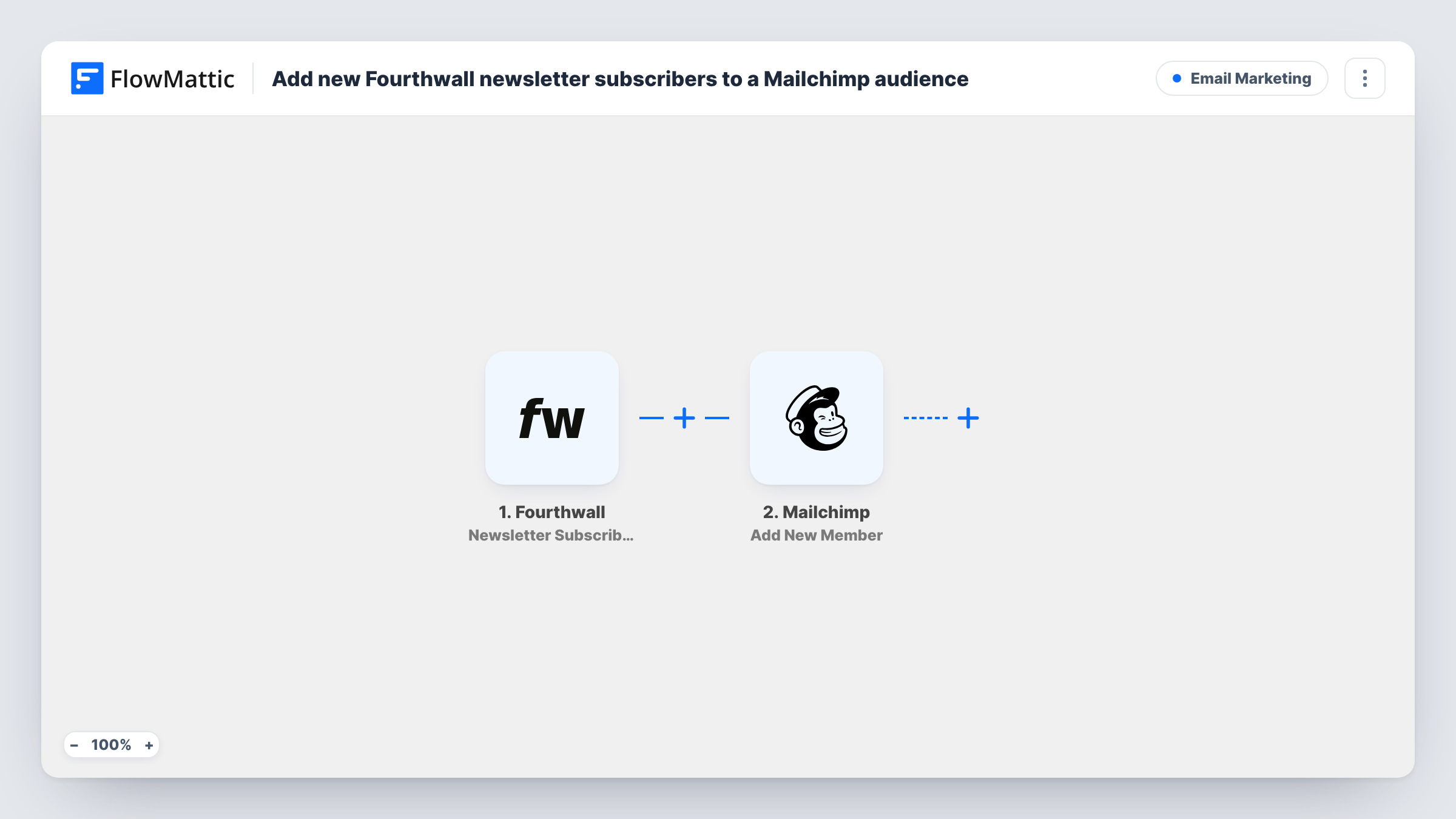
The Fourthwall trigger fires on Newsletter Subscribed, when someone subscribes to your newsletter there. FlowMattic takes the subscriber data Fourthwall sends and passes it to Mailchimp with the Add New Member action. That action adds the person to your audience, or updates them if the address is already a member.
Because existing members are updated, a fan who is already on your list keeps a single member record that takes the values you map. Run a test sign-up after import so you can map the email field and any name details Fourthwall includes.
Creator merch shop
A YouTuber's Fourthwall shop collects newsletter sign-ups, and each one joins the Mailchimp audience used for drop announcements and video round-ups.
Podcast with a members page
Listeners who subscribe on the podcast's Fourthwall site are added to Mailchimp, where the host sends episode notes each week.
Artist announcing new prints
An illustrator gathers subscribers on Fourthwall and emails them from Mailchimp whenever a new print run goes on sale.
How this workflow runs
What happens at each step once the workflow is on, and what you need before you import it.
 Fourthwall Newsletter Subscribed
Fires when someone subscribes to your newsletter on Fourthwall. The subscriber details Fourthwall sends are passed to the Mailchimp step.
- Mailchimp Add New Member
Adds the subscriber to the Mailchimp audience you pick, or updates the member if that address is already there. Map the Fourthwall email field to the member's email.
What you need
- FlowMatticCore
- Fourthwall AccountAccount
- Mailchimp AccountAccount
After importing, map your own data. To keep the template universal, not every step is pre-filled. Open each step in the builder and connect your accounts and fields (channels, lists, sheets, recipients) before you switch the workflow on.
Make it yours
Changes worth making after you import it.
- Add a Filter between the Fourthwall trigger and the Mailchimp step that continues only when the email field is not empty, so the Mailchimp step only runs for sign-ups that carry an address.
- Build a copy of this workflow with Fourthwall's Order Placed trigger feeding the same Add New Member step, if you also want buyers in that Mailchimp audience.
- Sign up with a test address after import and check Task History to see the fields Fourthwall sends before you finish the Mailchimp mapping.
Questions about this workflow
What if the Fourthwall subscriber is already in my Mailchimp audience?
Add New Member adds new people and updates people who already exist, so that fan's existing member record is updated with the Fourthwall values you map. Task History shows what Mailchimp returned.
Are my existing Fourthwall subscribers copied to Mailchimp?
No. The trigger fires on new sign-ups after the workflow is turned on, so people who subscribed earlier have to be moved to Mailchimp separately.
Which Mailchimp audience do Fourthwall fans join?
The audience you select in the Add New Member step after connecting your Mailchimp account. Every new Fourthwall subscriber goes to that one audience.
More Email Marketing workflows
Other ready-to-import templates from the same category.





Import this workflow into your WordPress site
Download the JSON, import it from the Workflows screen and connect your accounts. Every run stays on your server, with no per-task fees.
30-day money-back guarantee Unlimited workflows and runs Self-hosted