

Send emails via Gmail with new items in Notion databases
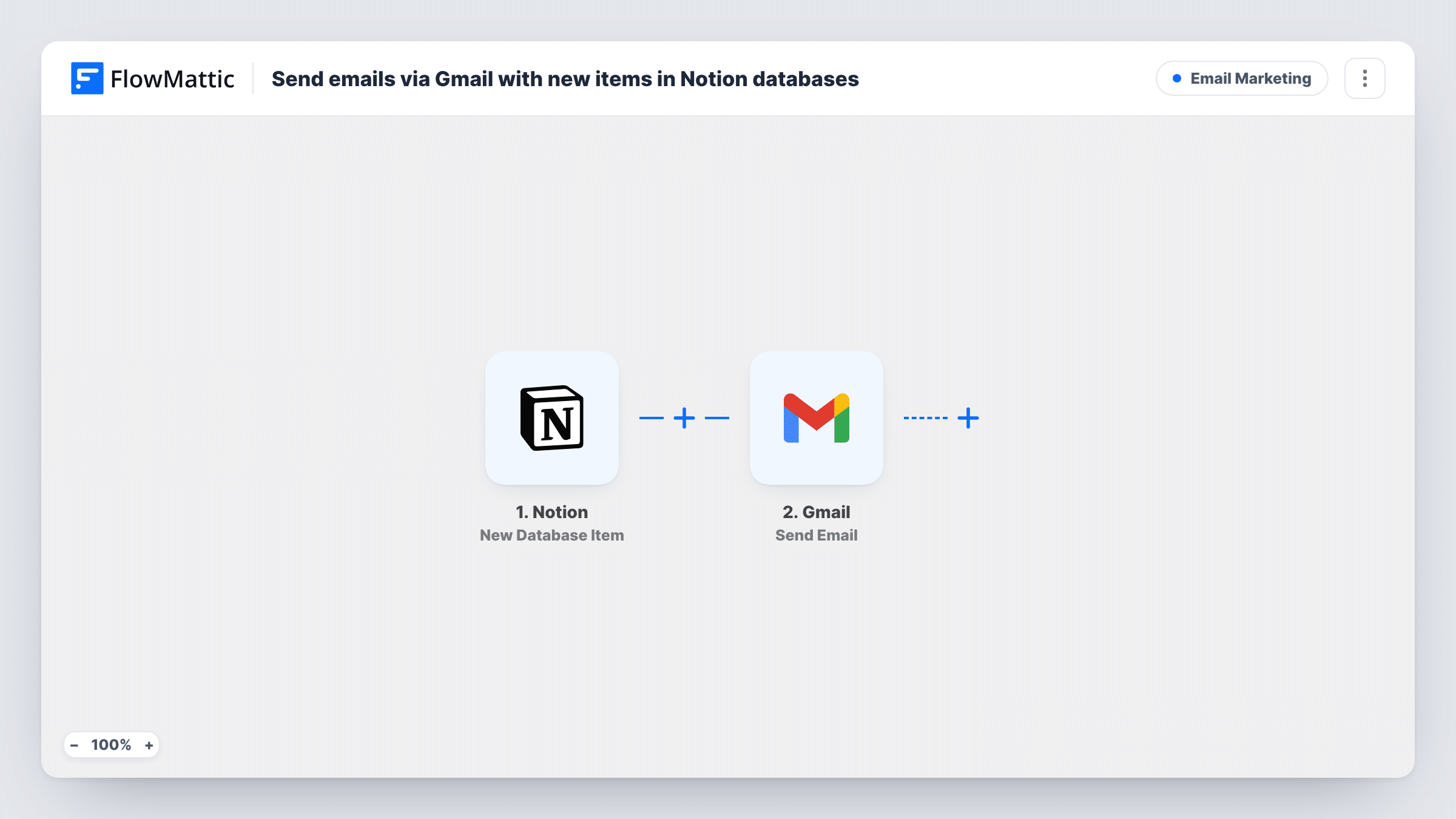
When a new item is created in a Notion database, FlowMattic sends an email through your Gmail account with the item’s properties placed in the message, so people hear about new entries without opening Notion.
 Notion
 Gmail
Gmail2 steps Setup ~5 min Used on 1.2k sites Free to import
What this workflow does
Teams use Notion databases for requests, content plans, bug lists and client records. New items are easy to miss unless someone checks the database. This workflow sends an email through Gmail the moment an item appears.
The trigger is New Database Item, which fires when a new item is created in the Notion database you connect. Its properties, such as the title, a status or an assignee, become data you can map. The Gmail step then sends the email: you set who receives it, write a subject and body, and place the Notion values where you want them.
Each new item sends one email. Edits to items that already exist do not, since the trigger only reacts to new ones. The message comes from your connected Gmail account, so replies come back to you, and Task History shows every email the workflow sent.
New requests in a team intake database
Colleagues file requests in a Notion database. Each new request emails the person who handles intake, with the request title and details in the message.
Content calendar entries
When a writer adds an article idea to the content database, the editor gets an email with the working title and planned date.
Client records for an account manager
Adding a client to the Notion CRM database sends the account manager an email with the client's name and contact details.
How this workflow runs
What happens at each step once the workflow is on, and what you need before you import it.
 Notion New Database Item
Starts whenever someone adds an item to the linked Notion database. The item's properties are passed on so you can use them in the email.
- Gmail Send Email
Sends an email through your Gmail account for each new Notion item. Choose the recipient, write the subject and body, and map Notion properties into them.
What you need
- FlowMatticCore
- Notion AccountAccount
- Gmail AccountAccount
After importing, map your own data. To keep the template universal, not every step is pre-filled. Open each step in the builder and connect your accounts and fields (channels, lists, sheets, recipients) before you switch the workflow on.
Make it yours
Changes worth making after you import it.
- Add a Filter after the Notion trigger so only items with a certain property value, such as a Priority of High, send an email.
- If a Notion property holds an email address, map it as the Gmail recipient so each item's message goes to the person named on it.
- Add an item to the database after import so FlowMattic captures its properties, then map them into the Gmail step before switching on.
Questions about this workflow
Does editing an existing Notion item send an email?
No. The trigger is New Database Item. Notion's Updated Database Item trigger in FlowMattic covers changes if you want those emailed as well.
Does FlowMattic need access to the Notion database?
Yes. The Notion account you connect must be able to see the database, so share it with the connection when Notion asks you to choose pages.
Can one new Notion item email several people?
Add each address in the recipient of the Gmail step if it accepts more than one, or add another Gmail step with its own recipient. Test after import.
Which Gmail account sends the Notion alerts?
Whichever Gmail inbox you link during import sends them, and copies sit in that inbox's Sent folder.
More Email Marketing workflows
Other ready-to-import templates from the same category.



Import this workflow into your WordPress site
Download the JSON, import it from the Workflows screen and connect your accounts. Every run stays on your server, with no per-task fees.
30-day money-back guarantee Unlimited workflows and runs Self-hosted