

Create new Airtable records for new Fluent Form submissions
Turn each Fluent Forms submission into a new Airtable record, with the answers mapped to the fields of the base and table you choose, so your team can sort, assign and track entries in Airtable.
 Fluent Forms
 Airtable
2 steps Setup ~5 min Used on 3.3k sites Free to import
What this workflow does
Fluent Forms keeps entries in your WordPress dashboard, which suits one person checking them. Once a team needs to assign entries, add notes or build views around them, Airtable is the better home. This workflow copies every submission there without exports or copy and paste.
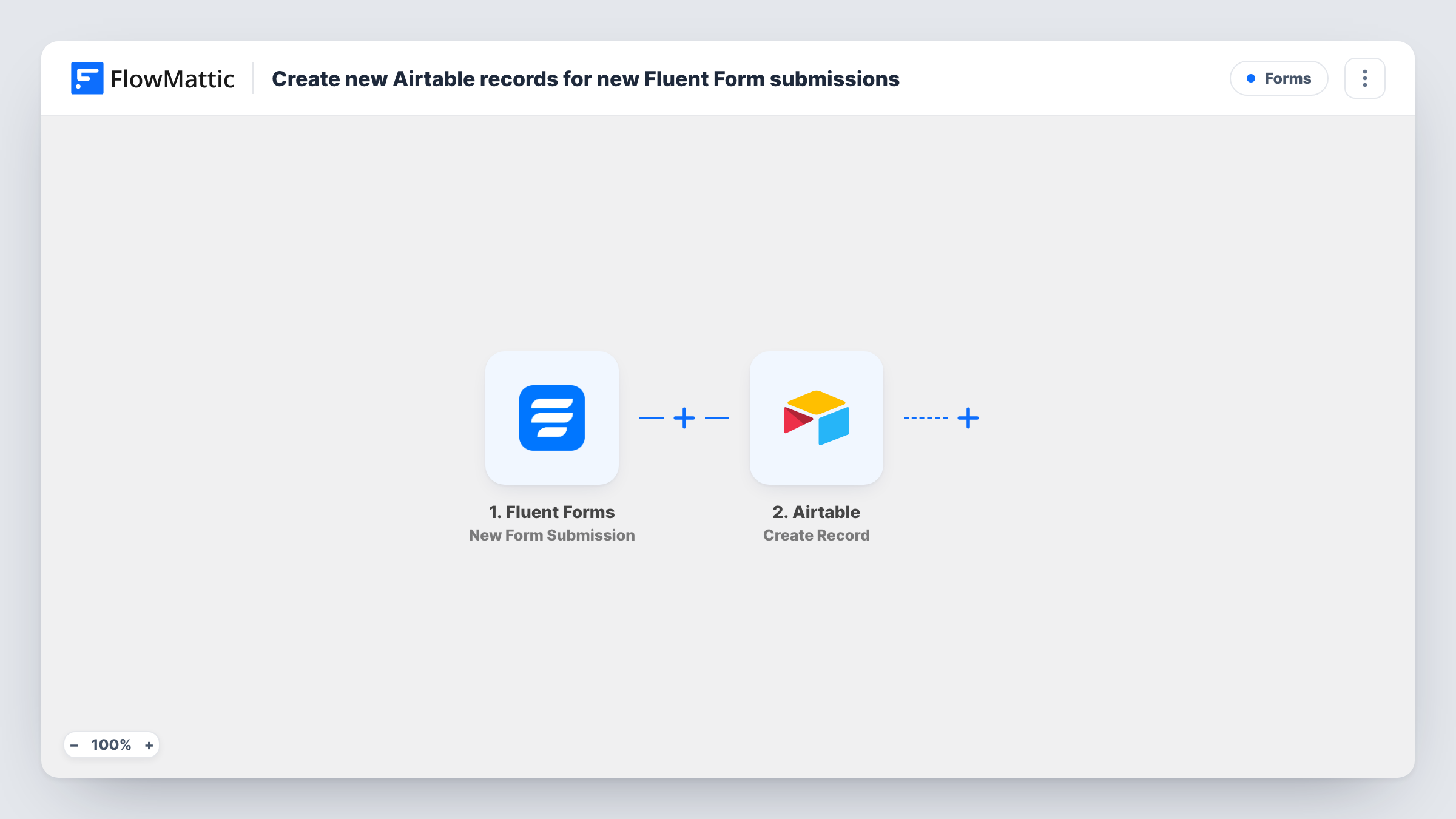
When a visitor sends a Fluent Forms form, the trigger hands every answer to FlowMattic. The Airtable Create Record action then adds a record to the table you select, using the values you mapped to its fields. Fluent Forms still saves the entry on your site as usual, so you end up with the same data in both places.
The template creates a record for every submission it receives. It does not look for an earlier record with the same email, so a person who submits twice appears twice in the table. Task History keeps a log of each run, including any error Airtable returns, such as a value that does not suit the field it was mapped to.
Applications reviewed by a hiring panel
Candidates apply through a Fluent Forms form. Each application lands in an Airtable table where reviewers add ratings and move it through interview stages.
Content submissions for an editorial team
Guest writers pitch ideas through a form on your site. Editors see each pitch as an Airtable record and track it from idea to published.
Partner or vendor sign-ups
Businesses register as partners through a Fluent Forms form, and the partnerships team keeps every registration in one Airtable base with its own status field.
How this workflow runs
What happens at each step once the workflow is on, and what you need before you import it.
 Fluent Forms New Form Submission
Runs each time someone completes and sends one of your Fluent Forms forms. Each answer becomes a value you can map in the Airtable step.
- Airtable Create Record
Adds one record to the Airtable table you choose, in the base it belongs to. Connect your Airtable account, then map form answers to the table's fields. A test run shows whether each value is accepted.
What you need
- FlowMatticCore
- Fluent Forms PluginPlugin
- Airtable AccountAccount
After importing, map your own data. To keep the template universal, not every step is pre-filled. Open each step in the builder and connect your accounts and fields (channels, lists, sheets, recipients) before you switch the workflow on.
Make it yours
Changes worth making after you import it.
- Match field types before you map. A form date sent to an Airtable text field works, but text sent to a number or date field may be rejected, so check the first test record.
- Add a single select or status field in Airtable with a default value, so every new record starts in your first stage without any mapping.
- If one site has several Fluent Forms forms and only one should feed Airtable, add a Filter after the trigger that checks a value only that form submits, such as a hidden field.
Questions about this workflow
Will a repeat Fluent Forms submission update the Airtable record?
No. The Airtable step only creates records, so each submission adds a new one. To merge repeats, add an Airtable Search Record step before it and a Router that sends found records to Update Record and the rest to Create Record.
Does Fluent Forms keep its own copy of the entry?
Yes. Fluent Forms stores the entry on your site as it always does. The workflow reads the submission and sends a copy to Airtable, so deleting one copy leaves the other in place.
Can file uploads from the form go to Airtable?
The upload field sends whatever value Fluent Forms provides for it, which you can map like any other answer. Submit a test entry with a file and check how the value looks in Airtable.
What if I rename a field in Airtable later?
Open the Create Record step and check the mapping after the change. Run a test submission to confirm the record still fills as expected.
More Forms workflows
Other ready-to-import templates from the same category.







Import this workflow into your WordPress site
Download the JSON, import it from the Workflows screen and connect your accounts. Every run stays on your server, with no per-task fees.
30-day money-back guarantee Unlimited workflows and runs Self-hosted