

Create new site in MainWP when webhook data is received
When another system posts site details to this workflow’s webhook URL, FlowMattic adds that site to your MainWP dashboard, so new client sites can be connected without opening MainWP.
 Webhook
 MainWP
2 steps Setup ~5 min Used on 3.5k sites Free to import
What this workflow does
Adding a site to MainWP by hand is quick once, but it adds up when sites come from an order form, a provisioning script or a client portal. This workflow lets any of those systems hand the site over to MainWP for you.
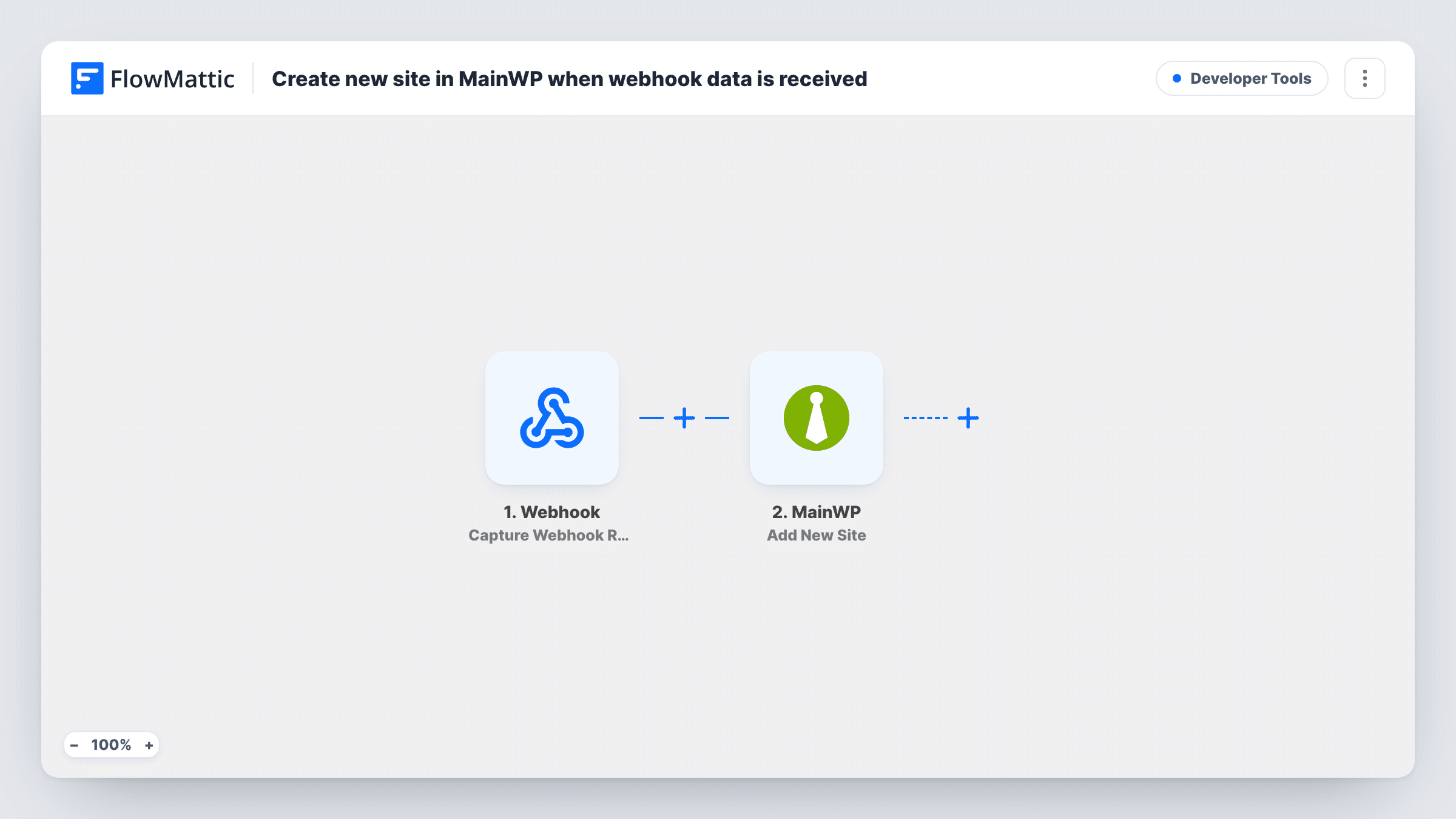
Step one is a Webhook that gives you a unique URL. Your other system sends the new site's details to it, and FlowMattic captures whatever arrives. The MainWP step then runs Add New Site, using the values you map from the webhook data.
MainWP connects to a site through the MainWP Child plugin, so the site you send must have it installed and active before the request arrives. Build the payload to carry every detail the Add New Site step asks for, then test with one real site. If MainWP can't connect, Task History shows its response on that step.
Hosting sign-up that provisions WordPress
Your provisioning script installs WordPress and the MainWP Child plugin, then posts the site details to the webhook so it appears in your dashboard.
Client portal hand-off
A client enters their site details in your portal, which sends them to FlowMattic, and the site is added to MainWP for maintenance.
Moving sites from a spreadsheet
A small script reads a list of sites and posts each one to the webhook, adding them to MainWP one by one.
How this workflow runs
What happens at each step once the workflow is on, and what you need before you import it.
 Webhook Capture Webhook Response
Gives you a webhook URL and captures any data posted to it. Send one sample request with a real site's details after import so FlowMattic records the fields for mapping.
- MainWP Add New Site
Adds a new site to MainWP using the values you map from the webhook data. Run a test to see which details the step needs, and include all of them in your payload.
What you need
- FlowMatticCore
- MainWP AccountAccount
After importing, map your own data. To keep the template universal, not every step is pre-filled. Open each step in the builder and connect your accounts and fields (channels, lists, sheets, recipients) before you switch the workflow on.
Make it yours
Changes worth making after you import it.
- Install and activate the MainWP Child plugin on each site before your system posts it, since MainWP connects through that plugin.
- Add a MainWP Sync Single Site step after Add New Site so the new site's data is pulled into the dashboard straight away, if a test shows the site ID is returned.
- Switch on the Webhook trigger's Require authentication on incoming requests setting before going live, since this endpoint creates sites. Your systems then send the authentication key with each request.
Questions about this workflow
What data does my system need to send to add a MainWP site?
Whatever the Add New Site step needs to connect the site. Open the step after import, see which values it asks for, and make your payload carry each of them.
Does the site need anything installed before MainWP can add it?
Yes. MainWP manages sites through its Child plugin, so install and activate MainWP Child on the site first.
What if the site is already in MainWP?
The step tries to add it again. MainWP may refuse a site it already manages; Task History shows the response, so test with a site you have not added yet.
Can anyone add sites by posting to the webhook URL?
Not once authentication is on. With it off, anyone holding the URL can send data and start a run. Enable Require authentication on incoming requests in the Webhook trigger, using a key or the sender's signature, and keep the URL private.
More Developer Tools workflows
Other ready-to-import templates from the same category.







Import this workflow into your WordPress site
Download the JSON, import it from the Workflows screen and connect your accounts. Every run stays on your server, with no per-task fees.
30-day money-back guarantee Unlimited workflows and runs Self-hosted