

Create Shopify customers from new Jotform submissions
Every new Jotform submission becomes a customer record in your Shopify store, using the name, email and other details you map from the form, so sign-ups are ready for store marketing and orders.
 Jotform
 Shopify
2 steps Setup ~5 min Used on 861 sites Free to import
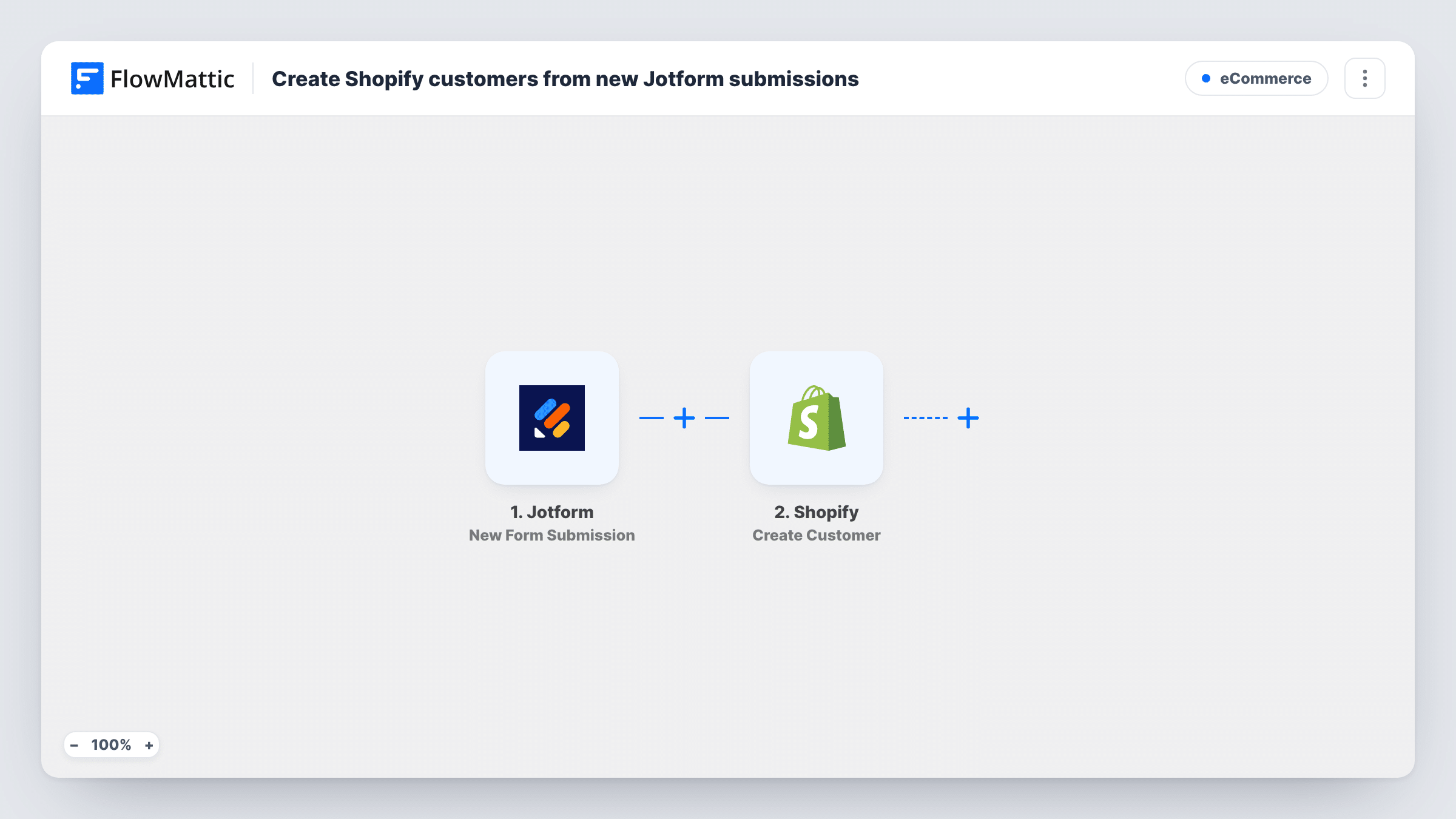
What this workflow does
Jotform is a common way to collect sign-ups, wholesale applications or event registrations. If those people should also exist in your Shopify store, copying each one into the admin is slow and error-prone. This workflow creates the Shopify customer for you whenever a form is submitted.
The Jotform trigger fires on each new form submission. FlowMattic passes the answers to Shopify, whose Create Customer action adds a new customer to your store. You map the form fields, such as first name, last name and email, to the customer details the step offers.
The step creates customers; it does not look for existing ones. If someone who is already a customer submits the form again, Shopify may refuse the duplicate, and that run will show Shopify's response in Task History. Nothing else in your store changes, and no order is created.
Wholesale account applications
Retailers apply through a Jotform. Each application creates a Shopify customer you can then tag or approve for wholesale pricing in your store.
Pop-up shop and market sign-ups
Visitors fill in a Jotform on a tablet at your stall, and each one is added as a Shopify customer for your next email campaign.
Pre-launch waiting list
Before a product launch, a Jotform collects interested buyers. They already exist as customers in Shopify when the store opens.
How this workflow runs
What happens at each step once the workflow is on, and what you need before you import it.
 Jotform New Form Submission
Runs when a new submission arrives on the Jotform form you connect. Every answer from the form is passed on for mapping.
- Shopify Create Customer
Creates a new customer in your Shopify store from the mapped Jotform answers. Use a test submission to see which customer details the step accepts.
What you need
- FlowMatticCore
- Jotform AccountAccount
- Shopify AccountAccount
After importing, map your own data. To keep the template universal, not every step is pre-filled. Open each step in the builder and connect your accounts and fields (channels, lists, sheets, recipients) before you switch the workflow on.
Make it yours
Changes worth making after you import it.
- Make the email question required in Jotform, so every run has an address to create the Shopify customer with.
- If your form asks for marketing consent, add a Filter after the trigger so only people who agreed are created as customers.
- Add a Google Sheets or email step after Shopify to log each new customer for whoever reviews sign-ups.
Questions about this workflow
What happens if the Jotform email already belongs to a Shopify customer?
The step only creates customers. Shopify may refuse a duplicate email address, and Task History shows its response for that run.
Does this create a Shopify order?
No. It only adds a customer record. Orders are not touched.
Will old Jotform submissions be imported into Shopify?
No. Only submissions made after you turn the workflow on create customers.
More E-Commerce workflows
Other ready-to-import templates from the same category.






Import this workflow into your WordPress site
Download the JSON, import it from the Workflows screen and connect your accounts. Every run stays on your server, with no per-task fees.
30-day money-back guarantee Unlimited workflows and runs Self-hosted