

When a SendOwl refund is issued, record it in Airtable and notify finance in Slack
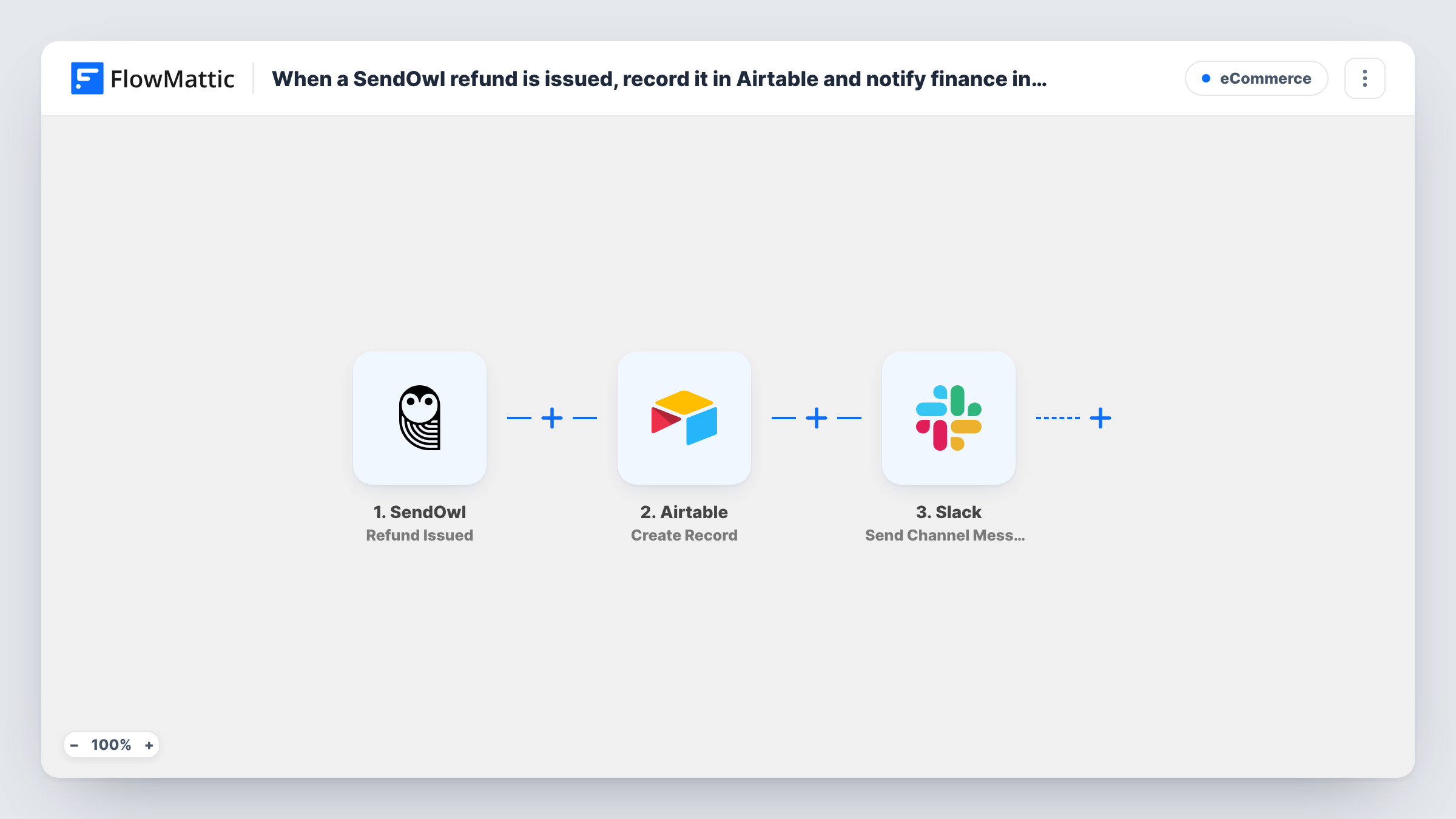
Each refund issued in SendOwl adds a new record to your Airtable base and then posts a note to your finance channel in Slack, so the books and the team both hear about it straight away.
 SendOwl
 Airtable
 Slack
Slack3 steps Setup ~5 min Used on 1.1k sites Free to import
What this workflow does
Refunds change your numbers, and finance usually finds out late, when the payout looks smaller than expected. Logging each one as it happens gives you a clean list to reconcile against, and a quick message lets the team look into why the buyer asked for their money back. This workflow handles both for every SendOwl refund.
The SendOwl trigger fires when a refund has been issued to a buyer, which also removes their access to download the purchase. The refund details become values you can map. Airtable then runs Create Record to add a new record to your refunds table. Last, Slack posts a message to a channel, using the same refund details or values the Airtable step returned.
Every refund runs both steps, whatever the amount. The workflow records and reports refunds; it doesn't issue them or change anything in SendOwl. Task History shows each run, including what Airtable and Slack returned.
Monthly refund review
At month end, finance groups the Airtable refunds by product to spot which downloads are returned most and why.
Support follow-up on refunded buyers
A support lead sees each refund in the Slack channel and reaches out to the buyer to learn what went wrong with the file or course.
Reconciling payouts
Your bookkeeper matches the Airtable refund records against SendOwl payouts, instead of searching the dashboard order by order.
How this workflow runs
What happens at each step once the workflow is on, and what you need before you import it.
 SendOwl Refund Issued
Fires when SendOwl issues a refund to a buyer, at which point their download access ends. The refund and order details become values for the next two steps.
- Airtable Create Record
Adds a new record to your Airtable refunds table. Map refund values, such as the order reference, buyer email and amount if SendOwl sends them, to the table's fields and connect Airtable on import.
- Slack Send Channel Message
Posts a message to a Slack channel for finance. Compose the text from refund details or the new Airtable record, then connect your Slack workspace on import.
What you need
- FlowMatticCore
- SendOwl AccountAccount
- Airtable AccountAccount
- Slack AccountAccount
After importing, map your own data. To keep the template universal, not every step is pre-filled. Open each step in the builder and connect your accounts and fields (channels, lists, sheets, recipients) before you switch the workflow on.
Make it yours
Changes worth making after you import it.
- Add an Airtable field for the refund reason and fill it in by hand later, so the table becomes a record of why buyers asked for refunds.
- If the refunds channel is private, swap the Slack step for Send Private Channel Message, since Send Channel Message is for regular channels.
- Issue a refund on a low-priced test order after import so FlowMattic captures the SendOwl values before you map Airtable and Slack.
Questions about this workflow
Does this workflow issue SendOwl refunds?
No. It only reacts to refunds you or SendOwl have already issued. The refund itself, and the end of download access, happen in SendOwl.
Can the finance message in Slack show the refund amount?
Yes, if SendOwl sends it with the refund. The Slack step ships unmapped, so after a test refund you write the message and map in the values finance wants, such as the amount and order reference.
Are SendOwl refunds made before import added to Airtable?
No. Only refunds issued after you turn on the workflow start a run. Earlier refunds can be added to the table manually.
More E-Commerce workflows
Other ready-to-import templates from the same category.






Import this workflow into your WordPress site
Download the JSON, import it from the Workflows screen and connect your accounts. Every run stays on your server, with no per-task fees.
30-day money-back guarantee Unlimited workflows and runs Self-hosted