

Add user to access group in SureMembers, for an order that paid in SureCart
When a SureCart order is marked paid, FlowMattic finds the buyer’s WordPress account by email and adds that user to the SureMembers access group you choose.
 Surecart
 WordPress
 SureMembers
3 steps Setup ~5 min Used on 1.7k sites Free to import
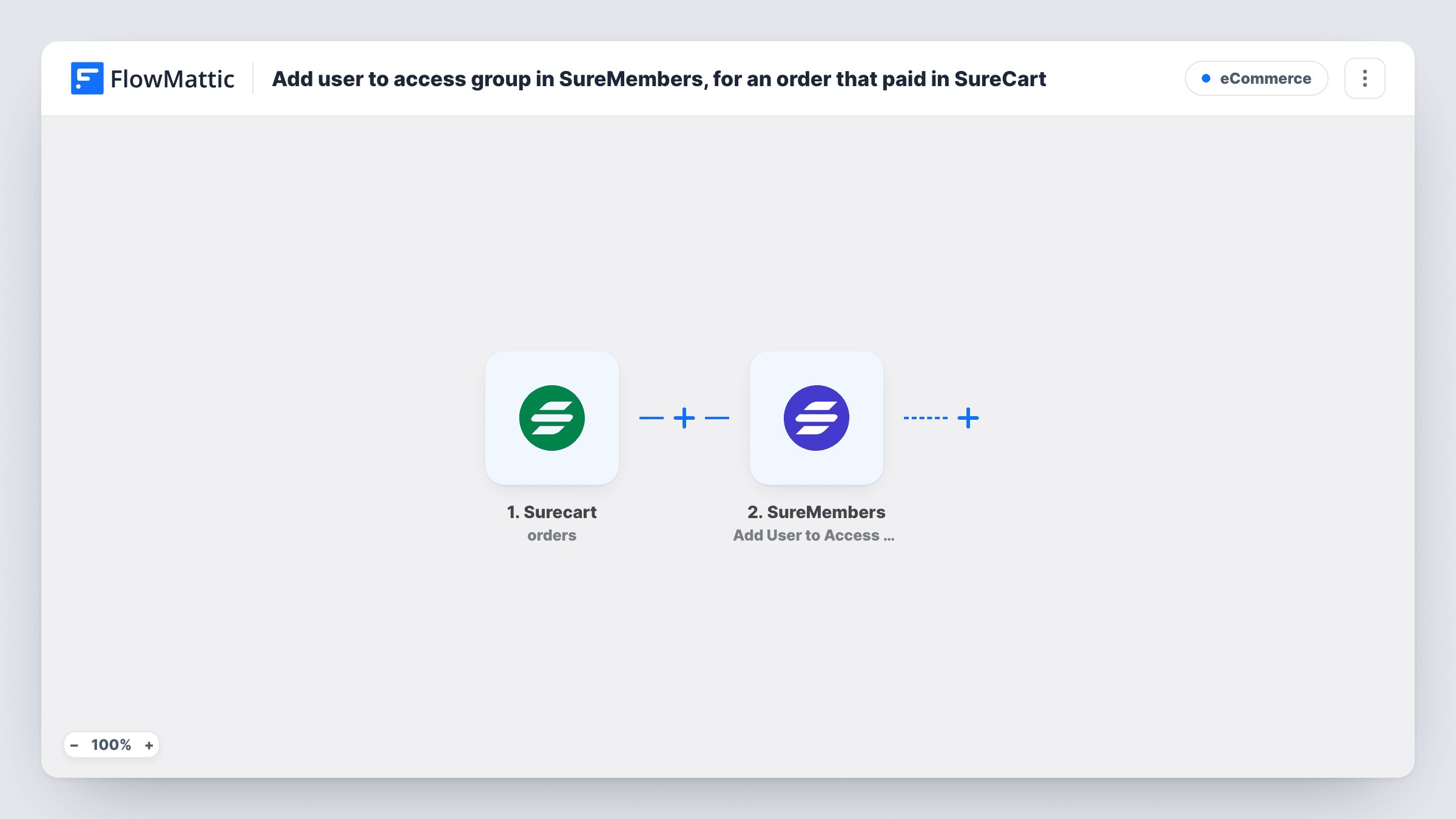
What this workflow does
Selling access with SureCart and protecting content with SureMembers works best when payment and access are linked. Without that link, someone has to check each paid order and add the buyer to the right group by hand. This workflow grants the group as soon as SureCart reports the payment.
The SureCart trigger fires when an order's status changes to paid. The order's customer details, including the email address, are passed on.
Next, the WordPress step looks up the user account that has the buyer's email. SureMembers grants access to WordPress users, so this lookup is what connects the order to a person on your site. Map the customer's email from the order into it after import.
The SureMembers step then adds that user to an access group. Pick the group and map the user ID from the lookup step. You set up both the lookup and the group step yourself after import. The lookup only finds buyers who already have a WordPress account under the same email, so place a test order and check Task History to confirm that a user ID came back.
Course access after payment
A course creator sells a program through SureCart, and the buyer is added to the SureMembers group that opens the lessons once the order is paid.
Paid community membership
A private forum puts each paying customer into its Members group, so the protected discussion pages open up after checkout.
Download area for digital products
A template shop keeps its files behind a SureMembers group and grants it to every customer whose SureCart order goes through.
How this workflow runs
What happens at each step once the workflow is on, and what you need before you import it.
 Surecart Order paid
Starts a run as soon as SureCart moves an order to paid. The order and customer details, such as the buyer's email address, become available to the next steps.
- WordPress Get User by Email
Looks up the WordPress user profile that matches an email address. Map the customer's email from the SureCart order after import; the step returns that user's details, including the user ID.
- SureMembers Add User to Access Group
Adds a WordPress user to a SureMembers access group. Choose the group and map the user ID returned by the lookup step; neither is filled in when you import it.
What you need
- FlowMatticCore
- SureCart AccountAccount
- SureMembers PluginPlugin
After importing, map your own data. To keep the template universal, not every step is pre-filled. Open each step in the builder and connect your accounts and fields (channels, lists, sheets, recipients) before you switch the workflow on.
Make it yours
Changes worth making after you import it.
- If you sell several products, put a Filter between the SureCart trigger and the Get User by Email step that checks the product or price on the order, so only the right purchase opens the group.
- Import the workflow once per product and access group when different products grant different content, and give each copy its own Filter.
- Place a test order with an email that has a WordPress account, then check Task History to see the user ID the lookup step returned before you go live.
Questions about this workflow
Does the SureCart buyer need a WordPress account?
Yes. SureMembers adds WordPress users to access groups, and the lookup step finds the account by email. A buyer with no WordPress account under the order's email can't be matched, so check Task History after a test order.
Which SureMembers group does the buyer join?
The one you pick in the Add User to Access Group step. The template doesn't set it, so choose the group after import.
What happens when a customer buys a second time?
Each paid order starts a run, so the buyer is looked up and added to the group again. Use a Filter on the product between the SureCart trigger and the lookup step if only certain purchases should grant access.
More E-Commerce workflows
Other ready-to-import templates from the same category.





Import this workflow into your WordPress site
Download the JSON, import it from the Workflows screen and connect your accounts. Every run stays on your server, with no per-task fees.
30-day money-back guarantee Unlimited workflows and runs Self-hosted