

When a new order is created in WooCommerce, create record in Teable
Every new WooCommerce order is added as a record in a Teable table, with the order details you map, so you can sort, filter and report on sales outside WordPress.
 WooCommerce
 Teable
2 steps Setup ~5 min Used on 1.6k sites Free to import
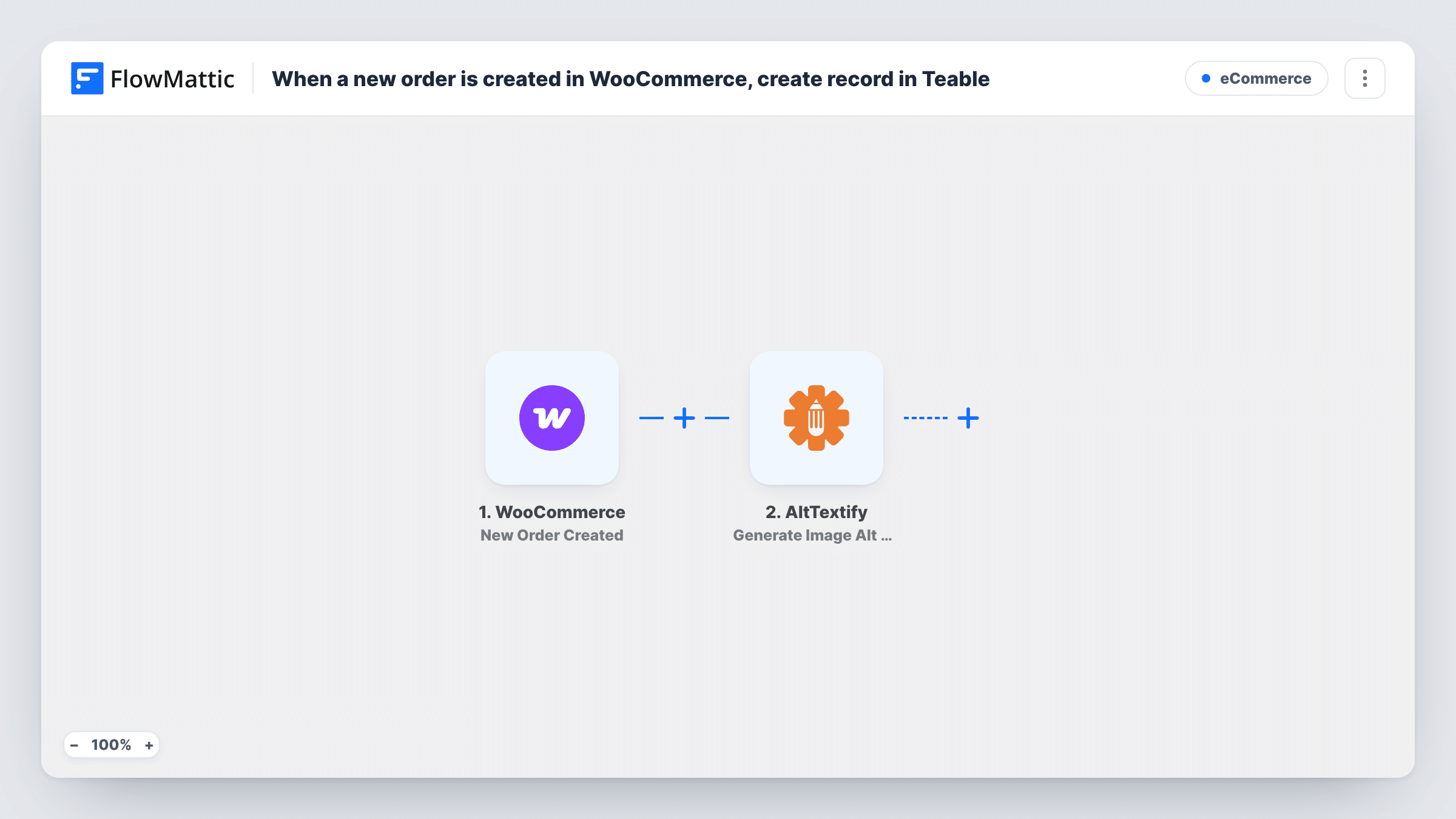
What this workflow does
The WooCommerce orders screen is fine for fulfilling orders, but it isn't built for slicing sales data or sharing it with people who shouldn't have store access. Teable gives you a database table with views, filters and collaboration. This workflow writes each new order into a Teable table as soon as it is created.
The WooCommerce New Order Created trigger fires when an order is created in your store, and passes the order data on: the order number, customer and billing details, totals and more. Each order is one run.
The Teable Create Record step then adds one record to the table you choose. It ships unmapped: after import you connect Teable, pick the table and map the WooCommerce values into your fields. Set the table up first with a field for each order value you want to keep.
The record is a snapshot of the order when it was created. Later changes in WooCommerce, such as a new order status or a refund, don't start a run, and each order makes one record, not one per product. Place a test order and check Task History to see what WooCommerce sent and what Teable returned.
Sales table for a growing shop
A store owner keeps every order in Teable and builds views for this week's orders, high-value orders and orders by country.
Order list for a fulfilment partner
A shop shares a Teable view with the warehouse team, who see new orders and customer details without a WordPress login.
Customer purchase history
A small brand groups Teable records by customer email to see who orders often and plan offers for loyal buyers.
How this workflow runs
What happens at each step once the workflow is on, and what you need before you import it.
 WooCommerce New Order Created
Fires as soon as your WooCommerce store records a new order, one run per order. Its number, customer, billing details and totals become available to map into Teable.
- Teable Create Record
Creates a new record in the Teable table you pick. The step ships unmapped: connect Teable, choose the table and map the WooCommerce order values into your fields.
What you need
- FlowMatticCore
- WooCommerce PluginPlugin
- Teable AccountAccount
After importing, map your own data. To keep the template universal, not every step is pre-filled. Open each step in the builder and connect your accounts and fields (channels, lists, sheets, recipients) before you switch the workflow on.
Make it yours
Changes worth making after you import it.
- Create the Teable fields before you set up the step, with the right types, such as number for the order total and date for the order date, so sorting and sums work.
- Map the WooCommerce order ID into its own field, which makes it easy to find a specific order in Teable later.
- For a record per product instead of per order, put an Iterator over the order's line items between the WooCommerce trigger and the Teable step.
Questions about this workflow
Does the Teable record update when a WooCommerce order status changes?
No. The New Order Created trigger fires once, when the order is created. Status changes and refunds later on don't start a run, so the record keeps its first values.
Do I need a Teable table ready before importing?
Yes. The Create Record step adds records to an existing table, so create it with the fields you want, then pick it and map the order values after import.
Are orders from before I turn on the workflow added to Teable?
No. The trigger only sees orders placed once the workflow is switched on. Add earlier orders to the Teable table separately if you want a full history.
More E-Commerce workflows
Other ready-to-import templates from the same category.







Import this workflow into your WordPress site
Download the JSON, import it from the Workflows screen and connect your accounts. Every run stays on your server, with no per-task fees.
30-day money-back guarantee Unlimited workflows and runs Self-hosted