

When File Updated in Nifty PM, Create an Order in WooCommerce
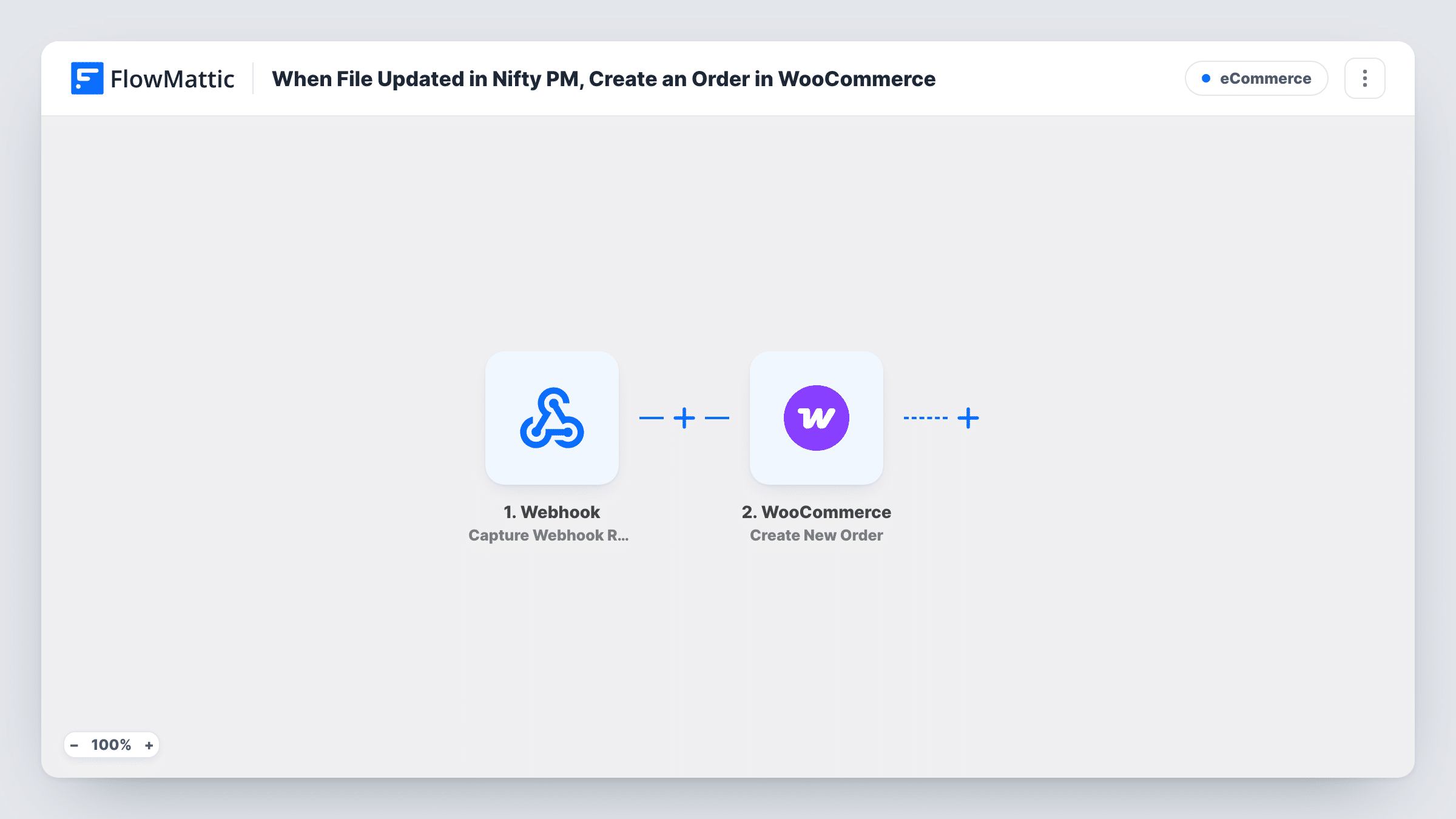
Each time a file is updated in Nifty PM, FlowMattic creates a new WooCommerce order from it, so a change to a project file can open an order in your store without manual entry.
 Nifty PM
 WooCommerce
2 steps Setup ~5 min Used on 2.9k sites Free to import
What this workflow does
Some teams keep the paperwork for a sale inside their project tool: an approved quote, a signed brief, a purchase sheet. When that file changes, someone usually has to open WooCommerce and key in an order. This workflow hands that job to FlowMattic and creates the order as soon as Nifty PM reports the change.
The Nifty PM trigger fires when a file is updated, and the file's data is passed on. The WooCommerce step then creates a new order. It ships unmapped, so after import you decide which customer, products and other order details the order gets, using values from the Nifty PM data or fixed values you type in.
Be clear about how often this runs. There is no Filter in the template, so every file update in the connected Nifty PM account starts a run, and every run creates another order. Editing the same file three times gives you three orders. If only some files should become orders, add a condition before the WooCommerce step, as the tips explain.
Run a test update on a file you don't mind, then check Task History for the Nifty PM data and the order WooCommerce returned before you turn the workflow on.
Approved quote becomes a store order
An agency updates a quote file in Nifty PM once the client signs off, and a WooCommerce order for the agreed package appears so billing can start.
Print shop job sheets
A print studio keeps each job's artwork file in Nifty PM. When the final version is uploaded over the draft, an order is created in the shop for that job.
Service bookings tracked as orders
A consultancy that sells fixed-price services through WooCommerce records the work in its store each time the project's scope file is revised and approved.
How this workflow runs
What happens at each step once the workflow is on, and what you need before you import it.
 Nifty PM File Updated
Fires whenever a file is updated in your Nifty PM account. The details Nifty PM sends about the file are handed to the WooCommerce step. Every update to any file starts a run.
- WooCommerce Create New Order
Creates a new order in WooCommerce on each run. The template leaves the order unmapped: after import, set the customer and products you want on it and map any Nifty PM values you need, then check a test run.
What you need
- FlowMatticCore
- Nifty PM AccountAccount
- WooCommerce PluginPlugin
After importing, map your own data. To keep the template universal, not every step is pre-filled. Open each step in the builder and connect your accounts and fields (channels, lists, sheets, recipients) before you switch the workflow on.
Make it yours
Changes worth making after you import it.
- Put a Filter between the Nifty PM trigger and the WooCommerce step that checks a value from the file data, such as a word in the file name, so only the files you mean to bill create orders. Check a test run to see which values Nifty PM sends.
- Keep order-related files in one Nifty PM project and use that project in your Filter condition, so updates elsewhere in the account create nothing.
- Copy a reference to the Nifty PM file, such as its name, into the order note or another order field you map, so staff can trace each order back to the file that started it.
Questions about this workflow
Will editing the same Nifty PM file twice create two WooCommerce orders?
Yes. Each file update is a separate run, and each run creates a new order. The template has no check for an order that already exists, so put a Filter between the trigger and the WooCommerce step if repeat updates shouldn't create orders.
Which products and customer does the WooCommerce order get?
The ones you set. The Create New Order step ships without mapping, so you choose the products and customer details after import, either as fixed values or from the Nifty PM data.
Does a new file uploaded to Nifty PM start this workflow?
This template uses the File Updated trigger, which fires when a file is updated. FlowMattic's Nifty PM integration has a separate File Created trigger if you want new uploads to create orders as well.
Does the Nifty PM order land in a remote store or this site's WooCommerce?
This site's. The WooCommerce step works with the WooCommerce plugin on the WordPress site where FlowMattic runs, so the order appears in that store's Orders screen.
More E-Commerce workflows
Other ready-to-import templates from the same category.







Import this workflow into your WordPress site
Download the JSON, import it from the Workflows screen and connect your accounts. Every run stays on your server, with no per-task fees.
30-day money-back guarantee Unlimited workflows and runs Self-hosted