

When a new Funnelish order arrives, add it to Google Sheets and send the customer a Gmail receipt
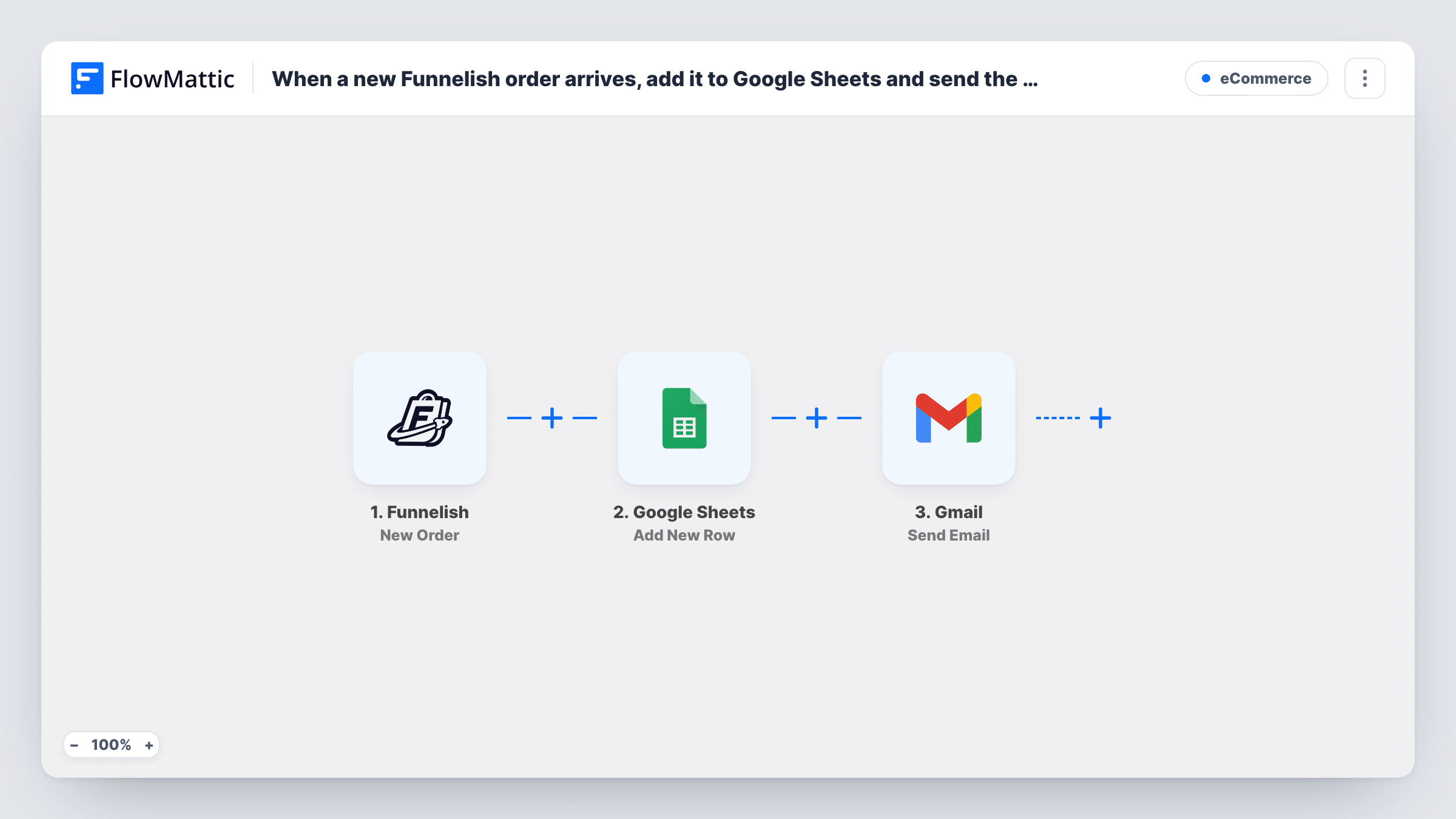
When a new order is created in Funnelish, this workflow adds it to a Google Sheets row and then emails the customer a receipt from your Gmail account, written from the order details.
 Funnelish
 Google Sheets
 Gmail
Gmail3 steps Setup ~5 min Used on 1.7k sites Free to import
What this workflow does
Funnelish takes the order, but you may still want two things it doesn't give you in your own tools: a spreadsheet of every sale and a receipt that comes from your own email address. This workflow handles both each time an order is created.
Each run begins with a fresh order in Funnelish. FlowMattic passes the order data to Google Sheets, which adds a row with the columns you map. The Gmail step then sends an email to the customer from your connected Gmail account, with the subject and body you write using the order fields.
The receipt is a plain email you compose in the step, not a generated invoice file. Put the details the customer needs in the message itself.
Personal receipts for a small funnel business
A coach sells a course through Funnelish and wants each buyer to get a receipt from their own Gmail address, with the sale also listed in a sheet.
Order log for bookkeeping
The sheet gives your bookkeeper every Funnelish order in one place, while customers get their receipt without anyone typing it.
Physical product orders
A store selling through a funnel logs orders in Sheets for packing, and the receipt email tells the buyer what they ordered.
How this workflow runs
What happens at each step once the workflow is on, and what you need before you import it.
 Funnelish New Order
Runs when a new order is created in your connected Funnelish account. The order data Funnelish sends is passed to the next two steps for mapping.
- Google Sheets Add New Row
Adds a row for the order to the Google Sheets spreadsheet you choose. Map the Funnelish order fields to your columns and connect your Google account.
- Gmail Send Email
Sends an email from your Gmail account to the customer. Map the buyer's email as the recipient and build the subject and body from the order details.
What you need
- FlowMatticCore
- Funnelish AccountAccount
- Google Sheets AccountAccount
- Gmail AccountAccount
After importing, map your own data. To keep the template universal, not every step is pre-filled. Open each step in the builder and connect your accounts and fields (channels, lists, sheets, recipients) before you switch the workflow on.
Make it yours
Changes worth making after you import it.
- Place a test order in your Funnelish funnel after import so FlowMattic captures the order fields, then map them in both steps before you turn the workflow on.
- If you need to attach a file such as a PDF, swap the Gmail step for FlowMattic's Email step, which can attach files stored on your WordPress site.
- Add a Delay before the Gmail step if you would rather the receipt arrive a few minutes after the order instead of straight away.
Questions about this workflow
Does Funnelish also send its own receipt?
This workflow doesn't change Funnelish settings. If Funnelish already emails buyers, they may get both, so check your Funnelish email setup.
Who receives the Gmail receipt for a Funnelish order?
The address you map as the recipient. The Gmail step ships unmapped, so place a test order first, then map the buyer's email from the Funnelish order data into it.
Can I attach a PDF invoice to the Funnelish receipt?
Not as built. The template sends the message you write and nothing else. To attach a file stored on your WordPress site, use FlowMattic's Email step instead.
Will repeat Funnelish buyers get a receipt each time?
Yes. Every new order runs the workflow, so each order gets its own row and its own receipt email.
More E-Commerce workflows
Other ready-to-import templates from the same category.







Import this workflow into your WordPress site
Download the JSON, import it from the Workflows screen and connect your accounts. Every run stays on your server, with no per-task fees.
30-day money-back guarantee Unlimited workflows and runs Self-hosted