

Create invoice in Flowlu for new orders in WooCommerce
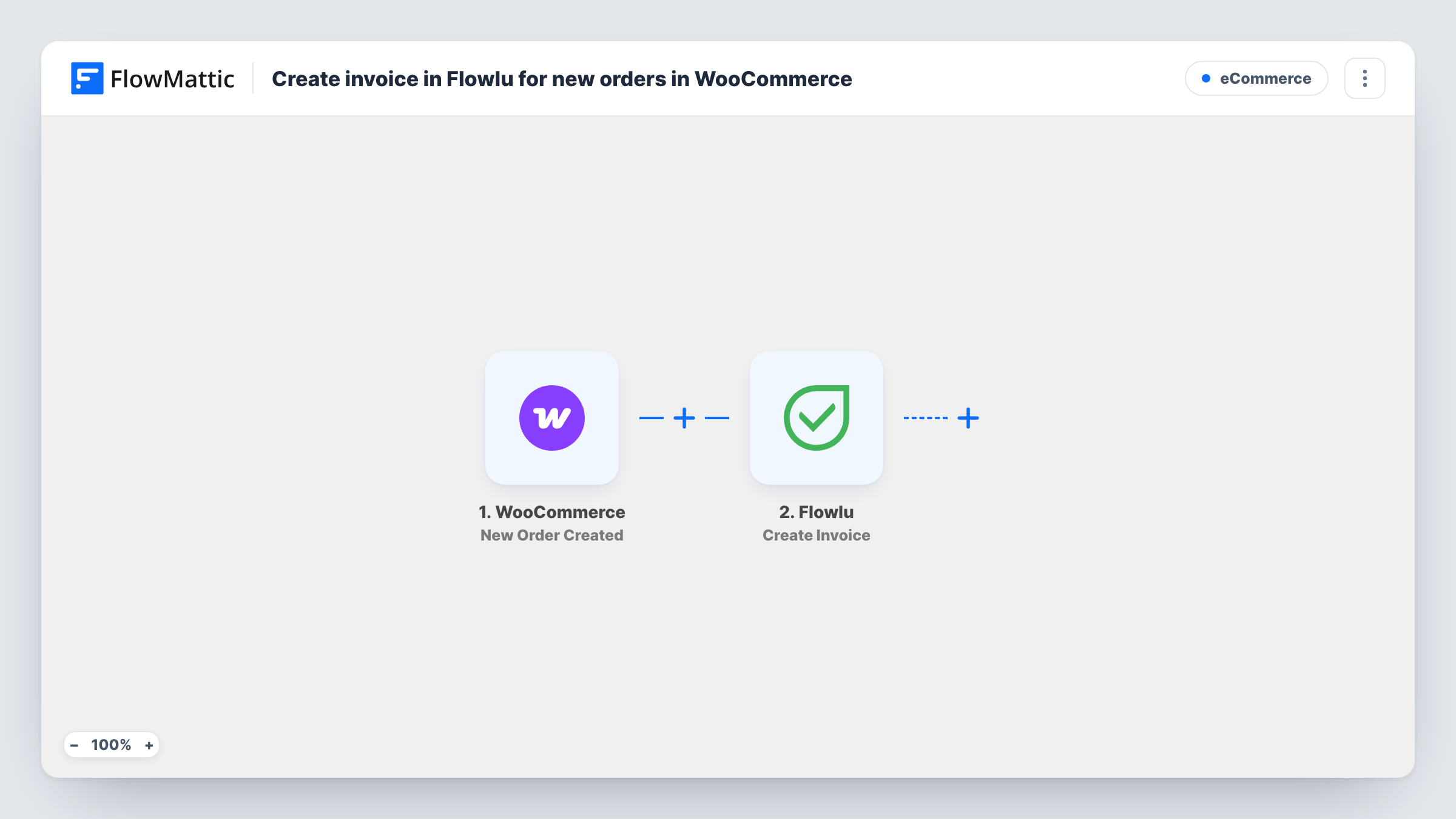
Each time a new WooCommerce order is created, this workflow creates an invoice in Flowlu from the order details, so your billing records in Flowlu keep pace with your shop.
 WooCommerce
 Flowlu
2 steps Setup ~5 min Used on 675 sites Free to import
What this workflow does
If you run your accounts and projects in Flowlu but sell through WooCommerce, every order means typing an invoice by hand. Totals get mistyped and orders get missed in busy weeks. This workflow creates the Flowlu invoice for you.
The WooCommerce trigger, New Order Created, fires when an order is created in your store. FlowMattic passes the order data to Flowlu, where Create Invoice makes a new invoice. You map order values, such as the total and the customer's details, into the invoice after import.
The trigger fires when the order is created, which is not the same as when it is paid. Orders that are later cancelled or refunded still have their Flowlu invoice, so decide whether you want a Filter on order status. Line items aren't added by this template; Flowlu has a separate Create Invoice Item action if you want them listed.
Service shops that bill in Flowlu
A studio sells consultation packages through WooCommerce and tracks client work in Flowlu. Each order creates the matching invoice where the team already works.
Wholesale orders with Flowlu accounting
Trade customers order through a WooCommerce store, and the invoices for those orders appear in Flowlu for your bookkeeper to follow up.
One place for all invoices
If some invoices start in Flowlu and others come from the shop, this keeps both kinds in Flowlu so reports cover all of them.
How this workflow runs
What happens at each step once the workflow is on, and what you need before you import it.
 WooCommerce New Order Created
Starts the run for each new WooCommerce order, before Flowlu sees anything. The order total, billing details and other order data move on for mapping into the invoice.
- Flowlu Create Invoice
Creates a new invoice in Flowlu from the WooCommerce order. Connect your Flowlu account on import, map the order values into the invoice, and check the result with a test order.
What you need
- FlowMatticCore
- WooCommerce PluginPlugin
- Flowlu AccountAccount
After importing, map your own data. To keep the template universal, not every step is pre-filled. Open each step in the builder and connect your accounts and fields (channels, lists, sheets, recipients) before you switch the workflow on.
Make it yours
Changes worth making after you import it.
- Add a Filter after the trigger that continues only when the order status is processing or completed, if you don't want invoices for unpaid orders.
- Add Flowlu Create Invoice Item after the invoice step to list what was bought; you need an Iterator over the order's line items to add one item per product.
- Put the WooCommerce order number into the invoice so you can match the two records later.
- Place one test order after import, then check Task History to see the Flowlu response before taking real orders.
Questions about this workflow
Does a WooCommerce order that is never paid still create a Flowlu invoice?
Yes, as imported. New Order Created fires when the order is created, whatever its payment status. Add a Filter on order status to limit it.
Are the WooCommerce products listed on the Flowlu invoice?
Not by this template, which only runs Create Invoice. Flowlu's Create Invoice Item action can add lines, usually with an Iterator over the order items.
Does the invoice link to a Flowlu customer account?
That depends on what you map in the Flowlu step. Run a test order and check the invoice in Flowlu to see how the customer details appear.
Will past WooCommerce orders be invoiced?
No. Orders placed before you switch the workflow on don't start a run.
More E-Commerce workflows
Other ready-to-import templates from the same category.






Import this workflow into your WordPress site
Download the JSON, import it from the Workflows screen and connect your accounts. Every run stays on your server, with no per-task fees.
30-day money-back guarantee Unlimited workflows and runs Self-hosted