

When a member pledge is created in Patreon, create a new customer in WooCommerce
When someone pledges to your Patreon as a member, this workflow creates a customer account for them in your WooCommerce store, ready for you to offer patron rewards or store perks.
 Patreon
 WooCommerce
2 steps Setup ~5 min Used on 388 sites Free to import
What this workflow does
Creators who run both a Patreon page and a WooCommerce shop often want patrons to have a store account, for rewards, discounts or merch. Setting those accounts up by hand for each new patron is tedious. This workflow does it as each pledge comes in.
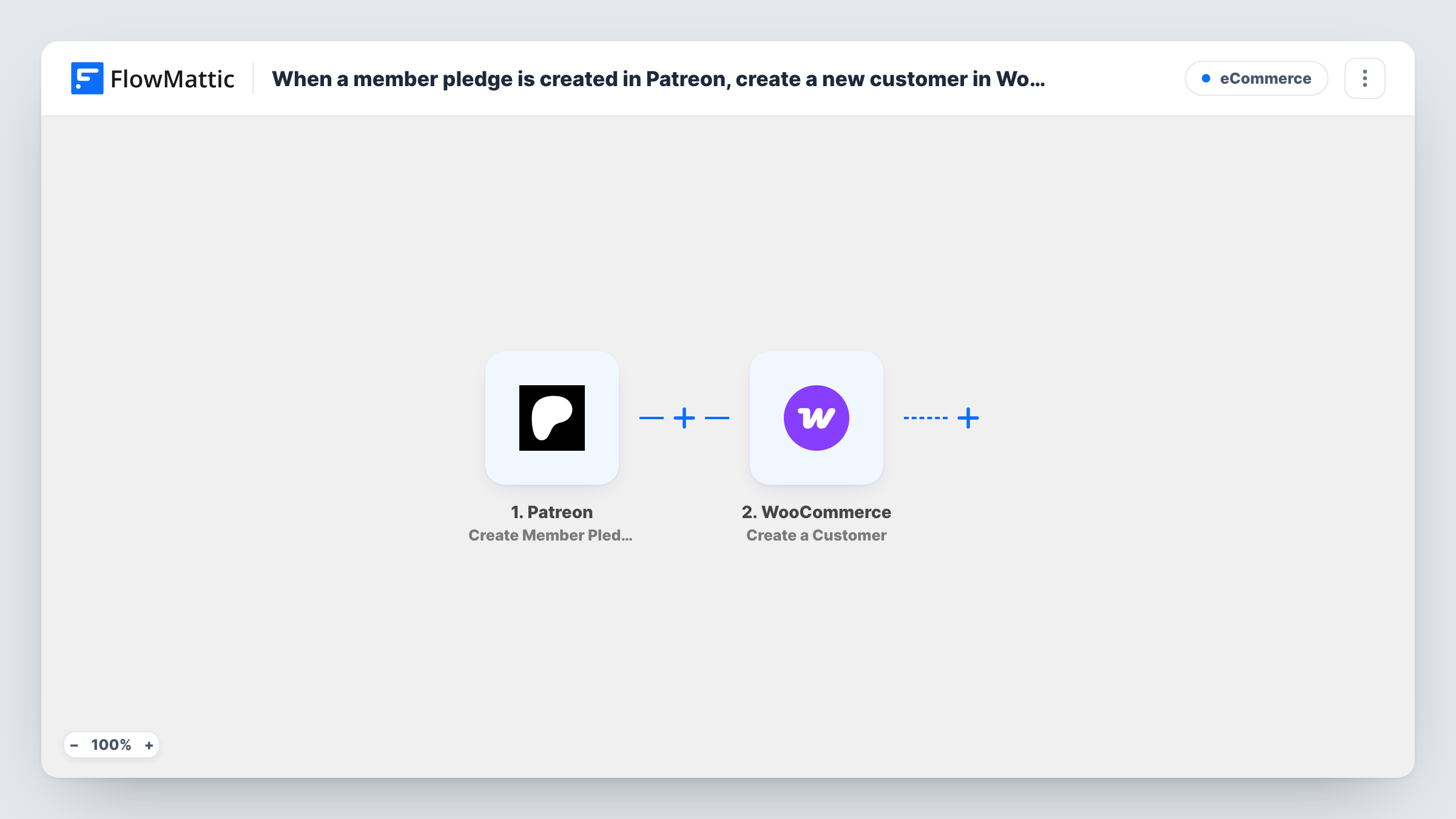
The Patreon trigger fires when a member pledge is created on your campaign. FlowMattic passes the member's data to WooCommerce, where the Create a Customer action adds a customer to your store. You map the patron's details, such as their email and name, into the new customer.
The customer is created on your own WordPress site, so no store data leaves it. The workflow does not send the patron a message or apply any reward by itself. Task History records each pledge that ran and whether the customer was created.
Patron-only merch discounts
New patrons get a WooCommerce customer account, and you can then target that group with a coupon you restrict to their email addresses.
Digital rewards in your shop
You deliver pledge rewards as downloadable products. Each patron already has a store account when you send them the download.
One customer list across both platforms
Your WooCommerce customer list includes everyone who pledges, so you can see patrons and shoppers in one place on your site.
How this workflow runs
What happens at each step once the workflow is on, and what you need before you import it.
 Patreon Create Member Pledge
Fires when a new member pledge is created on your Patreon campaign. The member's data becomes available to map in the WooCommerce step.
- WooCommerce Create a Customer
Creates a customer in your WooCommerce store from the Patreon member data. Map the patron's details into the customer, then test with a new pledge to confirm the account looks right.
What you need
- FlowMatticCore
- Patreon AccountAccount
- WooCommerce PluginPlugin
After importing, map your own data. To keep the template universal, not every step is pre-filled. Open each step in the builder and connect your accounts and fields (channels, lists, sheets, recipients) before you switch the workflow on.
Make it yours
Changes worth making after you import it.
- Add an email step after WooCommerce to welcome the new customer and tell them how to log in to your store.
- Add a Filter after the trigger if only certain pledge tiers should get a store account, if the Patreon event includes tier details. A test pledge shows what it carries.
- Make a test pledge after import so FlowMattic captures the Patreon member fields before you map them into the customer.
Questions about this workflow
What if the Patreon member already has a WooCommerce customer account?
WooCommerce won't create a second customer with the same email, so the step returns an error for that pledge. Task History shows it, and the existing account stays as it is.
Does the new WooCommerce customer get a password or login email?
The workflow only creates the customer. What WooCommerce sends next depends on your store's account settings, so check with a test pledge.
Are patrons who pledged before import added to WooCommerce?
No. Only member pledges created after you turn the workflow on create customers.
More E-Commerce workflows
Other ready-to-import templates from the same category.





Import this workflow into your WordPress site
Download the JSON, import it from the Workflows screen and connect your accounts. Every run stays on your server, with no per-task fees.
30-day money-back guarantee Unlimited workflows and runs Self-hosted