

Create spreadsheet rows in Google Sheets from new booking in BookingPress
Every appointment booked in BookingPress, from your booking form or from the admin side, is added as a new row in Google Sheets, giving you a running booking log you can share and report on.
 BookingPress
 Google Sheets
2 steps Setup ~5 min Used on 2.9k sites Free to import
What this workflow does
BookingPress keeps your appointments inside WordPress, which is fine for the person running the calendar. Owners, bookkeepers and staff often want the same data in a spreadsheet: to count bookings per service, check revenue, or plan shifts. This workflow writes each new booking to Google Sheets as it happens.
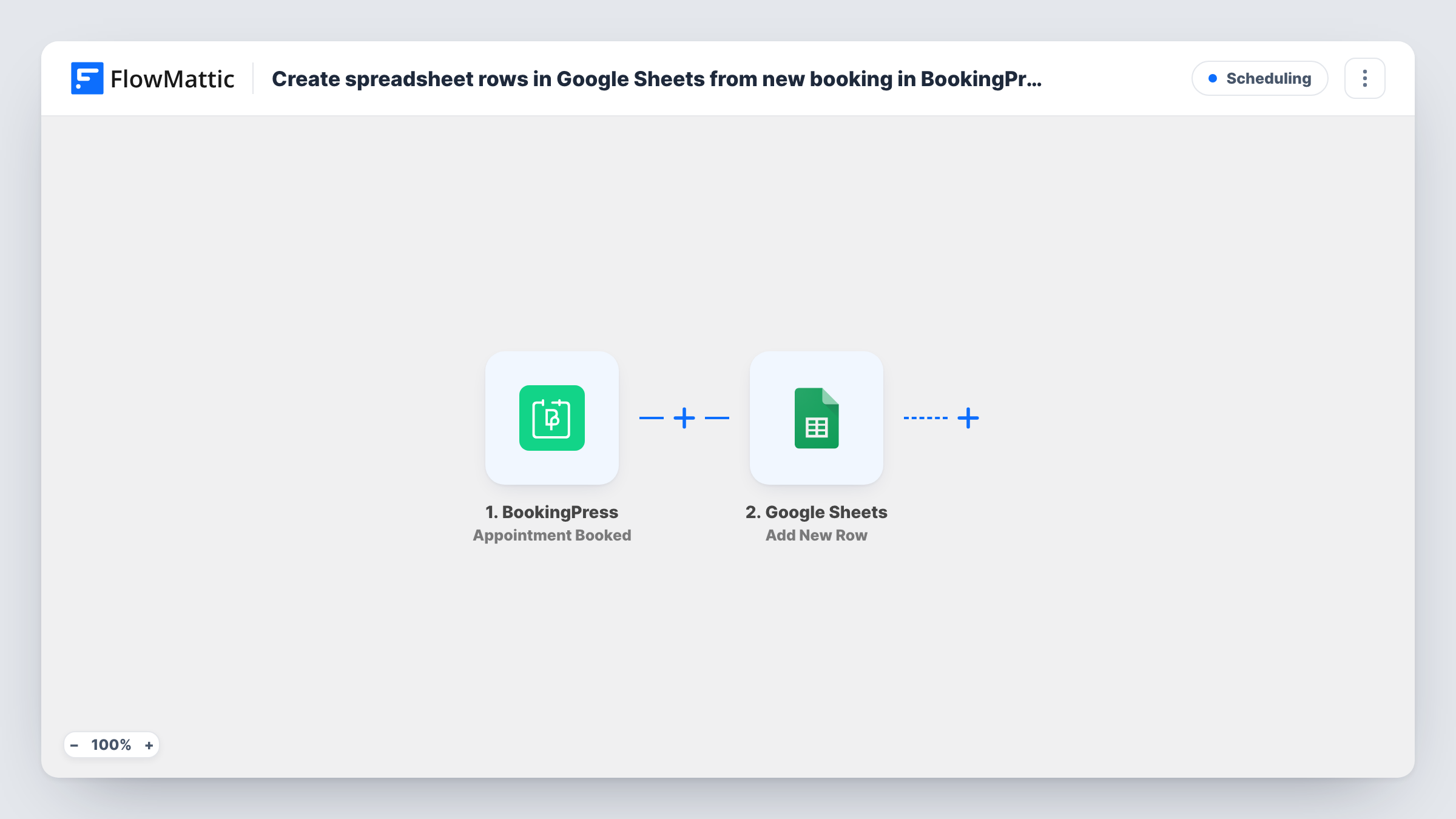
The BookingPress trigger fires when a new appointment is booked, whether a customer booked it on the front end or your team added it in the back end. FlowMattic passes the appointment's data to Google Sheets, where Add New Row writes it to the spreadsheet you pick. You map each booking detail to a column.
The workflow adds rows only. If an appointment is later rescheduled or cancelled in BookingPress, its row stays as it was written. Task History records every run, so you can trace a booking that is missing from the sheet.
Weekly booking report for a salon
Each appointment adds a row with the service and date. At the end of the week you sort and total the sheet to see which services were busiest.
Sharing the schedule with part-time staff
Staff who have no WordPress login view a shared Google Sheet with every new BookingPress appointment and plan around it.
Bookkeeping for a consultancy
Your bookkeeper works from spreadsheets. New consultations booked in BookingPress arrive as rows they can reconcile with payments.
How this workflow runs
What happens at each step once the workflow is on, and what you need before you import it.
 BookingPress Appointment Booked
Runs when a new appointment is booked in BookingPress, from the front-end booking form or the admin area. The appointment's data is passed on for mapping.
- Google Sheets Add New Row
Adds a row to the Google Sheets spreadsheet you choose with the appointment details you map. Connect your Google account and add a header row first.
What you need
- FlowMatticCore
- BookingPress PluginPlugin
- Google Sheets AccountAccount
After importing, map your own data. To keep the template universal, not every step is pre-filled. Open each step in the builder and connect your accounts and fields (channels, lists, sheets, recipients) before you switch the workflow on.
Make it yours
Changes worth making after you import it.
- Book a test appointment after import so FlowMattic captures the BookingPress data, then map each column in the Google Sheets step.
- Add a Filter after the trigger that continues only for one service, if this sheet is meant for a single team or staff member.
- Want a message as well as a row? Add an email or Slack step after Google Sheets that announces each new booking to your team.
Questions about this workflow
Are appointments added by staff in the BookingPress admin included?
Yes. The trigger fires for new appointments booked on the front end or the back end, so both reach Google Sheets.
What happens to the sheet when a BookingPress appointment is cancelled?
Nothing changes. The workflow only adds a row when an appointment is booked. Cancellations and reschedules are not written to the sheet.
Will past BookingPress appointments be copied into Google Sheets?
No. Only appointments booked after you turn the workflow on create rows.
Can BookingPress bookings go to different tabs per service?
Yes. Replace the single sheet step with a Router whose routes each check a different service, and give each route its own Add New Row step.
More Scheduling workflows
Other ready-to-import templates from the same category.





Import this workflow into your WordPress site
Download the JSON, import it from the Workflows screen and connect your accounts. Every run stays on your server, with no per-task fees.
30-day money-back guarantee Unlimited workflows and runs Self-hosted