

Add each new Zcal event to Google Calendar automatically
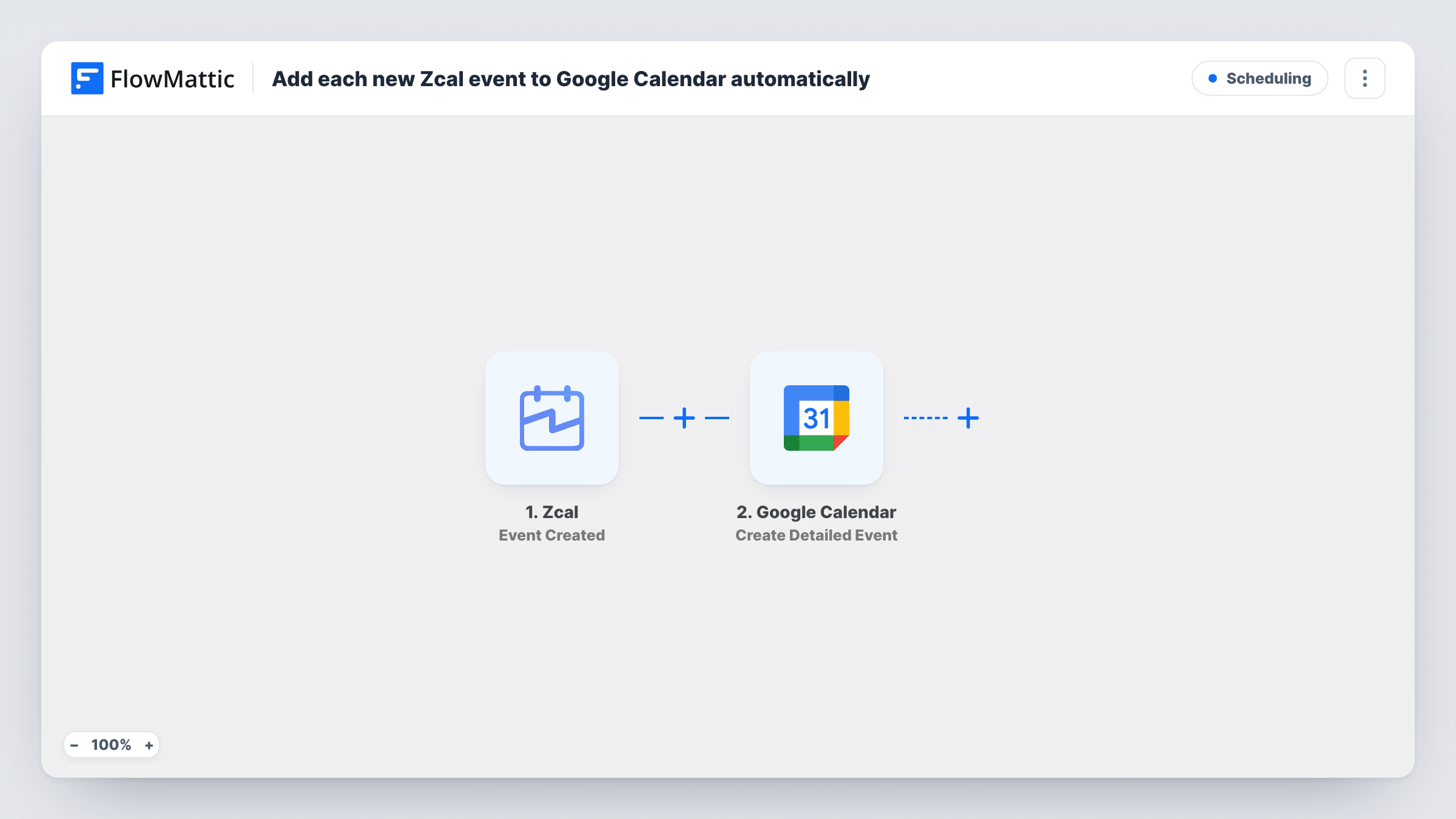
When an event is created in Zcal, this workflow creates a matching event in the Google Calendar you choose, with the time, title and guest details you map from Zcal.
 Zcal
Zcal
 Google Calendar
2 steps Setup ~5 min Used on 1.8k sites Free to import
What this workflow does
If people book time with you through Zcal but your day is planned in Google Calendar, each new meeting needs to show up there too. Entering it twice is slow and easy to get wrong. This workflow adds a calendar entry as soon as Zcal reports a new event.
The Zcal trigger, Event Created, fires when an event is created in your Zcal account. FlowMattic captures the event data Zcal sends. The Google Calendar step, Create Detailed Event, then creates a new event in the calendar you select, using the start and end times, title and other details you map from Zcal.
Nothing here edits or removes calendar entries. If a Zcal meeting is later moved or cancelled, the Google Calendar copy stays as it was, because those changes come through separate Zcal triggers. Check your Zcal settings before you turn this on: if Zcal already writes bookings to the same Google Calendar, you would end up with two entries per meeting.
A shared team calendar for client calls
Each consultant books calls through their own Zcal page. Every new event is copied to a shared Google Calendar, so the office sees who is on a call and when.
Keeping a separate work calendar complete
A freelancer uses a dedicated Google Calendar for paid sessions. Each Zcal booking lands there, ready for monthly invoicing.
Calendar for an assistant
An assistant manages your schedule in Google Calendar. New Zcal meetings appear on the calendar they watch, without you forwarding confirmations.
How this workflow runs
What happens at each step once the workflow is on, and what you need before you import it.
 Zcal Event Created
Runs when a new event is created in Zcal. FlowMattic captures the event data, including timing and guest details as Zcal provides them, for mapping into the calendar step.
- Google Calendar Create Detailed Event
Adds the Zcal meeting as a fresh event on your chosen Google calendar. Map the Zcal start and end times, a title, and any guest or location details, then connect your Google account.
What you need
- FlowMatticCore
- Zcal AccountAccount
- Google Calendar AccountAccount
After importing, map your own data. To keep the template universal, not every step is pre-filled. Open each step in the builder and connect your accounts and fields (channels, lists, sheets, recipients) before you switch the workflow on.
Make it yours
Changes worth making after you import it.
- Make a test booking on your Zcal page after import, then check that the start and end times land correctly in Google Calendar, especially if you and your guests are in different time zones.
- To handle cancellations, build a second workflow on Zcal's Event Cancelled trigger that finds the copied event with Google Calendar's List Events and removes it with Delete Event. Test it on a known event first.
- Put the guest's name in the Google Calendar event title, so the day view shows who each meeting is with at a glance.
Questions about this workflow
Does a rescheduled Zcal meeting update Google Calendar?
No. This workflow only runs on Event Created. Zcal has a separate Event Rescheduled trigger you can build on if you need updates.
Will this create duplicate Google Calendar events?
It can, if Zcal is also connected to the same Google Calendar on its own. Pick a calendar Zcal doesn't already write to, or rely on one sync only.
Which Google Calendar do the Zcal events go into?
The one you choose in the Create Detailed Event step. It can be your main calendar or any other calendar your Google account can edit.
Are past Zcal bookings copied when I turn this on?
No. Only events created in Zcal after the workflow is active start a run.
More Scheduling workflows
Other ready-to-import templates from the same category.



Import this workflow into your WordPress site
Download the JSON, import it from the Workflows screen and connect your accounts. Every run stays on your server, with no per-task fees.
30-day money-back guarantee Unlimited workflows and runs Self-hosted