

Add items to Notion databases weekly or daily
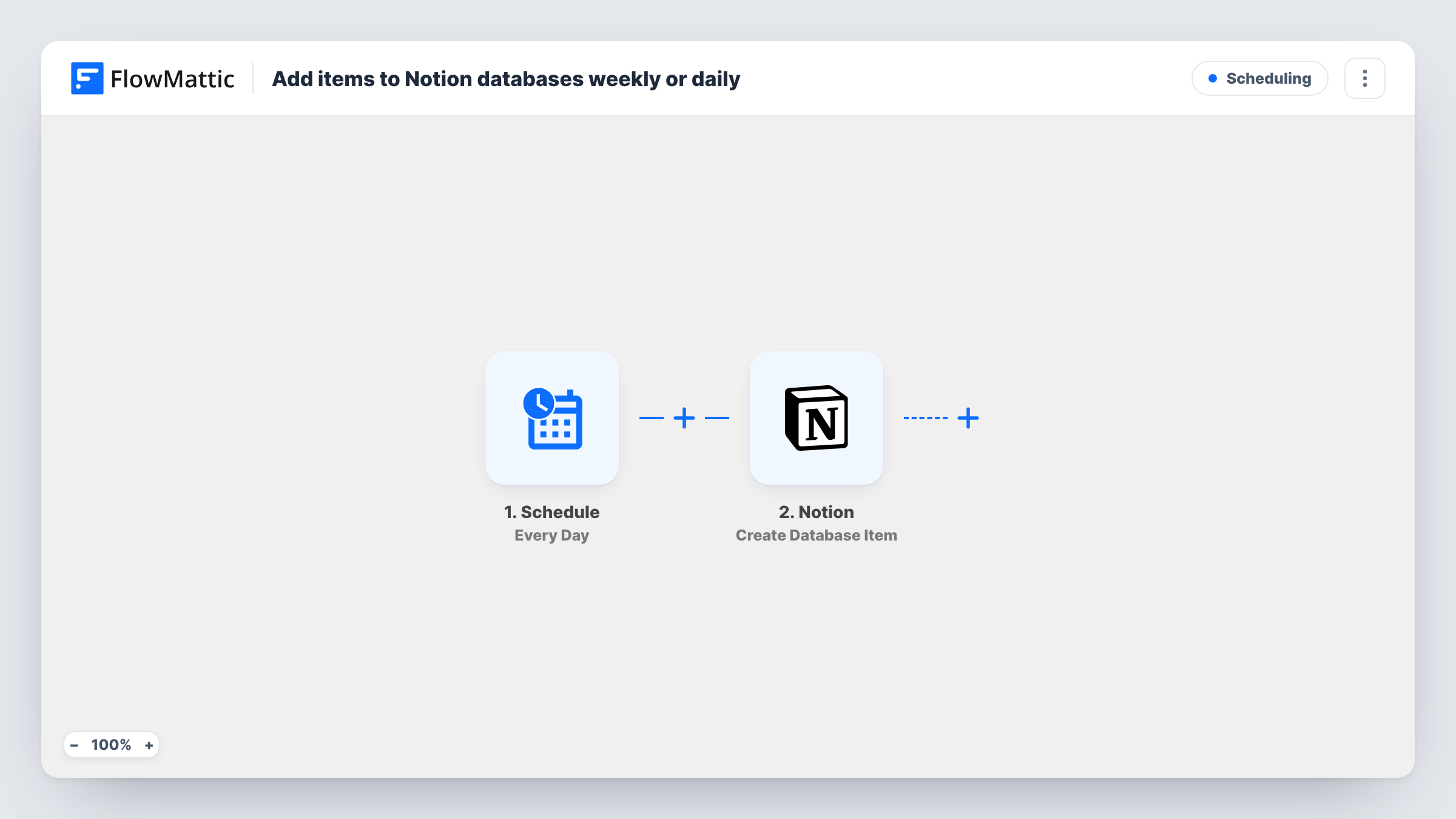
A schedule trigger adds a new item to the Notion database you choose once a day, with the content you set. Switch the trigger to Every Week if you want a weekly entry instead.
 Schedule
 Notion
2 steps Setup ~5 min Used on 3.3k sites Free to import
What this workflow does
Some Notion entries should exist every day or every week whether anyone remembers to make them or not: a daily log page, a stand-up note, a weekly review. This workflow creates that item for you on a schedule, so the page is waiting when the team opens Notion.
The Schedule trigger ships set to Every Day. Each time it runs, FlowMattic goes to Notion and the Create Database Item step adds one new item to the database you select. You fill the properties with fixed text, plus any dynamic values the Schedule step provides, which a test run shows you.
Every run creates a fresh item, and nothing checks whether an item for that day already exists. If you want weekly entries, change the trigger to the Every Week option of the same Schedule app before you turn the workflow on. Task History records each run with Notion's response.
Daily journal or work log
Create a dated entry in your log database each morning, so you or your team only have to open it and write.
Weekly review page
Switch to Every Week and add a review item each Monday with properties for wins, blockers and next steps already in place.
Recurring chores in a task database
Add a Check backups or Clear the inbox item to a Notion task database each day, with a status property set to To do.
How this workflow runs
What happens at each step once the workflow is on, and what you need before you import it.
 Schedule Every Day
Starts a run once a day. You can change this trigger to Every Week, or another interval the Schedule app offers, after import.
- Notion Create Database Item
Adds one new item to the Notion database you pick. Fill its properties with fixed text or values from the trigger, and share the database with your Notion connection.
What you need
- FlowMatticCore
- Notion AccountAccount
After importing, map your own data. To keep the template universal, not every step is pre-filled. Open each step in the builder and connect your accounts and fields (channels, lists, sheets, recipients) before you switch the workflow on.
Make it yours
Changes worth making after you import it.
- If the Schedule step outputs a date, map it into the item's title property, so each entry is named after its day and the database doesn't fill with identical titles.
- Use a Router after the schedule if different databases need entries, giving each route its own Notion Create Database Item step.
- Prefer once a month? The same Schedule app also has an Every Month option, which suits a monthly budget or reporting page.
Questions about this workflow
Does this Notion workflow run daily or weekly as imported?
Daily. The trigger ships as Every Day. Open the Schedule step and pick Every Week if you want one item a week instead.
Will a new Notion item be created even if nobody used yesterday's?
Yes. Each run adds an item regardless of what happened to the previous one. Nothing in the template looks at earlier items.
Can I add a page body or template content to the Notion item?
The template maps only what you set in the Create Database Item step. Open it after import to see which fields Notion's connection offers for your database.
More Scheduling workflows
Other ready-to-import templates from the same category.






Import this workflow into your WordPress site
Download the JSON, import it from the Workflows screen and connect your accounts. Every run stays on your server, with no per-task fees.
30-day money-back guarantee Unlimited workflows and runs Self-hosted