

When a new event is created in Eventin, create event in Google Calendar
Each time you create an event in Eventin on your WordPress site, this workflow adds a matching event to Google Calendar, so the dates you publish also show up in the calendar you check every day.
 Eventin
 Google Calendar
2 steps Setup ~5 min Used on 1.2k sites Free to import
What this workflow does
Eventin is where you build and publish events on your WordPress site. Your working week, though, probably lives in Google Calendar. Entering every new event twice is easy to forget, and a missing entry means a talk or a meetup that nobody on your team planned around. This workflow copies each new Eventin event into Google Calendar for you.
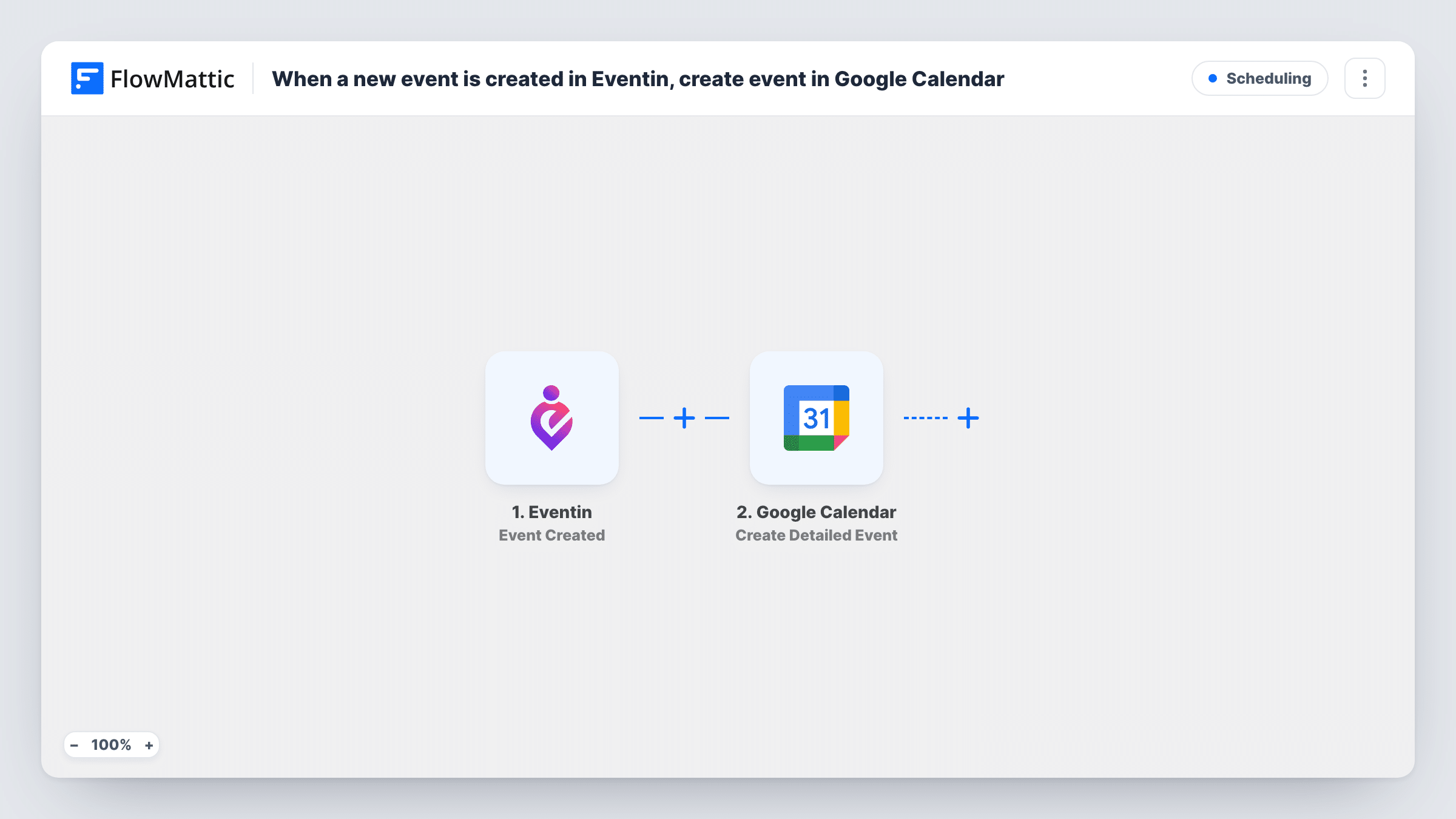
As soon as you save a new event in Eventin, the trigger fires. FlowMattic receives that event's data and hands it to Google Calendar, where the Create Detailed Event action adds an event to the calendar you pick. You decide which Eventin values fill the calendar entry when you map the step.
The flow only reacts to creation. Changing or deleting the event in Eventin later leaves the Google Calendar copy as it was. Task History keeps a record of each run, so you can open it to see the data Eventin sent and what Google Calendar returned.
Workshop series on a training site
You add each workshop in Eventin for the public listing, and it appears in the trainers' shared Google Calendar without anyone typing it in again.
Community meetups run by volunteers
Volunteers who never log in to WordPress follow the Google Calendar you share with them, which now gains every meetup you publish in Eventin.
Venue or room planning
Point the step at a calendar for one room or venue, so new Eventin events show up where the person who books that space can see them.
How this workflow runs
What happens at each step once the workflow is on, and what you need before you import it.
 Eventin Event Created
Fires each time you add a new event in Eventin. The event's data is passed to FlowMattic so you can map it into the calendar entry.
- Google Calendar Create Detailed Event
Creates an event in the Google Calendar you choose from the Eventin data. Connect your Google account, map the Eventin values into the event, and check a test run to confirm the date and time come through correctly.
What you need
- FlowMatticCore
- Eventin PluginPlugin
- Google Calendar AccountAccount
After importing, map your own data. To keep the template universal, not every step is pre-filled. Open each step in the builder and connect your accounts and fields (channels, lists, sheets, recipients) before you switch the workflow on.
Make it yours
Changes worth making after you import it.
- Create one test event in Eventin right after import. FlowMattic captures its data, which you can then map in the Google Calendar step before turning the workflow on.
- Keep Eventin events in a calendar of their own in Google Calendar. You can share it with your team or hide it without touching your personal calendar.
- If you only want some events copied, add a Filter after the trigger that continues only when a value from Eventin matches what you choose, such as a particular category.
Questions about this workflow
Will editing an Eventin event update the Google Calendar entry?
No. The trigger fires only when an event is created. Later edits in Eventin are not sent, so you change the Google Calendar entry by hand or build a second workflow for updates.
Are events I created in Eventin before importing copied over?
No. Only events created after you turn the workflow on reach Google Calendar. Older events stay in Eventin alone.
Which Google Calendar does the event go to?
The one you select in the Create Detailed Event step after connecting your Google account. It can be your main calendar or any other calendar that account can add events to.
Does Eventin need to be on the same site as FlowMattic?
Yes. The Eventin trigger listens for events created in the plugin, so Eventin and FlowMattic must both be installed on the same WordPress site.
More Scheduling workflows
Other ready-to-import templates from the same category.






Import this workflow into your WordPress site
Download the JSON, import it from the Workflows screen and connect your accounts. Every run stays on your server, with no per-task fees.
30-day money-back guarantee Unlimited workflows and runs Self-hosted