

Add each confirmed Planyo reservation to Google Calendar
When a reservation is confirmed in Planyo, this workflow creates a matching event in Google Calendar, so confirmed bookings appear on the calendar you and your staff already check each day.
 Planyo
 Google Calendar
2 steps Setup ~5 min Used on 3.1k sites Free to import
What this workflow does
Planyo manages your bookings, but most people plan their day from Google Calendar on their phone. If confirmed reservations have to be copied over by hand, the calendar falls behind and someone turns up to an unexpected booking. This workflow adds each confirmed reservation to Google Calendar for you.
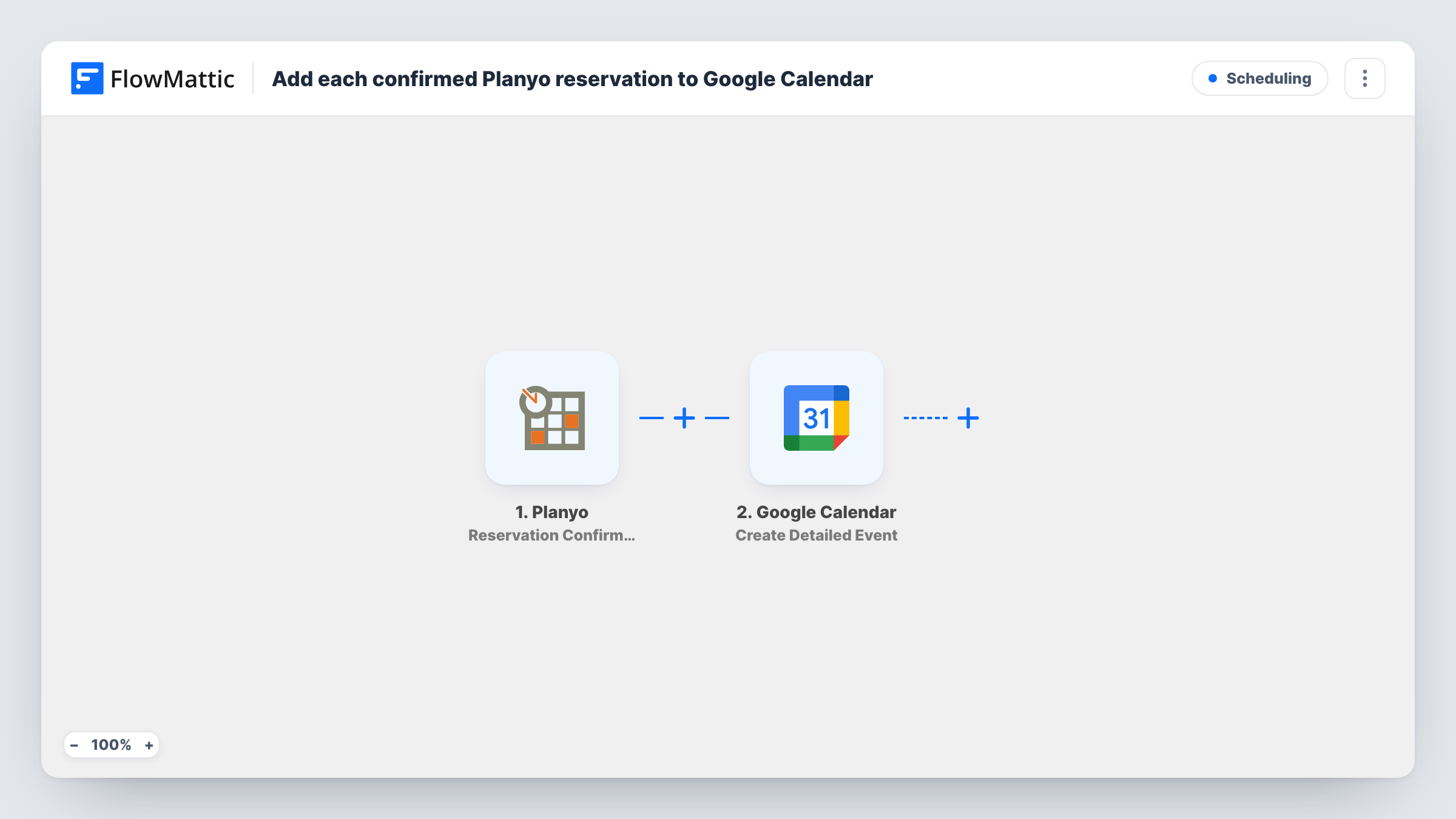
The Planyo trigger fires when a reservation is confirmed. FlowMattic receives the reservation details and passes them to Google Calendar, where the Create Detailed Event action adds an event to the calendar you choose. Map the reservation's start and end into the event times, and use the resource and customer details for the title and description.
Only the confirmation creates an event. If a reservation is later changed or cancelled in Planyo, the calendar event stays as it was, because the template has no step that edits or removes it. Task History records each run, which is the place to look if a booking is missing from the calendar.
Equipment or room rental
Each confirmed rental of a meeting room, bike or camera kit appears in the shared Google Calendar the front desk uses to prepare items.
Holiday accommodation
Confirmed stays booked through Planyo show up on the owner's Google Calendar, so cleaning and check-in can be planned around them.
Guided tours and classes
Guides see every confirmed tour reservation in their own Google Calendar, alongside their other commitments for the week.
How this workflow runs
What happens at each step once the workflow is on, and what you need before you import it.
 Planyo Reservation Confirmed
Fires when a reservation is confirmed in Planyo. The reservation details become data you can use to build the calendar event.
- Google Calendar Create Detailed Event
Creates an event in the Google Calendar you select, using the reservation details you map. Connect your Google account, map the start and end times, and fill the title and description with the booking information.
What you need
- FlowMatticCore
- Planyo AccountAccount
- Google Calendar AccountAccount
After importing, map your own data. To keep the template universal, not every step is pre-filled. Open each step in the builder and connect your accounts and fields (channels, lists, sheets, recipients) before you switch the workflow on.
Make it yours
Changes worth making after you import it.
- Put the customer's name and the reserved resource in the event title, so the calendar shows what each booking is at a glance.
- Use a Router with one route per Planyo resource, each with its own Google Calendar step, to give every room or item its own calendar.
- Confirm one test reservation in Planyo after import so FlowMattic captures real values, then check that the date and time format lands correctly in the event.
Questions about this workflow
Does a cancelled Planyo reservation remove the Google Calendar event?
No. This workflow only reacts to confirmations. The event stays on the calendar until you delete it, or until you build a separate workflow that handles cancellations.
Are unconfirmed Planyo reservations added to the calendar?
No. The trigger fires when a reservation is confirmed, so pending requests do not create events.
Which Google Calendar gets the Planyo bookings?
The calendar you choose in the Create Detailed Event step. It can be your own calendar or a shared one your Google account can edit.
Will reservations confirmed before I import this be added?
No. Only confirmations that happen after the workflow is switched on create events.
More Scheduling workflows
Other ready-to-import templates from the same category.




Import this workflow into your WordPress site
Download the JSON, import it from the Workflows screen and connect your accounts. Every run stays on your server, with no per-task fees.
30-day money-back guarantee Unlimited workflows and runs Self-hosted