

Email a payment receipt via Gmail after a successful Iyzico subscription order
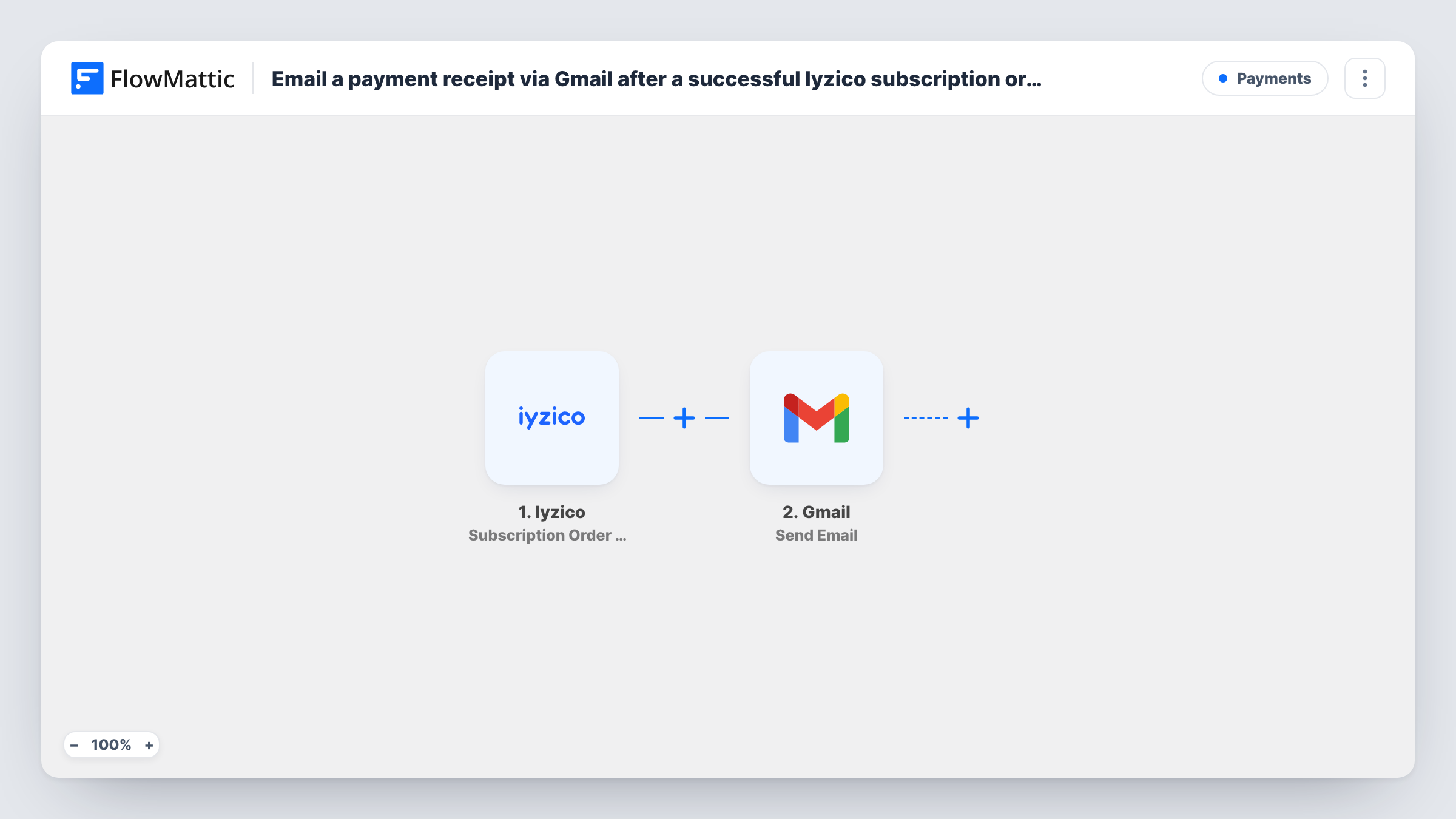
Whenever Iyzico processes a subscription payment, first or recurring, this workflow sends the subscriber a receipt email from your Gmail account with the payment details you map into it.
 Iyzico
 Gmail
Gmail2 steps Setup ~5 min Used on 2.0k sites Free to import
What this workflow does
Subscribers like a written record each time they're charged, and writing those emails by hand doesn't scale past a few customers. This workflow sends a receipt from your own Gmail address after every successful Iyzico subscription payment, so the message comes from the inbox your customers already know.
The Iyzico trigger fires when a subscription payment is processed successfully. Per Iyzico's event description in FlowMattic, that covers the first payment and each recurring one, so a monthly plan produces one receipt a month. FlowMattic then passes the payment data to Gmail, where the Send Email action builds the message from the values you map: the recipient, a subject and a body with details such as the amount or reference.
The receipt is the email text itself. Gmail's step sends a message, not a PDF invoice. Check one test payment before you go live to see which customer details Iyzico includes, since the recipient address has to come from that data. Task History lists each run with the values sent to Gmail.
Monthly membership charges
A members' club bills through Iyzico each month. Every successful charge sends the member a short Gmail receipt with the amount and date, so they can match it to their bank statement.
Software plans sold in Turkey
A small SaaS team takes Iyzico subscriptions and sends receipts from the founder's Gmail address, keeping a copy of each one in the Sent folder.
Course subscriptions with a personal touch
An online tutor writes the receipt body in their own words and includes how to reach them, so each renewal email doubles as a friendly check-in.
How this workflow runs
What happens at each step once the workflow is on, and what you need before you import it.
 Iyzico Subscription Order Success
Fires when Iyzico successfully processes a subscription payment, whether it's the first charge or a renewal. The payment data from Iyzico becomes available to map into the email.
- Gmail Send Email
Writes and sends the receipt through Gmail, from the account you link on import. Map the customer's address as the recipient if the Iyzico data carries it, then write a subject and body that pull in the payment details you want on the receipt.
What you need
- FlowMatticCore
- Iyzico AccountAccount
- Gmail AccountAccount
After importing, map your own data. To keep the template universal, not every step is pre-filled. Open each step in the builder and connect your accounts and fields (channels, lists, sheets, recipients) before you switch the workflow on.
Make it yours
Changes worth making after you import it.
- Run one test payment first. If the Iyzico data doesn't include the customer's email, the Gmail step has no recipient to send to, so confirm the address is there before you switch the workflow on.
- Add a Filter after the trigger if you only want receipts for some plans, for example continuing only when the plan or product reference in the Iyzico data matches.
- Also log each payment in Google Sheets by adding an Add New Row step after the email, so you have a running list of the receipts you've sent.
Questions about this workflow
Does the Iyzico receipt email include a PDF invoice?
No. The Gmail Send Email step sends a plain message built from the values you map. If you need a formal invoice document, create it in your invoicing tool.
Will renewals send a Gmail receipt too?
Yes. The Subscription Order Success trigger fires for the first payment and for each recurring one, so every successful charge sends its own receipt.
Does this email go out when an Iyzico payment fails?
No. This trigger only fires on successful payments. Failed charges don't start the workflow, so no message is sent for them.
Which Gmail address sends the Iyzico receipts?
Whichever Gmail account you link to this step on import. Replies from customers come back to that inbox, and each sent receipt is kept in its Sent folder.
More Payments workflows
Other ready-to-import templates from the same category.







Import this workflow into your WordPress site
Download the JSON, import it from the Workflows screen and connect your accounts. Every run stays on your server, with no per-task fees.
30-day money-back guarantee Unlimited workflows and runs Self-hosted