

When a new subscription is created inside Stripe, send the subscription details to their WhatsApp using WhatsApp Cloud API
When a customer signs up for a new plan in Stripe, FlowMattic sends a WhatsApp text with the subscription details through the WhatsApp Cloud API. Read the delivery note before you rely on it for new customers.
 Stripe
 WhatsApp Cloud API
2 steps Setup ~5 min Used on 589 sites Free to import
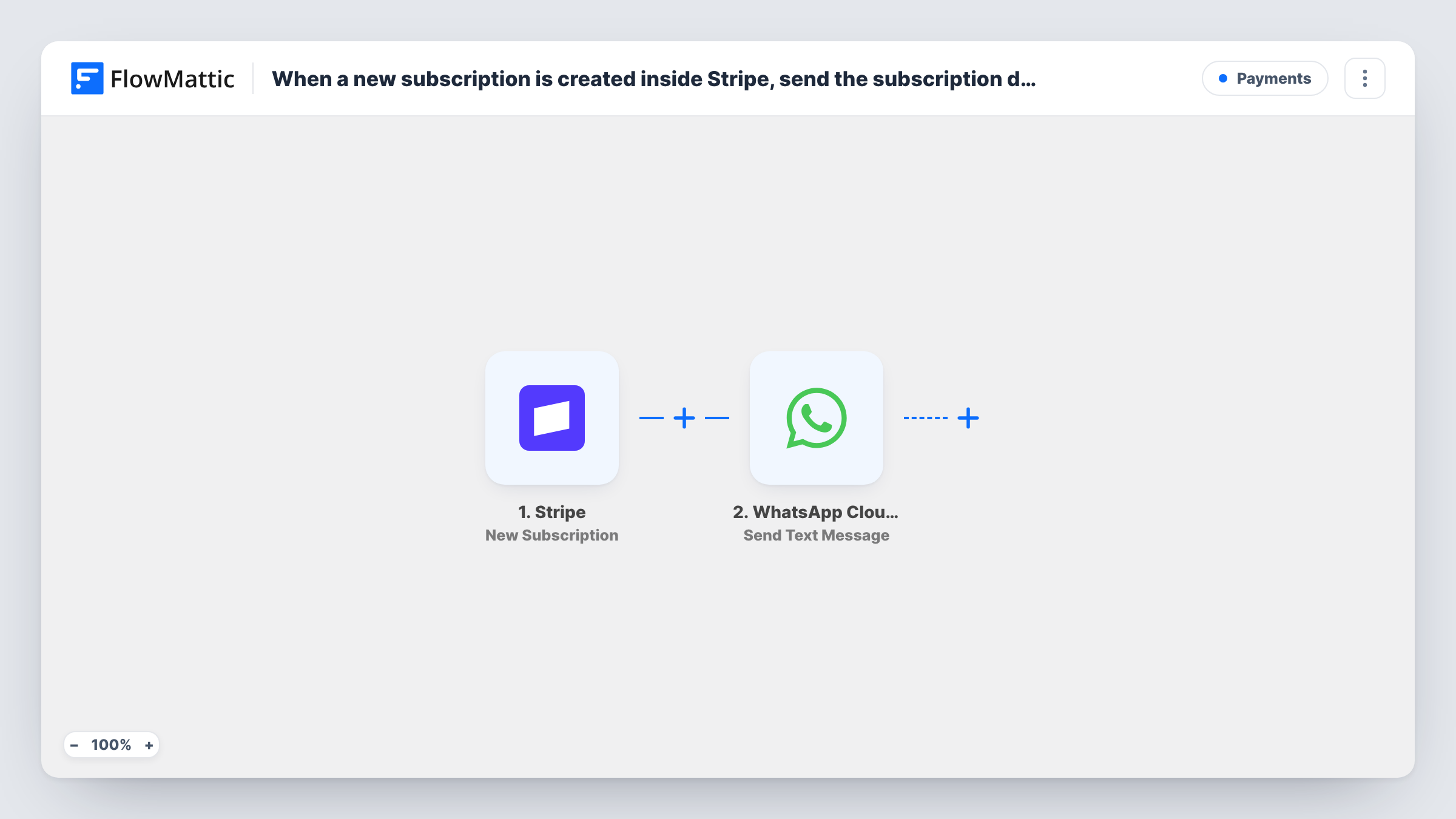
What this workflow does
A WhatsApp message with the plan name and start date can be a handy confirmation for a new subscriber. This workflow builds that message from the Stripe subscription and sends it through your WhatsApp Business number.
The Stripe trigger fires whenever a customer is signed up for a new plan. The subscription data is passed to the WhatsApp Cloud API Send Text Message action, where you write the text and insert subscription values. Stripe's subscription data refers to the customer by ID, so check a test run for a phone number. If none is there, add Stripe's Find Customer by ID step first and map the phone from it.
Delivery is the catch. Meta's rules let free-form WhatsApp text through only inside a 24-hour window that opens when the person writes to your business number. A customer who subscribes without ever writing to you will usually not receive this message. For reliable delivery, switch the step to Send Template Message and use a template WhatsApp has approved.
Subscribers who first chatted with you on WhatsApp
A customer asks about plans on WhatsApp, then subscribes the same day. The confirmation lands in that open conversation.
Membership confirmations with a template
After switching to Send Template Message, a gym sends every new member an approved message with their plan name.
Service plans sold by a sales rep
A rep chats with a client on WhatsApp, sets up the subscription in Stripe, and the client sees the plan details arrive in that chat.
How this workflow runs
What happens at each step once the workflow is on, and what you need before you import it.
 Stripe New Subscription
Starts a run whenever a customer is signed up for a new plan in Stripe. The subscription details, such as the plan and customer ID, are passed on for mapping.
- WhatsApp Cloud API Send Text Message
Sends a free-form WhatsApp text through your WhatsApp Cloud API number. Map the customer's phone number and write the message with values from the subscription. Expect it to arrive only for subscribers who wrote to that number within the past day.
What you need
- FlowMatticCore
- Stripe AccountAccount
- WhatsApp Cloud API AccountAccount
After importing, map your own data. To keep the template universal, not every step is pre-filled. Open each step in the builder and connect your accounts and fields (channels, lists, sheets, recipients) before you switch the workflow on.
Make it yours
Changes worth making after you import it.
- Change the action to Send Template Message and pick an approved template, so customers who never messaged your business number can still receive the confirmation.
- If the trigger data has no phone number, add Stripe's Find Customer by ID between the steps, using the subscription's customer ID, and map the phone from its result.
- Add a Filter that continues only when the phone value is not empty, so subscriptions without a number stop before the WhatsApp step.
Questions about this workflow
Will every new Stripe subscriber get the WhatsApp text?
No. A plain text message gets through only if that subscriber has written to your WhatsApp business number in the last 24 hours. Customers who never wrote to you usually will not receive it. An approved template message avoids this.
How does the WhatsApp step get the Stripe subscriber's phone number?
It must come from Stripe. The subscription refers to the customer by ID, so if your test run shows no phone, add Stripe's Find Customer by ID step and map the phone from the customer record.
Do Stripe subscription renewals send another WhatsApp message?
No. The trigger fires when a customer is signed up for a new plan, not when an existing subscription renews.
What do I need on the WhatsApp side for this Stripe workflow?
A WhatsApp Cloud API setup with a business phone number, connected in the WhatsApp step when you import. Templates you plan to use must be approved by WhatsApp.
More Payments workflows
Other ready-to-import templates from the same category.






Import this workflow into your WordPress site
Download the JSON, import it from the Workflows screen and connect your accounts. Every run stays on your server, with no per-task fees.
30-day money-back guarantee Unlimited workflows and runs Self-hosted