

Email a performance report summary via Gmail when a PageVitals series completes
When a PageVitals test series finishes, this workflow emails a summary through Gmail to the people you choose, built from the results that PageVitals sends to FlowMattic.
 PageVitals
 Gmail
2 steps Setup ~5 min Used on 400 sites Free to import
What this workflow does
Performance tests are only useful if someone reads the results. Clients, managers and developers often don't log in to a monitoring dashboard, but they do read their email. This workflow sends a summary each time a PageVitals test series finishes.
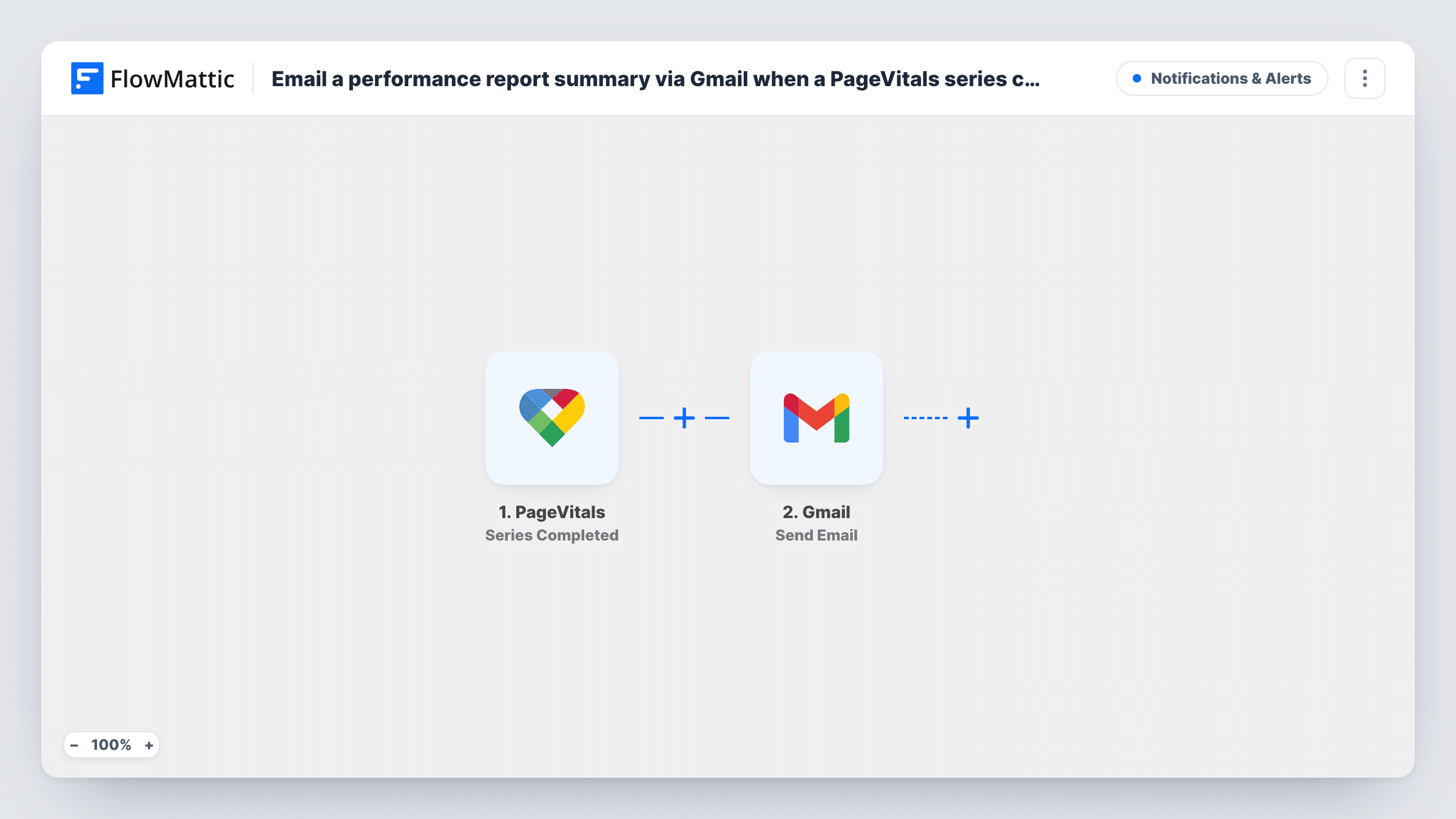
The PageVitals trigger starts a run once every test in a series has finished. FlowMattic receives the results data from that event and passes it to Gmail. The Send Email action sends a message from your Gmail account to the recipients you set, with a subject and body you write and fill with values from the series.
What the summary contains depends on what the PageVitals event carries, so check a test run before you write the template. Every completed series sends an email, whatever the scores. Task History records each send, which helps when someone asks whether a report went out.
Agency reporting to clients
When the series for a client's site completes, the client gets an email with the headline results, without needing a PageVitals login.
Developers after a release
A test series run after each deploy emails the dev team, so they see how the release affected page performance.
Marketing manager watching landing pages
Each finished series for your campaign pages emails the marketing lead, who reads the results before the next campaign goes out.
How this workflow runs
What happens at each step once the workflow is on, and what you need before you import it.
 PageVitals Series Completed
Runs when a test series is completed in PageVitals. The series results from that event are passed on for the email.
- Gmail Send Email
Sends an email from your Gmail account to the recipients you choose. Write the subject and body, then map PageVitals result values into the text where you want them.
What you need
- FlowMatticCore
- PageVitals AccountAccount
- Gmail AccountAccount
After importing, map your own data. To keep the template universal, not every step is pre-filled. Open each step in the builder and connect your accounts and fields (channels, lists, sheets, recipients) before you switch the workflow on.
Make it yours
Changes worth making after you import it.
- Add a Filter after the trigger so the email only goes out when a score crosses a threshold you care about. Filter numbers compare as whole numbers, so 89.6 is checked as 89.
- Run a test series after import and check Task History to see which result values PageVitals sends before you write the email.
- Add a Google Sheets Add New Row step after Gmail to keep a history of every series result alongside the emails.
Questions about this workflow
Does the Gmail email include the PageVitals report as a PDF?
No. The Gmail step sends the text you write with values mapped in. It doesn't attach a file.
Will I get a PageVitals email even when scores are good?
Yes, as imported. Every completed series sends an email. Add a Filter on a score value to send only when results need attention.
Can the summary go to several people?
Set the people you want as recipients in the Gmail step, then trigger a test series and confirm each of them gets the email.
More Notifications & Alerts workflows
Other ready-to-import templates from the same category.







Import this workflow into your WordPress site
Download the JSON, import it from the Workflows screen and connect your accounts. Every run stays on your server, with no per-task fees.
30-day money-back guarantee Unlimited workflows and runs Self-hosted