

Enroll customers into LearnDash courses when a Buy Me a Coffee membership starts
When a Buy Me a Coffee membership starts, FlowMattic looks up the WordPress user with the member’s email and enrolls that user into the LearnDash course you choose.
 Buy Me a Coffee
 WordPress
 LearnDash
3 steps Setup ~5 min Used on 2.5k sites Free to import
What this workflow does
Creators who sell memberships on Buy Me a Coffee often keep the actual lessons on their own site. Here the two are linked: a new membership on Buy Me a Coffee gives the member's site account access to a course, so you don't have to match payments to logins by hand.
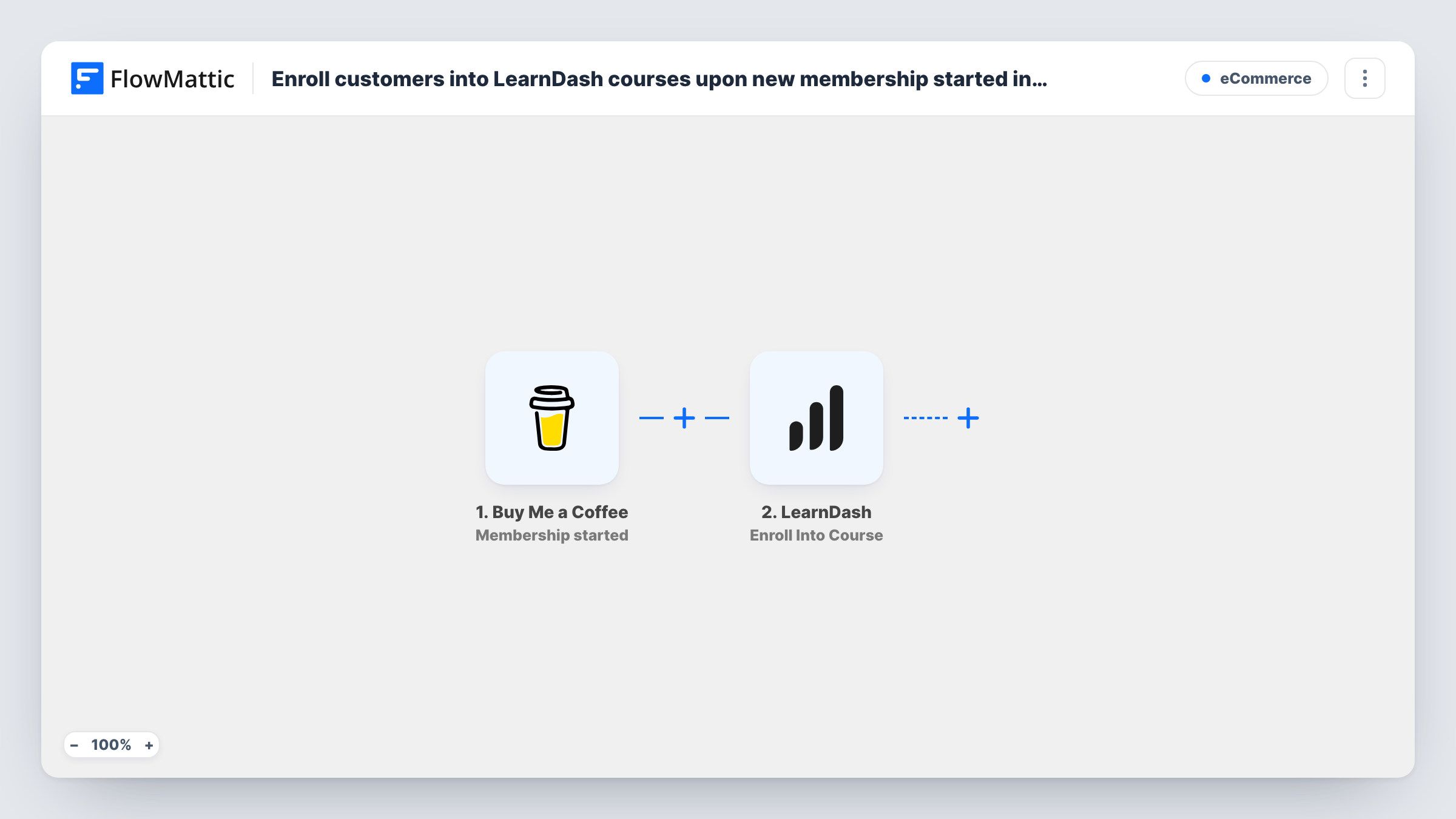
The trigger fires when Buy Me a Coffee reports that a membership has started. Next, the WordPress step Get User by Email searches your site for an account with a given email. It ships unmapped, so after import you map the member's email from the trigger into it. The LearnDash step then enrolls the user ID that the lookup returned. That mapping is already in place; you only pick the course.
The lookup finds existing accounts only. A member who has no account on your site, or who used a different email on Buy Me a Coffee, can't be enrolled by this workflow as shipped. If members usually join before they register, swap the lookup for the WordPress New User step: it creates the account, and for an email that's already registered it hands back the existing user's ID instead of making a second account.
Start a test membership with an email that has an account on your site, then check Task History for the user ID the lookup found and the enrolment result.
Members-only course for supporters
A podcaster offers a bonus audio course to Buy Me a Coffee members who already have a site login, and each new membership opens it to the member.
Tiered access for a craft community
A knitting teacher asks members to register on her site first, then join on Buy Me a Coffee; the join enrolls them in the pattern course.
Paid tutorials for returning readers
A blogger whose readers already comment with accounts gives new members a LearnDash course of in-depth tutorials.
How this workflow runs
What happens at each step once the workflow is on, and what you need before you import it.
 Buy Me a Coffee Membership started
Starts the workflow when Buy Me a Coffee sends its membership started webhook. The member's details, including their email, arrive for mapping into the lookup step.
- WordPress Get User by Email
Searches your WordPress site for a user profile with a given email. The template leaves the email unmapped, so map the member's email from the Buy Me a Coffee trigger after import. Only accounts that already exist can be found.
- LearnDash Enroll Into Course
Enrolls the user from the lookup into a LearnDash course. The user ID is already mapped from the Get User by Email step; choose the course after import and confirm with a test membership.
What you need
- FlowMatticCore
- Buy Me a Coffee AccountAccount
- LearnDash PluginPlugin
After importing, map your own data. To keep the template universal, not every step is pre-filled. Open each step in the builder and connect your accounts and fields (channels, lists, sheets, recipients) before you switch the workflow on.
Make it yours
Changes worth making after you import it.
- Replace Get User by Email with the WordPress New User step if members may not have accounts yet; map the email from Buy Me a Coffee, then map New User's returned user ID into the LearnDash step.
- Tell supporters on your Buy Me a Coffee page to use the same email they log in with on your site, since the lookup matches by email.
- Build a second workflow on the Membership cancelled trigger with LearnDash's Remove From Course action, so access ends when a membership does.
- Add an Email step after the LearnDash step to send the member a link to the course and your login page.
Questions about this workflow
Does the Buy Me a Coffee member need an account on my WordPress site?
Yes, as shipped. Get User by Email only finds existing accounts. This workflow can't enroll members who lack one; use the New User step in its place if you want accounts made for them.
Which LearnDash course do new members get?
You pick it in the LearnDash step once the template is imported. For more than one course, add a second LearnDash step after the first and pick the other course in it.
Is anything mapped already in this Buy Me a Coffee template?
The LearnDash step already takes its user ID from the lookup. You map the member's email into Get User by Email and pick the course yourself.
What if the member used another email on Buy Me a Coffee?
The lookup searches by that email, so it won't match a site account under a different address. Task History shows what Get User by Email returned for the run.
More E-Commerce workflows
Other ready-to-import templates from the same category.







Import this workflow into your WordPress site
Download the JSON, import it from the Workflows screen and connect your accounts. Every run stays on your server, with no per-task fees.
30-day money-back guarantee Unlimited workflows and runs Self-hosted