

Extend License Validity for Subscription Renewals Using Custom Payment Gateway Webhooks
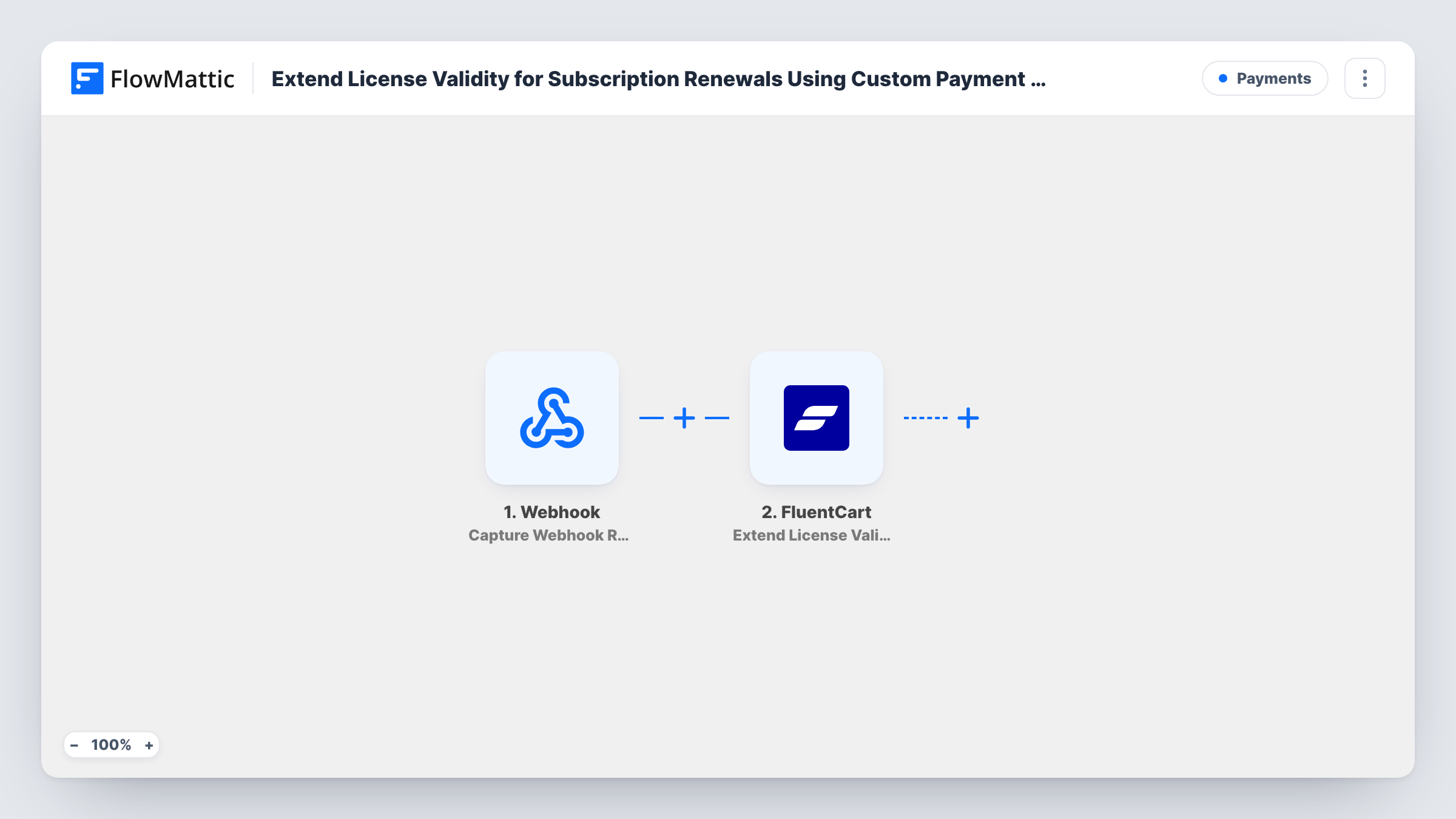
When your payment gateway posts a subscription renewal to a FlowMattic webhook, this workflow extends the matching FluentCart license’s expiry date, so renewing customers keep their license active.
 Webhook
 FluentCart
2 steps Setup ~5 min Used on 2.7k sites Free to import
What this workflow does
If you sell licensed software through FluentCart but take recurring payments through a gateway FluentCart doesn't handle, renewals happen outside your store. The customer pays, yet the license still runs out on its old date. This workflow closes that gap by letting the gateway tell FlowMattic about each renewal.
A Webhook trigger listens for the renewal notice: FlowMattic gives you a URL, and you set your payment gateway to post its renewal events to it. Whatever the gateway sends becomes data you can map. The FluentCart step then runs Extend License Validity, which updates a license's expiration date or marks it as lifetime.
The FluentCart step has to know which license to extend, so the gateway's payload must include the identifier that step needs, such as the license key or ID. Test with a known license before you rely on it. Each request to the webhook starts a run, so send only renewal events to this URL.
Plugin sold with an external subscription gateway
A developer bills yearly renewals through a separate gateway. Each renewal webhook pushes the customer's FluentCart license out by another year.
Upgrading a customer to lifetime
When the gateway reports a final instalment payment, the FluentCart step can mark that customer's license as lifetime instead of extending it.
Manual renewals from a billing system
A billing tool that can post to a URL sends a request when an invoice is paid, and the license is extended without anyone editing it in FluentCart.
How this workflow runs
What happens at each step once the workflow is on, and what you need before you import it.
 Webhook Capture Webhook Response
Receives each request your payment gateway sends to the FlowMattic webhook URL. The fields in that payload, including the license identifier you ask the gateway to send, become available to map.
- FluentCart Extend License Validity
Extends the validity of a FluentCart license: it updates the expiration date or marks it as lifetime. Map the webhook data into it, including whatever identifies the license, then test on a known license.
What you need
- FlowMatticCore
- FluentCart PluginPlugin
After importing, map your own data. To keep the template universal, not every step is pre-filled. Open each step in the builder and connect your accounts and fields (channels, lists, sheets, recipients) before you switch the workflow on.
Make it yours
Changes worth making after you import it.
- Turn on the Webhook trigger's "Require authentication on incoming requests" setting, using an authentication key or signature verification if your gateway signs its webhooks.
- If your gateway sends several event types to one URL, add a Filter after the trigger that continues only when the event type is a successful renewal.
- Send one test renewal from the gateway's sandbox after import, then check the license's expiry date in FluentCart before going live.
Questions about this workflow
How does the FluentCart step know which license to extend?
From the data you map into it. Make sure your gateway's renewal payload includes the license key or ID the step needs, then test with a license you know.
Can any request to the webhook extend a FluentCart license?
Unless authentication is on, any request to the URL starts a run. Turn on the Webhook trigger's authentication setting so only your gateway can call it.
Does my payment gateway need a FlowMattic integration?
No. It only needs to send webhooks to a URL you provide. FlowMattic's Webhook trigger accepts the request and passes the data on.
What if the gateway sends the same renewal twice?
Each request starts its own run, so a repeated renewal webhook would update the license again. Check how your gateway handles retries and test the result.
More Payments workflows
Other ready-to-import templates from the same category.







Import this workflow into your WordPress site
Download the JSON, import it from the Workflows screen and connect your accounts. Every run stays on your server, with no per-task fees.
30-day money-back guarantee Unlimited workflows and runs Self-hosted