

Generate high-quality images when a FluentForm is submitted
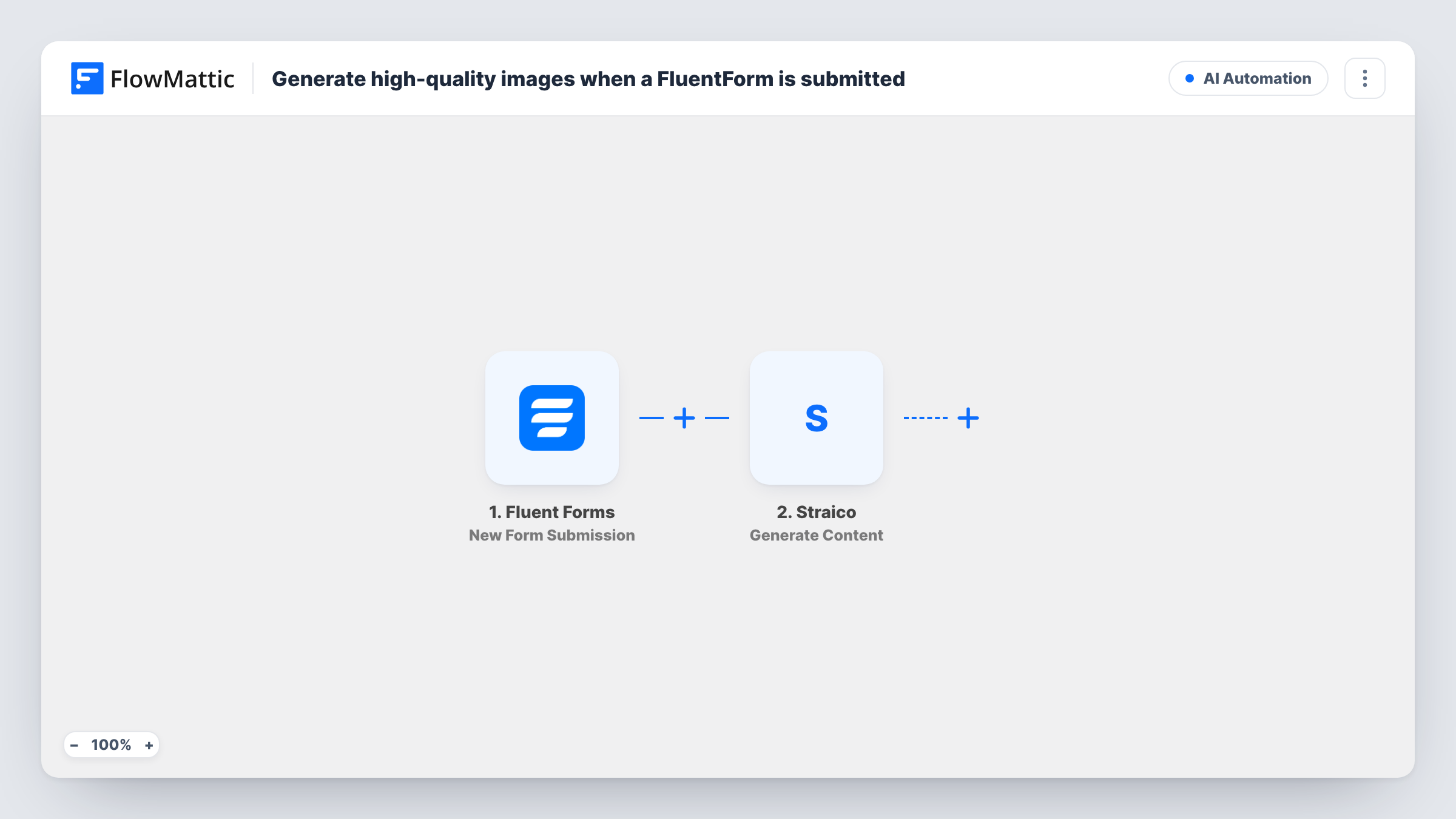
Each Fluent Forms submission sends a prompt built from the visitor’s answers to Straico, which generates an image you can then save, email or post with steps you add.
 Fluent Forms
 Straico
2 steps Setup ~5 min Used on 1.1k sites Free to import
What this workflow does
Forms are a simple way to let people ask for a picture: a product mock-up, a social graphic idea, a custom illustration. This workflow takes what a visitor types into your Fluent Forms form and asks Straico to generate an image from it, without anyone copying the request into an AI tool by hand.
The Fluent Forms New Form Submission trigger starts the run when an entry arrives. Fluent Forms keeps the entry as usual, and the answers become fields you can use in the prompt.
The Straico Generate Image step, which FlowMattic describes as generating high-quality images, ships unmapped. After import you connect your Straico account and write the prompt: your own instructions, such as a style or format, with the visitor's description mapped in. Run a test entry to see what the step returns.
Straico is the last step as imported. The image is generated and its result sits in the run, but nothing sends it to the visitor or saves it yet. Add a step after Straico that does what you need with the image, such as emailing the link, storing the file or adding it to a sheet. Task History shows each prompt and Straico's response.
Concept images for design inquiries
A print shop's quote form asks customers to describe their idea, and Straico produces a first concept image the designer reviews before replying.
Social graphics from a team request form
A marketing team uses an internal Fluent Forms form to request post visuals, and each request generates a draft image the team picks up from the run.
Personalised artwork for a giveaway
A brand runs a contest form where entrants describe their dream scene, and each entry gets an AI image the team can later share with the winner.
How this workflow runs
What happens at each step once the workflow is on, and what you need before you import it.
 Fluent Forms New Form Submission
Starts each time a visitor submits your Fluent Forms form. The entry is stored by Fluent Forms, and its answers are passed on for the image prompt.
- Straico Generate Image
Generates an image with Straico from the prompt you set. It comes unmapped: connect Straico, write the prompt with the form answers mapped in, and check a test run for the image it returns.
What you need
- FlowMatticCore
- Fluent Forms PluginPlugin
- Straico AccountAccount
After importing, map your own data. To keep the template universal, not every step is pre-filled. Open each step in the builder and connect your accounts and fields (channels, lists, sheets, recipients) before you switch the workflow on.
Make it yours
Changes worth making after you import it.
- Add fixed style instructions before the mapped answer in the prompt, such as flat illustration on a white background, so results stay consistent across entries.
- Add an Email step after Straico that sends the image link to the visitor's email from the form, so they receive what they asked for.
- Log each request and image link with a Google Sheets Add New Row step after Straico, so you keep a record of what was generated.
- If only some entries should produce an image, put a Filter between the Fluent Forms trigger and the Straico step on the form field that signals it.
Questions about this workflow
Does the visitor see the Straico image after submitting?
Not as imported. The image is generated inside the workflow run, and no step shows or sends it. Add an email or another delivery step after Straico for that.
What goes into the Straico image prompt?
Whatever you write in the Generate Image step. Combine your own instructions with the form fields the visitor filled in, such as a description or a colour choice.
Do I need a Straico account to use this Fluent Forms template?
Yes. The Generate Image step runs on your Straico account, which you connect after import.
More AI Automation workflows
Other ready-to-import templates from the same category.








Import this workflow into your WordPress site
Download the JSON, import it from the Workflows screen and connect your accounts. Every run stays on your server, with no per-task fees.
30-day money-back guarantee Unlimited workflows and runs Self-hosted