

Generate Switchy links from new Google Sheets rows
Add a row with a URL to your Google Sheets spreadsheet and this workflow creates a short link for it in Switchy, so you can plan links in a sheet and have them built in your Switchy account.
 Google Sheets
 Switchy.io
2 steps Setup ~5 min Used on 1.7k sites Free to import
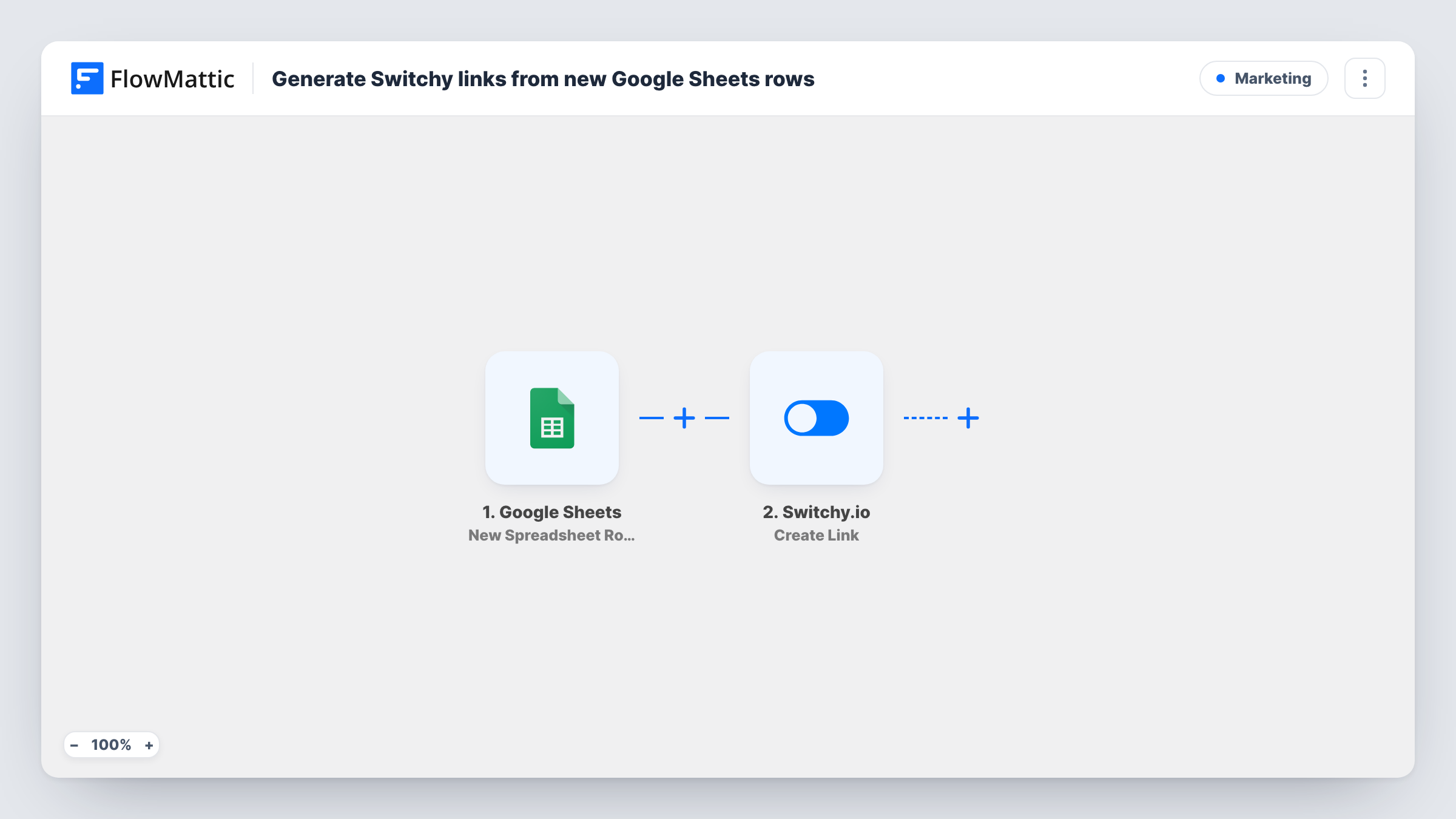
What this workflow does
Building short links one at a time in a dashboard gets slow when a campaign needs dozens of them. Many teams already plan their URLs in a spreadsheet. This workflow turns each new row of that sheet into a Switchy link.
The Google Sheets trigger, New Spreadsheet Row, fires when a row is added to the spreadsheet you connect. FlowMattic passes the row's cells to the next step. The Switchy.io step, Create Link, then creates a new link in your Switchy account. You map the column that holds the destination URL into it, along with any other columns you want to use for the link.
As imported, the new short link stays in Switchy. The workflow doesn't write it anywhere else, so add a step if you want the link sent to someone or recorded outside Switchy. Task History lists each run with the data Switchy sent back, which helps when a row produces no link.
Campaign link planning
A marketer lists each landing page for a launch in a sheet, one row per channel. Every row added becomes a Switchy link ready to use in posts and ads.
Links for printed material
Add a row for each URL that will appear on flyers or packaging, and Switchy holds a short version of each one.
Shared link requests from a team
Colleagues add the pages they need links for to a shared spreadsheet, and the links appear in your Switchy account without you building them by hand.
How this workflow runs
What happens at each step once the workflow is on, and what you need before you import it.
 Google Sheets New Spreadsheet Row
Starts a run for every row appended to your chosen Google Sheets spreadsheet. Each cell in the row becomes data you can map into Switchy.
- Switchy.io Create Link
Creates a new link in your Switchy account. Map the sheet column that holds the destination URL, plus any other columns you want to use, and connect Switchy on import.
What you need
- FlowMatticCore
- Google Sheets AccountAccount
- Switchy.io AccountAccount
After importing, map your own data. To keep the template universal, not every step is pre-filled. Open each step in the builder and connect your accounts and fields (channels, lists, sheets, recipients) before you switch the workflow on.
Make it yours
Changes worth making after you import it.
- Add a test row with a real URL after import so FlowMattic captures the sheet's columns, then map the URL column into the Switchy step.
- Add a Filter after the trigger that continues only when the URL column is not empty, so half-filled rows don't produce failed Switchy runs.
- To share each new link, add a Slack or email step after Switchy and map the short link that Switchy returns into the message.
Questions about this workflow
Does the Switchy short link get written back into my Google Sheets row?
Not as imported. The link is created in your Switchy account only. You can add a step after Switchy to send the link to a person or a separate place.
Will rows already in the sheet be turned into Switchy links?
No. The trigger fires for rows added after the workflow is on. Existing rows don't start a run and get no link.
What happens if a Google Sheets row has no URL?
The Switchy step still runs with an empty value, and Switchy will likely return an error. Task History shows that response on the Switchy step. A Filter on the URL column avoids this.
Do I need a Switchy.io account to use this workflow?
Yes. Links are created through your own Switchy account, which you connect when you import the workflow.
More Marketing workflows
Other ready-to-import templates from the same category.






Import this workflow into your WordPress site
Download the JSON, import it from the Workflows screen and connect your accounts. Every run stays on your server, with no per-task fees.
30-day money-back guarantee Unlimited workflows and runs Self-hosted