

Create short links in Pxl for new WordPress posts
When you publish a new WordPress post, this workflow asks Pxl to create a short link for it, so every article has a Pxl link waiting in your account for sharing on social, in email or in ads.
 WordPress
 Pxl
2 steps Setup ~5 min Used on 1.9k sites Free to import
What this workflow does
Sharing a new article usually starts with making a short link for it. Done by hand, that is one more chore after every post, and it is the one that gets forgotten. This workflow makes the Pxl link as soon as the post goes live.
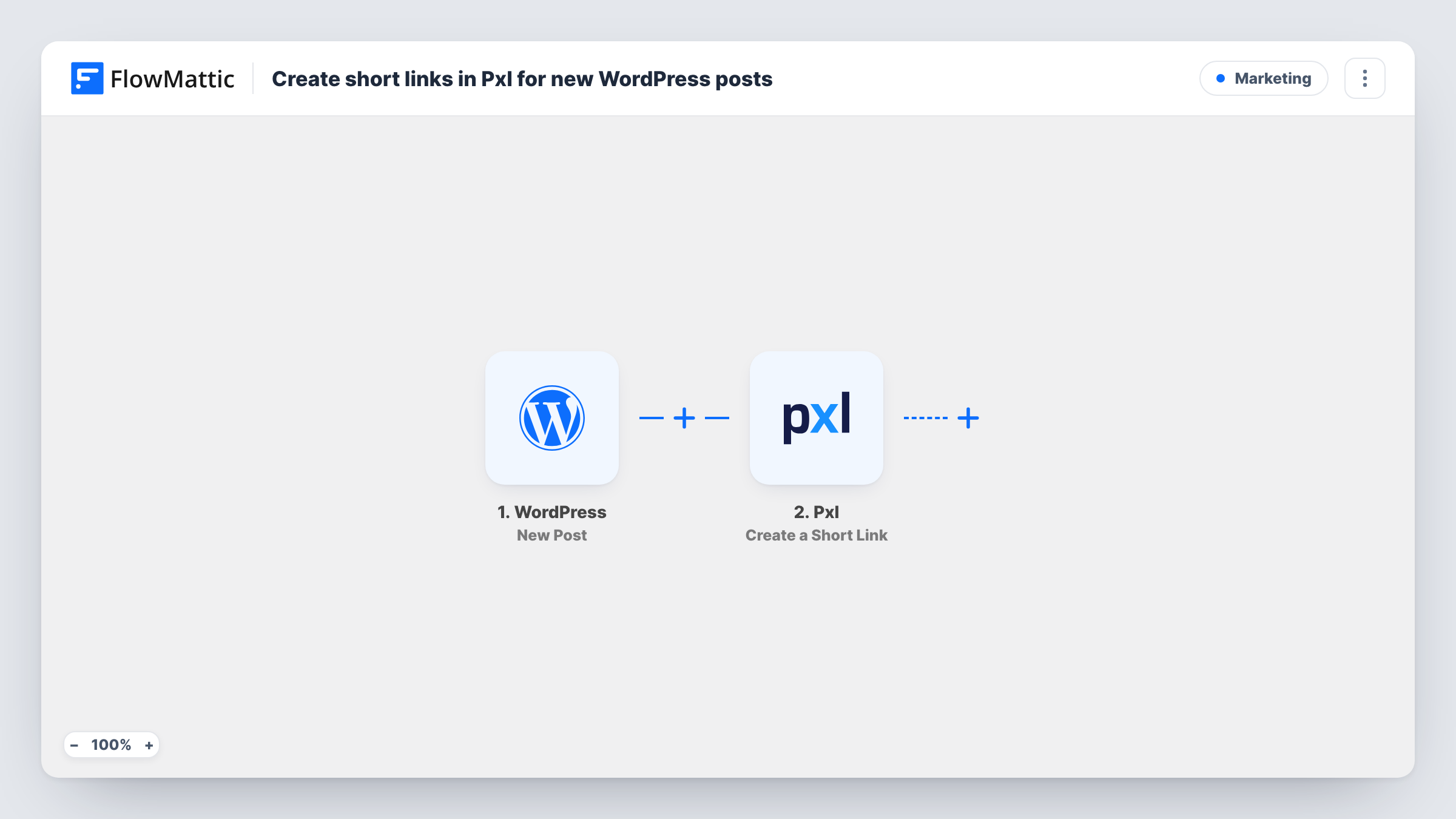
The WordPress trigger fires when a new post is published on your site and passes the post's details to FlowMattic, including its permalink. The second step runs Create a Short Link in Pxl. You map the post URL in as the address to shorten, along with any other post detail the step can use.
As imported, the link is created in your Pxl account and the workflow ends there. It is not written back to the post or posted anywhere else. If you want the link in front of your team or saved next to the article, add one more action after Pxl and map the short link from its response. Task History records each run, so you can see the link Pxl returned for every post.
Ready links for social scheduling
Your social manager opens Pxl after each publish and finds the new article's short link already there, ready to paste into scheduled posts.
Retargeting from editorial content
If you add retargeting pixels to your links in Pxl, every new blog post gets a link you can share in places where you want to build audiences from readers.
Newsletter roundups
When you write a weekly email, the short links for that week's posts are already in Pxl, so you pick them up instead of creating each one.
How this workflow runs
What happens at each step once the workflow is on, and what you need before you import it.
 WordPress New Post
Starts the run each time a post goes live on your WordPress site. Details of that post, such as its title and permalink, are handed to the Pxl step.
- Pxl Create a Short Link
Creates a short link in your Pxl account. Connect Pxl and map the post's permalink in as the address to shorten. Use a test run to see which other details the step accepts.
What you need
- FlowMatticCore
- Pxl AccountAccount
After importing, map your own data. To keep the template universal, not every step is pre-filled. Open each step in the builder and connect your accounts and fields (channels, lists, sheets, recipients) before you switch the workflow on.
Make it yours
Changes worth making after you import it.
- Add a Slack or email step after Pxl and map the short link from Pxl's response, so the person who shares posts receives it right away.
- Add a Filter after the trigger if only some posts need a short link. Run a test publish first, then build the condition on a post detail the trigger passes.
- Log each post title and its short link in a Google Sheets row with an extra step, so you have one list of every link created.
Questions about this workflow
Where does the Pxl short link end up?
In your Pxl account. The template does not add it to the WordPress post or send it anywhere else. Add a step after Pxl if you want it delivered or stored.
Does editing an old WordPress post create a new Pxl link?
No. The trigger fires when a new post is published, not when an existing post is updated.
Do I need a Pxl account to use this WordPress workflow?
Yes. The short link is created through your Pxl account, which you connect in the second step after import.
Will posts I published before importing get Pxl links?
No. Only posts published after the workflow is turned on start a run, so older articles need links made in Pxl directly.
More Marketing workflows
Other ready-to-import templates from the same category.





Import this workflow into your WordPress site
Download the JSON, import it from the Workflows screen and connect your accounts. Every run stays on your server, with no per-task fees.
30-day money-back guarantee Unlimited workflows and runs Self-hosted