

Get Slack notifications for new Eventbrite registrations
Each time someone registers for your Eventbrite event by placing an order, FlowMattic posts a message in the Slack channel you choose, so organisers and hosts see sign-ups as they come in.
 Eventbrite
 Slack
2 steps Setup ~5 min Used on 2.2k sites Free to import
What this workflow does
Event teams like to know who is coming without refreshing the Eventbrite dashboard. This workflow drops a short note into Slack for each registration, so hosts, speakers and the people at the door can follow numbers and names in the channel they already use.
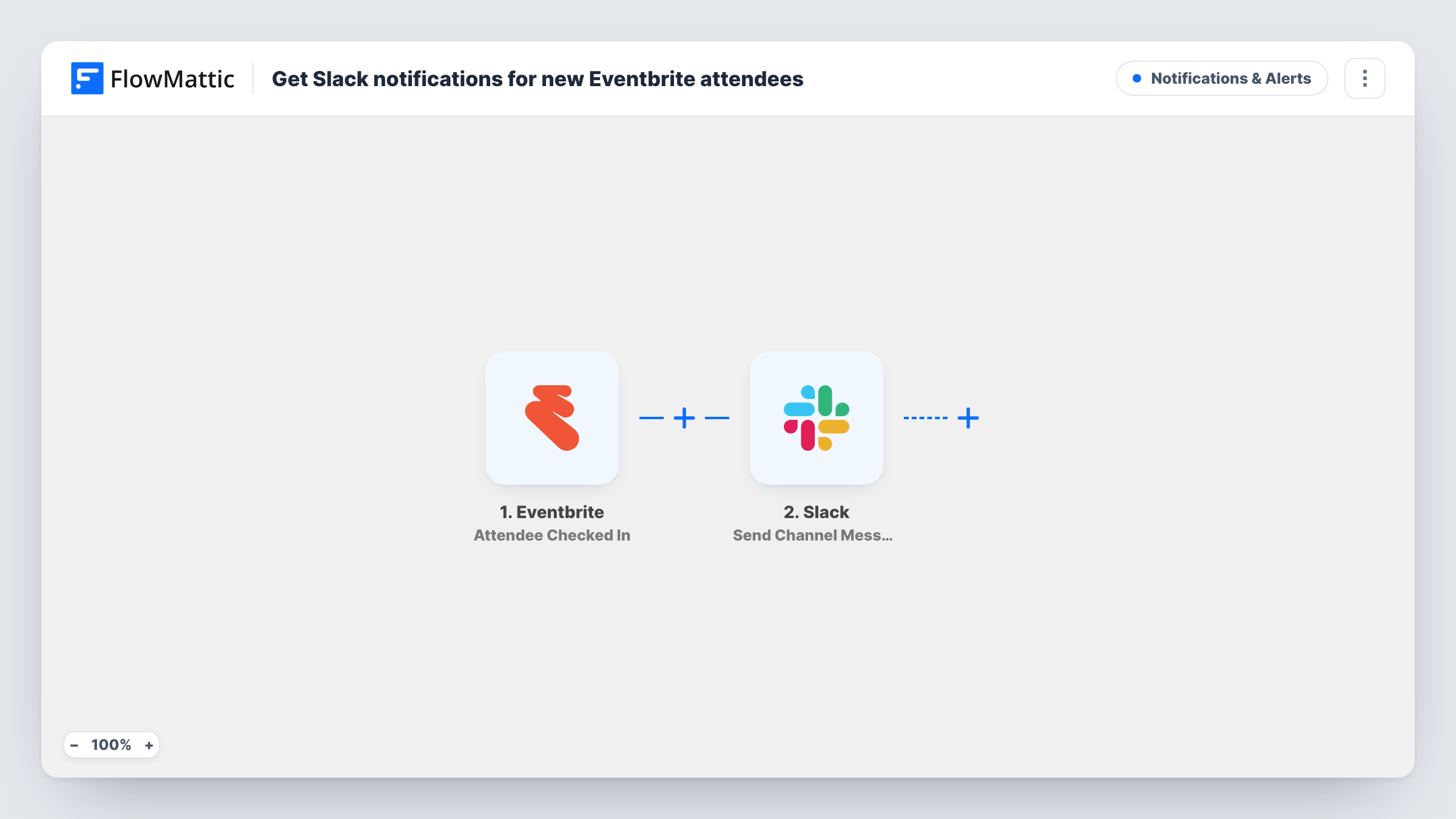
On Eventbrite a registration is an order, even for free tickets, so the Eventbrite Order Placed trigger is the one that starts each run. FlowMattic receives the order details, such as the buyer's name, the event and the ticket information. A group booking is one order, so it produces one message, not one per ticket.
The Slack step then publishes the alert in a channel. You set it up from scratch after import: connect your workspace, pick the channel and write the message, adding Eventbrite fields like the attendee's name and the event title. A test order on a hidden ticket type shows you which fields arrive.
The action posts to public channels. If your event team works in a private channel, swap in Slack's Send Private Channel Message, and use Send Direct Message to notify a single organiser.
Live sign-up count for a launch event
A startup hosting a product launch watches registrations arrive in an #event channel and decides when to open more seats.
Speaker and host awareness
A meetup organiser lets the evening's speakers follow the channel, so they know roughly who is coming before they arrive.
Front desk preparation
A venue's door staff check a Slack channel during the day to see late registrations before they print the guest list.
How this workflow runs
What happens at each step once the workflow is on, and what you need before you import it.
 Eventbrite Order Placed
Fires when an order is placed on Eventbrite, which is how a registration is recorded. One order, including group bookings, starts one run with the buyer and event details.
- Slack Send Channel Message
Puts the registration alert in a public Slack channel. The step is unmapped as shipped, so choose the channel and write the message with the Eventbrite details your team wants to see.
What you need
- FlowMatticCore
- Eventbrite AccountAccount
- Slack AccountAccount
After importing, map your own data. To keep the template universal, not every step is pre-filled. Open each step in the builder and connect your accounts and fields (channels, lists, sheets, recipients) before you switch the workflow on.
Make it yours
Changes worth making after you import it.
- Include the event name in the message if you run several events from one Eventbrite account, so the team can tell the sign-ups apart.
- Set up a second workflow on Eventbrite's Order Refunded trigger that posts to the same channel, so cancellations show up next to sign-ups.
- For one channel per event, copy the workflow per event, put a Filter on the event ID between the Eventbrite trigger and the Slack step, and point each copy at its own channel.
Questions about this workflow
Do free Eventbrite registrations trigger the Slack alert?
They should, since Eventbrite records free registrations as orders and the trigger is Order Placed. Make a test registration on a free ticket and confirm the message arrives.
Does a group booking post one Slack message per ticket?
No. The trigger fires once per order, so a booking for four people produces a single message about the buyer and the order.
Can the alert mention a teammate in Slack?
You can add a Slack mention to the message text you write in the step. Use the person's member ID in Slack's mention format so it becomes a real mention.
More Notifications & Alerts workflows
Other ready-to-import templates from the same category.



Import this workflow into your WordPress site
Download the JSON, import it from the Workflows screen and connect your accounts. Every run stays on your server, with no per-task fees.
30-day money-back guarantee Unlimited workflows and runs Self-hosted