

Get Zoho Recruit candidate lists for new positions created in Google Sheets
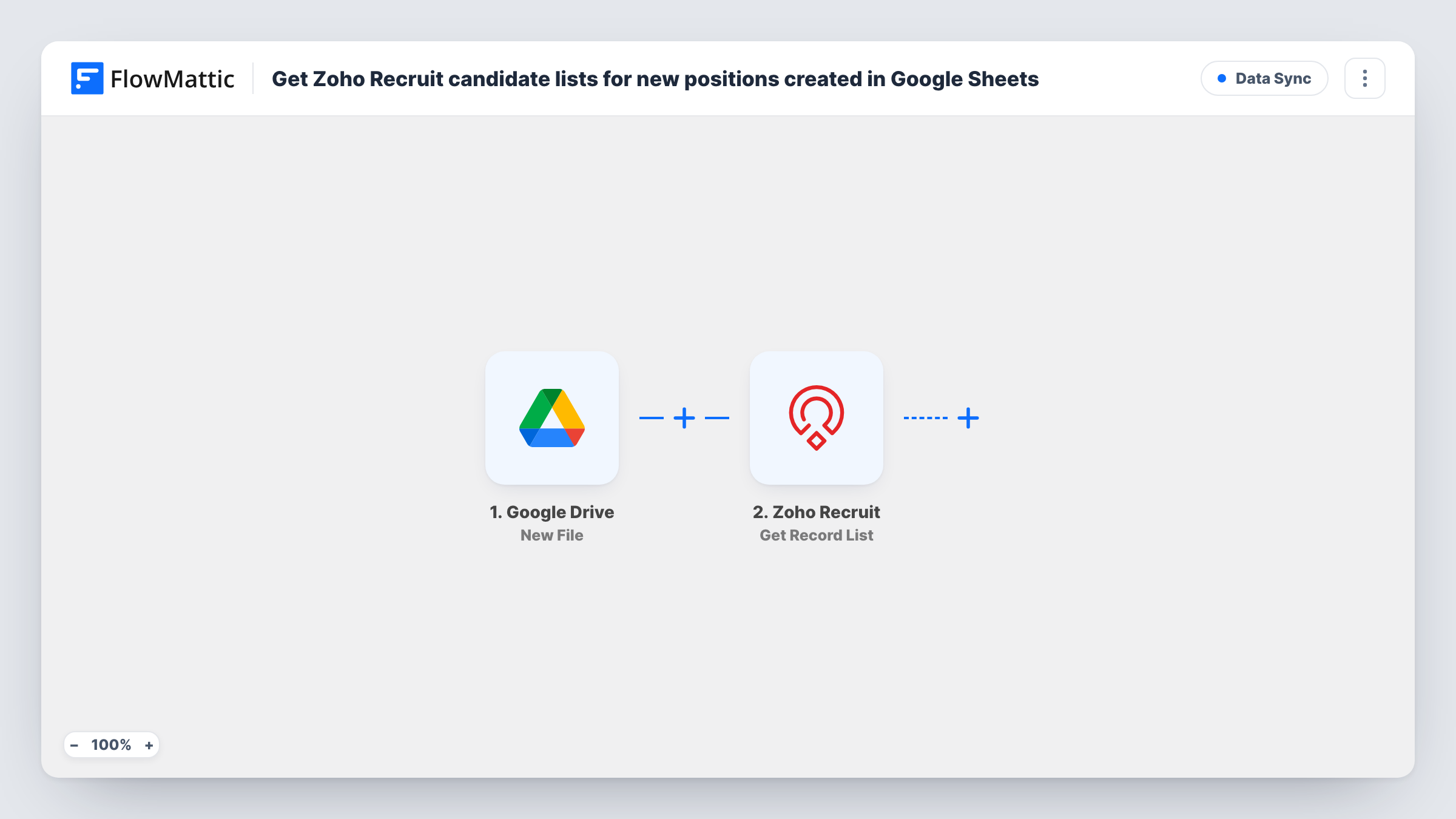
When you add a new position as a row in Google Sheets, FlowMattic pulls a list of records from the Zoho Recruit module you choose, such as Candidates, ready for a step you add next.
 Google Sheets
 Zoho Recruit
2 steps Setup ~5 min Used on 2.2k sites Free to import
What this workflow does
Hiring teams often draft new positions in a shared Google Sheet before they reach the applicant tracking system. This template connects that sheet to Zoho Recruit: each new position row fetches a list of records from Recruit, which you can then pass on to the people deciding who to approach.
The Google Sheets trigger fires when a new row is added to the spreadsheet you pick, and passes the row's columns on. The Zoho Recruit step then retrieves a list of records from a module. It ships unmapped, so after import you connect your Zoho account and choose the module, usually Candidates.
Keep two points in mind. First, the step only reads: it fetches the list and nothing else uses it. Add a step that does something with the result, for example an email to the hiring manager. Second, the list is not narrowed to the position in the row. Every new row returns records from the module, not candidates matched to that job.
If you want candidates that fit the position, swap in Zoho Recruit's Search Record action, which retrieves records that match search criteria, and build the criteria from the row's columns. Task History shows what Recruit returned on each run.
Candidate pool for a new opening
A recruiter adds a row for each approved position. The workflow pulls the current candidate list from Zoho Recruit so it can be sent on to the hiring manager.
Starting point for a matching search
A team imports the template, then replaces the list step with Search Record so a new Sales row looks up candidates whose skills match.
Checking the talent pool before advertising
An HR lead wants to see who is already in Zoho Recruit each time a position is planned, before paying to post the job elsewhere.
How this workflow runs
What happens at each step once the workflow is on, and what you need before you import it.
 Google Sheets New Spreadsheet Row
Starts a run when a position row is added to the spreadsheet and sheet you select. That row's columns, such as job title and department, are passed on to the next step.
- Zoho Recruit Get Record List
Retrieves a list of records from a Zoho Recruit module. It ships unmapped: pick the module, such as Candidates. As imported it only reads, and the list isn't filtered by the position in the row.
What you need
- FlowMatticCore
- Google Sheets AccountAccount
- Zoho Recruit AccountAccount
After importing, map your own data. To keep the template universal, not every step is pre-filled. Open each step in the builder and connect your accounts and fields (channels, lists, sheets, recipients) before you switch the workflow on.
Make it yours
Changes worth making after you import it.
- Replace Get Record List with Zoho Recruit's Search Record action and build the criteria from the position's columns, such as job title or skill, to get candidates that fit the row.
- Add an Email or Gmail step after the Zoho Recruit step that sends the result to the hiring manager named in the sheet, so the list reaches someone.
- Don't log the result back into the same spreadsheet, since a new row there starts another run. Use a separate sheet if you want a record.
Questions about this workflow
Does Zoho Recruit return candidates matched to the new position?
Not as imported. Get Record List returns records from the module you pick without using the row's details. For matched candidates, switch to Search Record and set its criteria from the sheet's columns.
Where does the Zoho Recruit candidate list go?
Nowhere yet. The template ends after fetching it. Add an action that uses the result, such as an email, a Slack message or a row in a different sheet.
Do positions already in the Google Sheet start a run?
The trigger is for new rows added to the spreadsheet. Run a test with a fresh row and check Task History to see what the trigger picked up.
More Data Sync workflows
Other ready-to-import templates from the same category.






Import this workflow into your WordPress site
Download the JSON, import it from the Workflows screen and connect your accounts. Every run stays on your server, with no per-task fees.
30-day money-back guarantee Unlimited workflows and runs Self-hosted