

Log Appcues NPS scores in a Google Sheets spreadsheet for analysis
Every NPS score a user gives in Appcues is written to a new row in Google Sheets, so you can chart scores over time, compare segments and share the raw data with people who don’t use Appcues.
 Appcues
 Google Sheets
2 steps Setup ~5 min Used on 1.5k sites Free to import
What this workflow does
Appcues collects Net Promoter Score responses inside your product, but analysis often happens elsewhere. Product managers want to chart scores by month, join them with account data or hand them to someone who has no Appcues login. This workflow puts every score into a Google Sheet as it comes in.
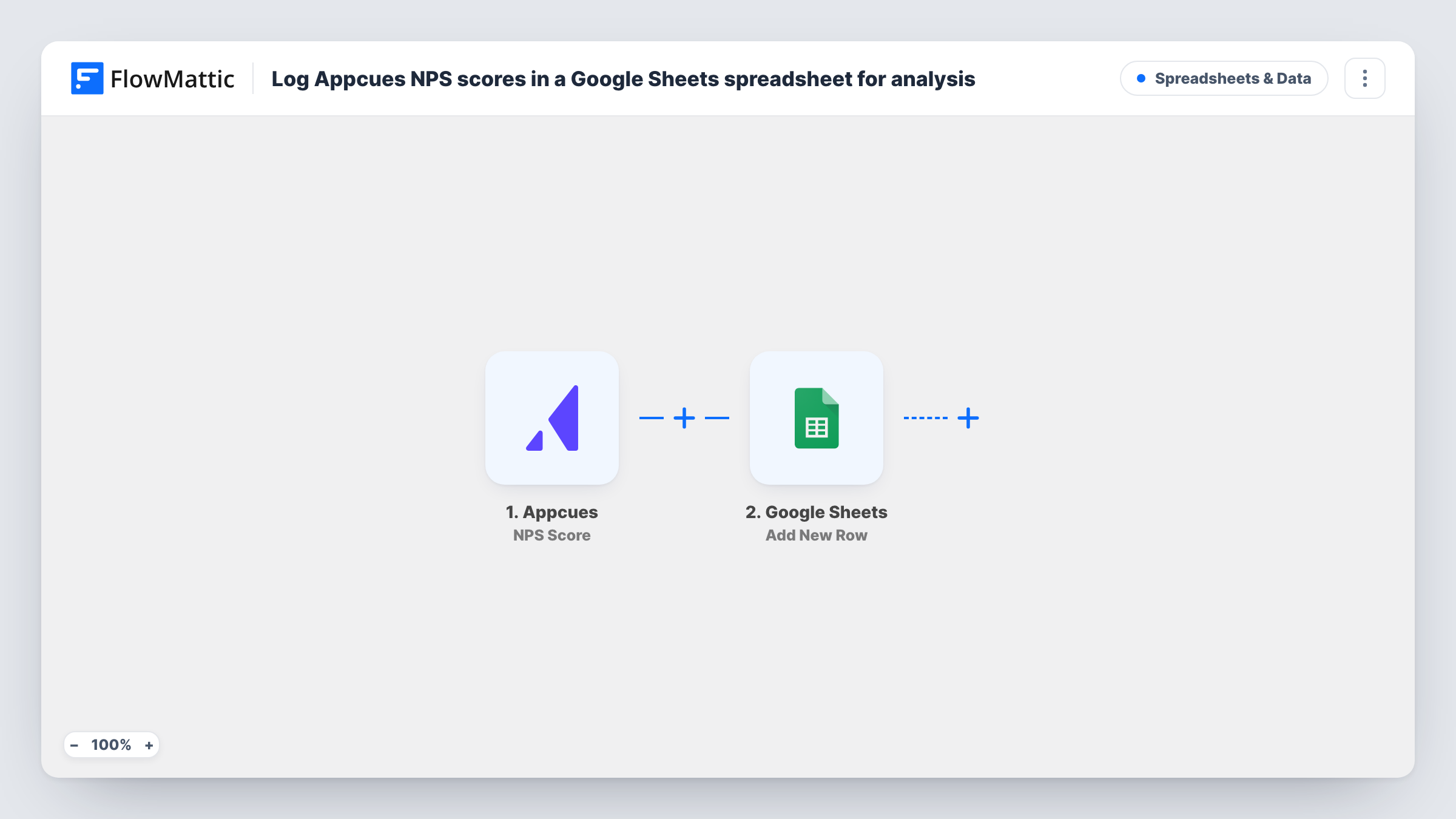
The Appcues trigger fires on the NPS Score event and passes the response data to FlowMattic. The Add New Row step in Google Sheets then writes the values you map, such as the score and the user it came from, into a new row.
One response becomes one row, so the sheet grows into a full history you can sort, filter and pivot. Appcues keeps its own record as before. Task History lists each score that started a run, which helps when you check the sheet against Appcues.
Monthly NPS trend chart
A product manager builds a chart on top of the sheet that shows the average score per month, without exporting from Appcues each time.
Scores next to account data
Customer success adds a lookup column that pulls each user's plan or account owner from another tab, so scores can be read by segment.
Sharing results with leadership
Executives who never open Appcues get a view-only link to the sheet and see every score as it arrives.
How this workflow runs
What happens at each step once the workflow is on, and what you need before you import it.
 Appcues NPS Score
Starts when a user submits an NPS score in Appcues. The response data that Appcues sends, such as the score and user details, is passed on for mapping.
- Google Sheets Add New Row
Adds the NPS response to a new row in your Google Sheets spreadsheet. Map the score, user and date to columns and connect your Google account.
What you need
- FlowMatticCore
- Appcues AccountAccount
- Google Sheets AccountAccount
After importing, map your own data. To keep the template universal, not every step is pre-filled. Open each step in the builder and connect your accounts and fields (channels, lists, sheets, recipients) before you switch the workflow on.
Make it yours
Changes worth making after you import it.
- Add header cells for score, user ID and date to the sheet before import, so each one shows up as a column to map in the step.
- Pair it with a workflow on Appcues' NPS Feedback event, so written comments are captured as well as scores.
- Add a Filter after the trigger that continues only when the score is less than 7 if you want a second sheet of detractors. A blank score counts as 0 and passes that check.
Questions about this workflow
Are NPS scores collected before import added to the sheet?
No. Only scores submitted after you switch the workflow on reach Google Sheets. Export older responses from Appcues.
Is the written NPS comment included with the Appcues score?
This template uses the NPS Score event. Check a test run to see what it carries. For comments, Appcues has a separate NPS Feedback event you can use in another workflow.
Does the sheet calculate the NPS for me?
No. The workflow adds raw rows. Add formulas in the sheet that take the percentage of promoters (9 or 10) and subtract the percentage of detractors (0 to 6).
More Spreadsheets & Data workflows
Other ready-to-import templates from the same category.




Import this workflow into your WordPress site
Download the JSON, import it from the Workflows screen and connect your accounts. Every run stays on your server, with no per-task fees.
30-day money-back guarantee Unlimited workflows and runs Self-hosted