

Log each new Conversus.pro application in a Google Sheets spreadsheet
Each new job application that Conversus.pro sends to FlowMattic is added as a row in the Google Sheets spreadsheet you pick, giving your hiring team one shared list of candidates to sort and comment on.
 Conversus.pro
 Google Sheets
2 steps Setup ~5 min Used on 1.7k sites Free to import
What this workflow does
Applications in Conversus.pro are easy to review one at a time, but harder to compare side by side or share with a hiring manager who doesn't use the tool. A spreadsheet solves both. This workflow writes each new application into Google Sheets as it comes in.
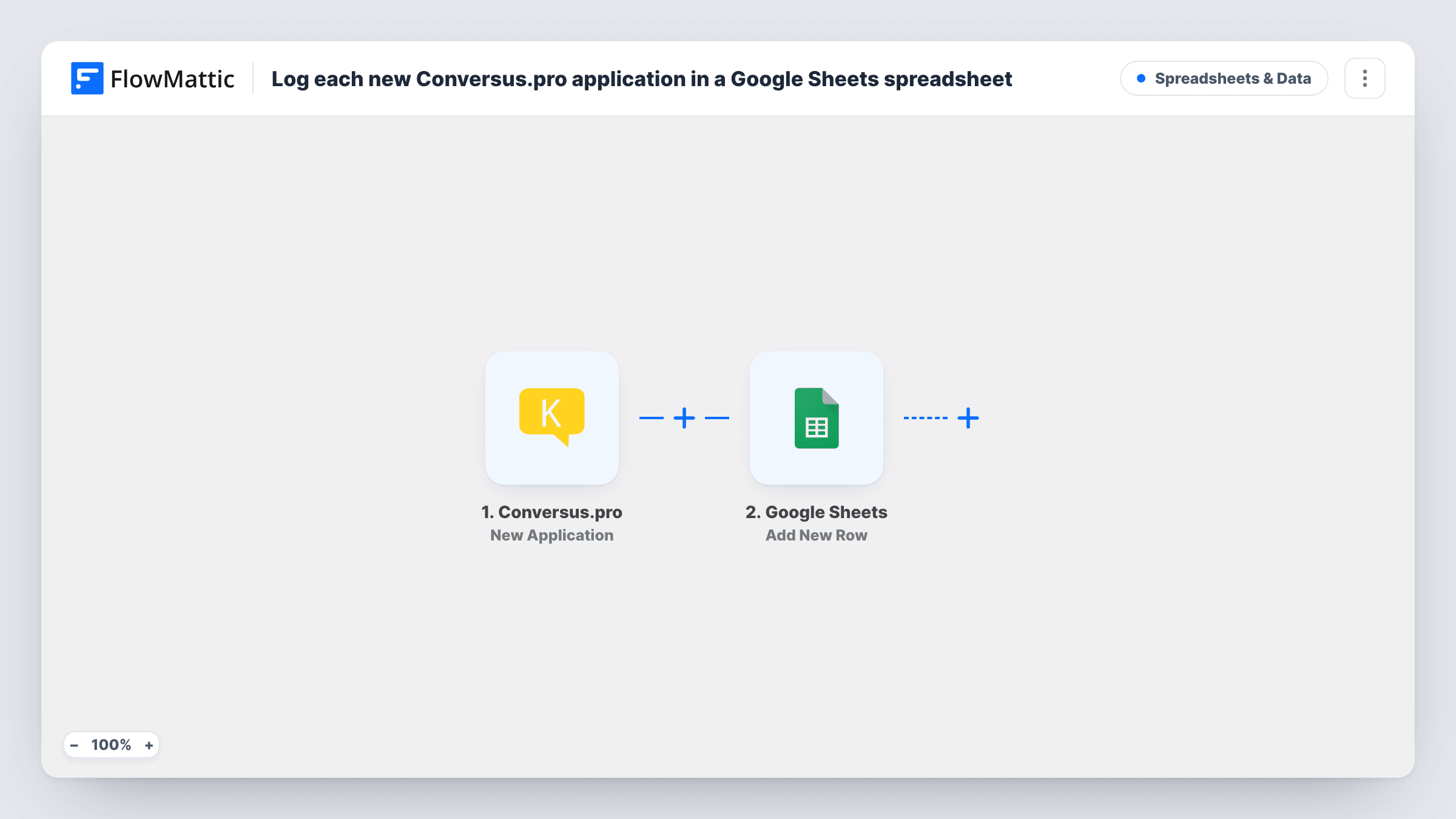
The Conversus.pro trigger works through a URL: Conversus.pro sends data about each new application to the address the trigger gives you, and FlowMattic receives it. The Google Sheets step then runs Add New Row in the spreadsheet you choose, with the application data mapped to your columns.
Every application adds one row, so the sheet becomes a running record you can sort and filter and annotate with your own columns for status or notes. The workflow only adds rows; it never edits or removes rows already in the sheet. Task History shows each application FlowMattic received and the row it wrote.
Sharing candidates with hiring managers
Managers who never log in to Conversus.pro open a shared Google Sheet to see every applicant for their role and add a comment column of their own.
Weekly hiring review
Sort the sheet by date before your weekly meeting to see who applied since the last review and how the pipeline is filling up.
Agency reporting to a client
A recruiting agency logs applications from Conversus.pro into a sheet shared with the client, so the client sees candidate flow without access to the agency's tools.
How this workflow runs
What happens at each step once the workflow is on, and what you need before you import it.
 Conversus.pro New Application
Fires when Conversus.pro sends data about a new application to the URL this trigger provides. The application details become fields you can map into the sheet.
- Google Sheets Add New Row
Adds one row per application to the Google Sheets spreadsheet you select. Connect your Google account, then map each application detail to a column header.
What you need
- FlowMatticCore
- Conversus.pro AccountAccount
- Google Sheets AccountAccount
After importing, map your own data. To keep the template universal, not every step is pre-filled. Open each step in the builder and connect your accounts and fields (channels, lists, sheets, recipients) before you switch the workflow on.
Make it yours
Changes worth making after you import it.
- Set up your sheet's header row before you map the step, with one column per application detail you want, plus empty columns for your own status and notes.
- If the application data names the job, add a Filter after the trigger that continues only for one opening, and duplicate the workflow for each opening so every role gets its own sheet.
- Add a Slack or email step after Google Sheets so the hiring manager hears about each new application along with a link to the sheet.
Questions about this workflow
How does Conversus.pro send applications to FlowMattic?
The trigger gives you a URL. Conversus.pro sends the new application's data to that URL, and FlowMattic starts a run each time it arrives. Send one test application after setting it up so the fields appear for mapping.
Which Conversus.pro application details end up in the sheet?
The ones you map. FlowMattic can only use what Conversus.pro sends with the application, so check a test run to see the available fields before you design your columns.
Are past Conversus.pro applications added to Google Sheets?
No. The workflow logs applications that arrive after it is switched on. Anything submitted earlier stays in Conversus.pro and has to be added to the sheet by hand.
Will my notes in the sheet be overwritten?
No. Add New Row only appends rows. Columns you add yourself, such as status or interview notes, stay as you leave them.
More Spreadsheets & Data workflows
Other ready-to-import templates from the same category.




Import this workflow into your WordPress site
Download the JSON, import it from the Workflows screen and connect your accounts. Every run stays on your server, with no per-task fees.
30-day money-back guarantee Unlimited workflows and runs Self-hosted