

Log each new Gong call in a Google Sheets spreadsheet
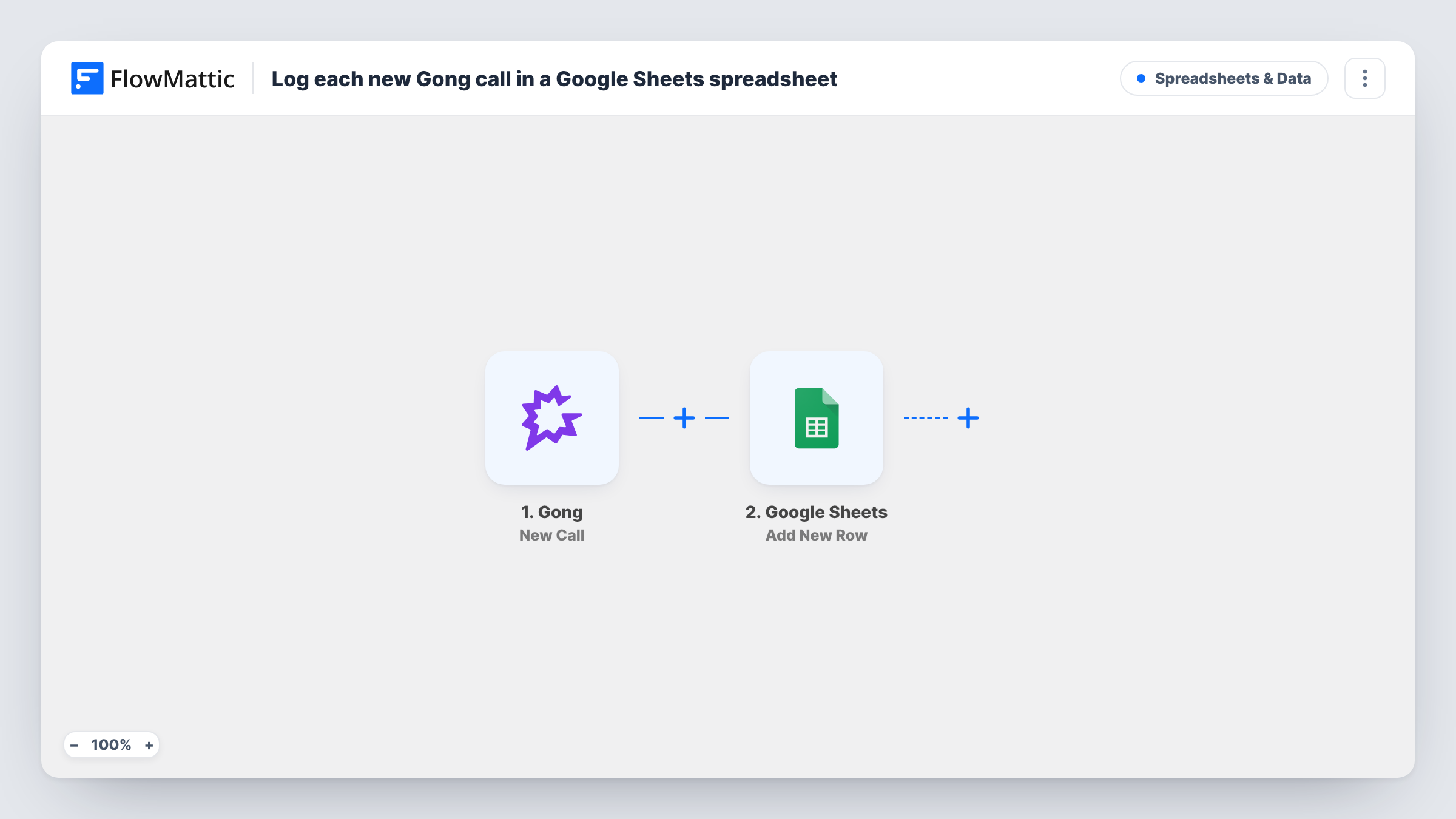
When Gong processes a new call, this workflow adds a row about it to a Google Sheets spreadsheet, giving your sales team a running log of recorded calls without opening Gong.
 Gong
Gong
 Google Sheets
2 steps Setup ~5 min Used on 1.5k sites Free to import
What this workflow does
Gong records and processes your sales calls, but not everyone who needs a view of call activity has a Gong seat or wants to open it. A spreadsheet log is easy to share, sort and chart. This workflow keeps that log filled as calls come through.
The Gong trigger runs when a new call has been processed in your Gong account. FlowMattic receives the call data Gong provides and sends it to Google Sheets, where the Add New Row action writes it to the spreadsheet you pick. You choose which call details go into which column.
Each processed call adds one row, so the sheet becomes a list of calls in the order Gong delivered them. The workflow reads from Gong and writes to the sheet; it changes nothing in Gong. Task History records each run if you need to trace a missing row.
Weekly call activity review
A sales manager sorts the sheet by rep and date before the Monday meeting to see how many recorded calls each person had.
Sharing call lists with people outside Gong
Marketing or product staff without Gong access read the shared sheet to see which accounts had calls recently.
Building your own call reports
With every call in Google Sheets, you can add pivot tables or charts by week or by team on top of the raw rows.
How this workflow runs
What happens at each step once the workflow is on, and what you need before you import it.
 Gong New Call
Fires when a new call is processed in your Gong account. The call's data is handed to the Google Sheets step for mapping.
- Google Sheets Add New Row
Writes one row per Gong call to the Google Sheets spreadsheet and worksheet you choose. Connect your Google account and map each call detail to a column.
What you need
- FlowMatticCore
- Gong AccountAccount
- Google Sheets AccountAccount
After importing, map your own data. To keep the template universal, not every step is pre-filled. Open each step in the builder and connect your accounts and fields (channels, lists, sheets, recipients) before you switch the workflow on.
Make it yours
Changes worth making after you import it.
- Set up the header row in Google Sheets first, with columns such as call title, date and owner, so the step shows them by name when you map.
- Add a Filter after the Gong trigger to log only calls that match a rule you set, such as calls whose title contains a word like demo.
- Let a Gong call arrive after import before you map anything. You can then see which fields Gong sends and choose the ones worth a column.
Questions about this workflow
Which Gong calls are added to the sheet?
Each call that Gong processes after the workflow is turned on. Calls processed before that are not added.
Does the Google Sheets log include the Gong call transcript?
The row holds only what the Gong trigger sends and what you map. Check a test run to see which call fields are available.
What if the same Gong call is processed again?
Each trigger event adds a new row. If a call ever comes through twice, you will see two rows and can remove one.
Do I need admin access in Gong?
You need a Gong account that can connect to FlowMattic and see the calls. Your Gong admin can confirm what your account allows.
More Spreadsheets & Data workflows
Other ready-to-import templates from the same category.



Import this workflow into your WordPress site
Download the JSON, import it from the Workflows screen and connect your accounts. Every run stays on your server, with no per-task fees.
30-day money-back guarantee Unlimited workflows and runs Self-hosted