

Log each new Hibob employee in a Google Sheets spreadsheet
Every time an employee record is created in Hibob, this workflow adds a row to a Google Sheets spreadsheet with the details you map, giving HR, IT or finance a running list of new hires outside the HR system.
 Hibob
Hibob
 Google Sheets
2 steps Setup ~5 min Used on 1.4k sites Free to import
What this workflow does
Hibob holds your employee records, but plenty of people who need to know about new hires don't have access to it. IT preparing laptops, a finance team adding payroll lines, or a manager planning desks often work from a spreadsheet instead. This workflow keeps that sheet supplied with a row for each new person.
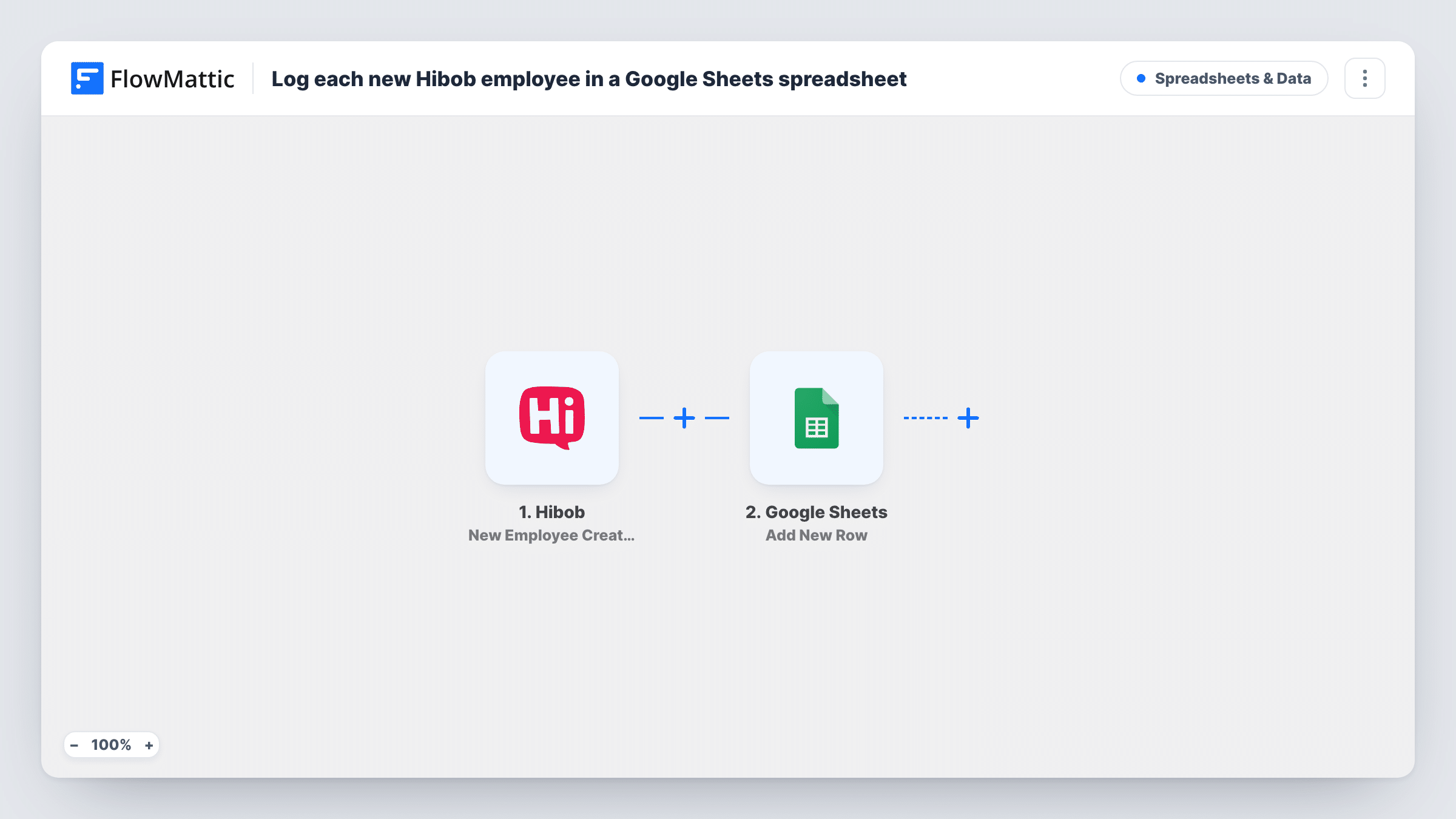
The Hibob trigger fires when a new employee is created in Bob. FlowMattic receives the employee data Hibob sends and runs Add New Row in Google Sheets. You decide which details go into which column, such as name, work email, department or start date, as far as Hibob includes them.
The flow fires on record creation, not on the start date, so a hire entered weeks ahead appears in the sheet straight away. Later edits in Hibob don't add rows, because updates are a separate trigger. You can review every run in Task History, including the values written to the sheet.
IT equipment and account setup
The IT team watches a shared sheet of new Hibob employees and ticks off laptop orders and account creation in extra columns next to each row.
Payroll preparation
A finance assistant who has no Hibob login sees new hires in Google Sheets and adds them to the next payroll run from that list.
Headcount reporting
An operations lead builds charts from the sheet to show how many records were created per department each month.
How this workflow runs
What happens at each step once the workflow is on, and what you need before you import it.
 Hibob New Employee Created
Fires when a new employee is created in Hibob. The employee data in that event becomes available for the spreadsheet columns.
- Google Sheets Add New Row
Adds a row to the Google Sheets spreadsheet and worksheet you pick. Map each column to a Hibob value and connect your Google account when you import the workflow.
What you need
- FlowMatticCore
- Hibob AccountAccount
- Google Sheets AccountAccount
After importing, map your own data. To keep the template universal, not every step is pre-filled. Open each step in the builder and connect your accounts and fields (channels, lists, sheets, recipients) before you switch the workflow on.
Make it yours
Changes worth making after you import it.
- Create a test employee in Hibob after import, then look at Task History to see exactly which fields Hibob sends before you map the sheet's columns.
- Want a row on each person's first day instead of when the record is created? Swap the trigger for Hibob's Employee Joined event, which fires when the start date has occurred.
- To log leavers as well, build a second workflow on Hibob's Employee Left trigger that writes to a different worksheet, so joiners and leavers stay in separate tabs.
Questions about this workflow
Does a row appear when a Hibob employee's start date arrives?
No. This template runs when the employee record is created. Hibob's Employee Joined trigger is the one tied to the start date, and you can swap it in.
Will changes to an employee in Hibob update their row in the sheet?
No. The workflow only adds rows for newly created employees. Edits made in Hibob afterwards don't touch the spreadsheet.
Are employees who were already in Hibob added to the Google Sheet?
No. Only records created after you turn the workflow on produce rows. Export your current list from Hibob if you want a starting set in the sheet.
Can I keep personal details out of the Google Sheet?
Yes. The sheet only receives the Hibob values you map to columns, so leave out anything that shouldn't sit in a shared spreadsheet.
More Spreadsheets & Data workflows
Other ready-to-import templates from the same category.




Import this workflow into your WordPress site
Download the JSON, import it from the Workflows screen and connect your accounts. Every run stays on your server, with no per-task fees.
30-day money-back guarantee Unlimited workflows and runs Self-hosted