

Log each new Sumsub applicant in an Airtable base
When a new applicant is created in Sumsub, this workflow creates a record for them in your Airtable base, so your team keeps one list of everyone who entered verification.
 Sumsub
 Airtable
2 steps Setup ~5 min Used on 3.3k sites Free to import
What this workflow does
Sumsub runs identity and KYC checks for your applicants. Your operations or compliance team may want its own list of who entered the process, with room for notes, owners or follow-up dates that Sumsub does not hold. This workflow starts that list in Airtable as each applicant is created.
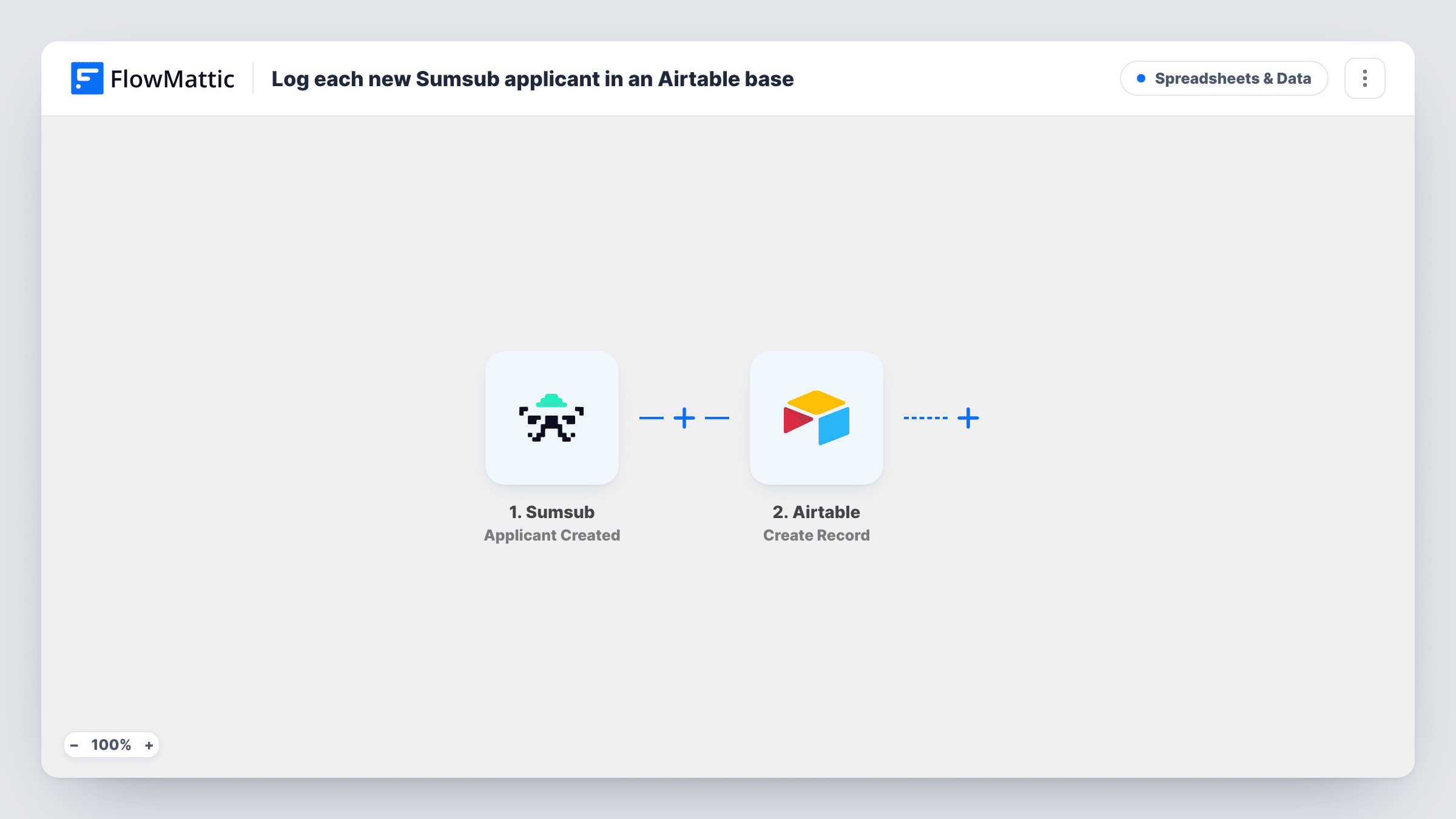
The Sumsub trigger fires when an applicant is created. FlowMattic receives the applicant data Sumsub sends and makes it available for mapping. The second step creates a record in Airtable, in the base and table you choose, with the applicant values you map to its fields.
Each new applicant adds one record. The record reflects the applicant at the moment of creation, so later review results do not update it unless you add another workflow. Applicant data can be sensitive, so map only the values your team needs. Create a test applicant after import to see what Sumsub sends, and use Task History to check each run.
Compliance team tracking reviews
Each new applicant appears in an Airtable table where reviewers assign an owner and add notes as they work through the checks.
Onboarding pipeline for a fintech product
Operations sees every applicant who started verification in an Airtable view and follows up with those who have not finished.
Reporting on sign-up volume
Records with a created date let you group applicants by week in Airtable and see how many entered verification.
How this workflow runs
What happens at each step once the workflow is on, and what you need before you import it.
 Sumsub Applicant Created
Runs when a new applicant is created in Sumsub. The applicant data Sumsub sends is passed on so you can map it into Airtable.
- Airtable Create Record
Creates a record in the Airtable base and table you choose for each new applicant. Map the Sumsub values to your fields and connect your Airtable account.
What you need
- FlowMatticCore
- Sumsub AccountAccount
- Airtable AccountAccount
After importing, map your own data. To keep the template universal, not every step is pre-filled. Open each step in the builder and connect your accounts and fields (channels, lists, sheets, recipients) before you switch the workflow on.
Make it yours
Changes worth making after you import it.
- Store the Sumsub applicant ID in its own Airtable field, so a later workflow can find this record when the applicant's review status changes.
- Add fields in Airtable that the workflow leaves empty, such as owner and notes, for your team to fill in by hand.
- Create a test applicant in Sumsub after import, so FlowMattic captures real applicant data before you map the Airtable fields.
Questions about this workflow
Does the Airtable record update when Sumsub finishes the check?
No. This workflow only runs when an applicant is created. To record review results, build a second workflow with a Sumsub review trigger that finds the record by applicant ID and updates it.
Which Sumsub applicant details can go into Airtable?
Whatever Sumsub includes with the Applicant Created event. Run a test and look at the captured data to see what is available, then map only what you need.
What if the same person is created as a Sumsub applicant twice?
Each creation event adds its own Airtable record. The step does not look for an existing record first.
Do I need an Airtable table set up before importing?
Yes. Create the base and table with the fields you want, then pick them in the Airtable step and map the Sumsub values.
More Spreadsheets & Data workflows
Other ready-to-import templates from the same category.




Import this workflow into your WordPress site
Download the JSON, import it from the Workflows screen and connect your accounts. Every run stays on your server, with no per-task fees.
30-day money-back guarantee Unlimited workflows and runs Self-hosted