

Log every finished BrowserStack build to a Google Sheets spreadsheet
Every time a BrowserStack build finishes processing, FlowMattic adds a row about it to your Google Sheets spreadsheet, building a history of builds you can sort and share.
 BrowserStack
 Google Sheets
2 steps Setup ~5 min Used on 471 sites Free to import
What this workflow does
BrowserStack keeps build results in its own dashboard, but release managers and clients often want a simple list they can filter, chart or paste into a report. This workflow keeps that list for you by writing every finished build into a spreadsheet.
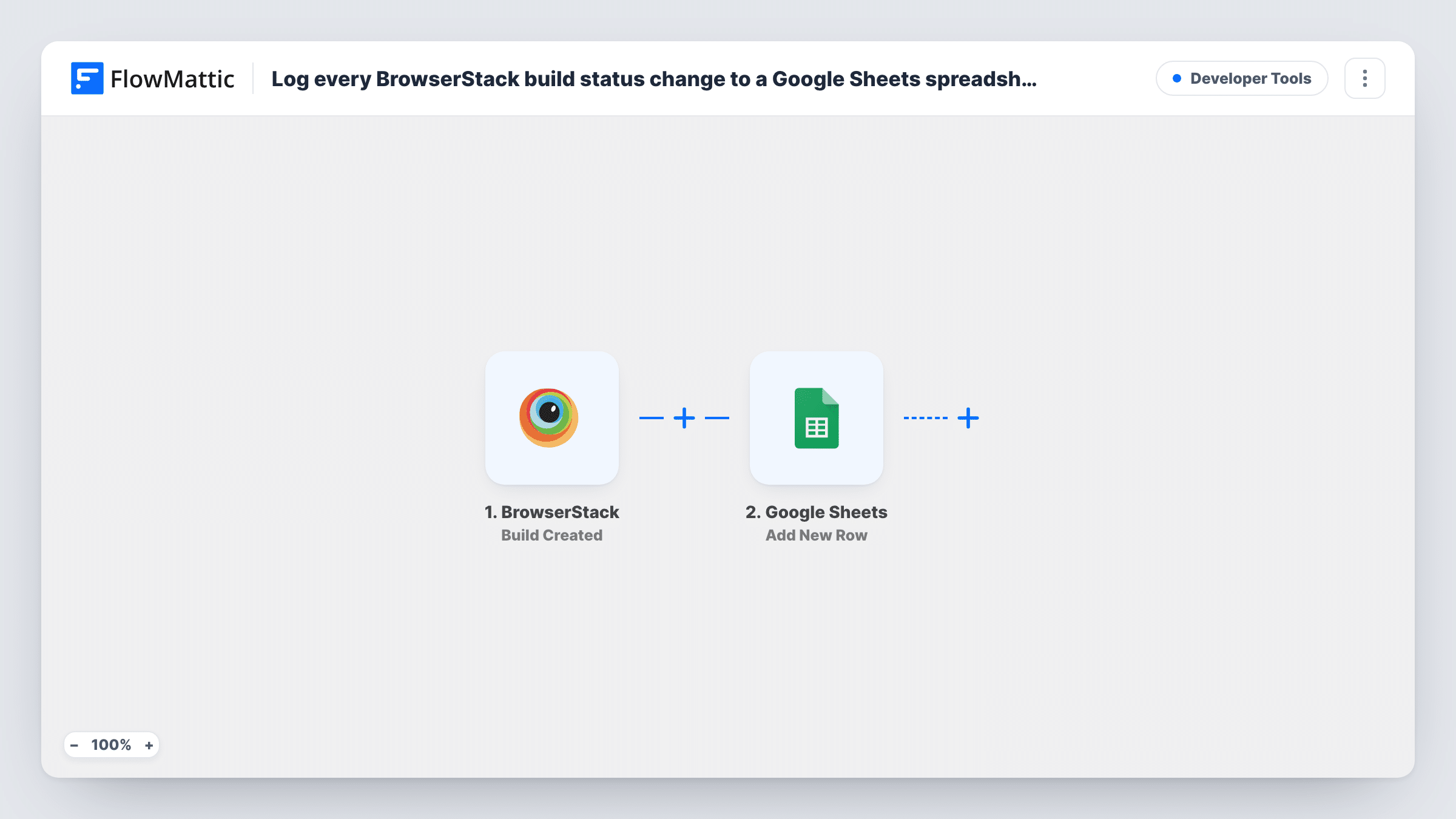
The BrowserStack trigger fires when a build has finished processing. Set up the webhook in BrowserStack for the project you want to log. The build's details, such as its ID, state and links, are passed on; run a build after import to see the exact fields.
The Google Sheets step adds one row per finished build. It ships unmapped: after import you connect Google, choose the spreadsheet and sheet, and map the build fields to your column headers. Columns for the build number, branch, finish time, review state and a link back to BrowserStack make a useful log.
Only finished builds are logged. Approvals and change requests have their own BrowserStack triggers, so each row reflects the build as it stood when processing ended.
Release history for a QA lead
A QA lead keeps a sheet of every finished BrowserStack build, sorted by date, to show which builds went out in each release.
Client reporting for an agency
An agency shares a spreadsheet with a client that lists each BrowserStack build on their site, with links to the results.
Spotting busy weeks
An engineering manager counts finished builds per week from the sheet to see how testing volume changes around launches.
How this workflow runs
What happens at each step once the workflow is on, and what you need before you import it.
 BrowserStack Build Finished
Starts a run as soon as BrowserStack reports that a build is done processing. The build's details, such as its ID, branch and state, are available to map into the spreadsheet.
- Google Sheets Add New Row
Writes one row per finished build to the spreadsheet and sheet you pick. Nothing is mapped in the template, so connect Google after import and match the BrowserStack fields to your columns.
What you need
- FlowMatticCore
- BrowserStack AccountAccount
- Google Sheets AccountAccount
After importing, map your own data. To keep the template universal, not every step is pre-filled. Open each step in the builder and connect your accounts and fields (channels, lists, sheets, recipients) before you switch the workflow on.
Make it yours
Changes worth making after you import it.
- Add a header row with the columns you want, such as build ID, branch, finished at and URL, before mapping the Google Sheets step.
- Set up a second workflow on BrowserStack's Build Approved trigger that writes to another tab, so you can see which finished builds were approved later.
- Map the build's web link into a column if the trigger sends one, so anyone reading the sheet can open the build in BrowserStack.
Questions about this workflow
Does the Google Sheets row show whether the BrowserStack build was approved?
No. The row is written when the build finishes processing, and later review decisions don't change it. Approvals and change requests have separate BrowserStack triggers you can log in other workflows.
Will each BrowserStack build create one row or several?
One row per finished build. Each finished build starts a single run, and the run adds a single row.
Which build details can I map into the sheet?
Any field the Build Finished trigger sends. Run a build after setting up the webhook and look at the trigger data in FlowMattic before mapping the columns.
More Developer Tools workflows
Other ready-to-import templates from the same category.






Import this workflow into your WordPress site
Download the JSON, import it from the Workflows screen and connect your accounts. Every run stays on your server, with no per-task fees.
30-day money-back guarantee Unlimited workflows and runs Self-hosted