

Log every new Funnelish order in a Google Sheets spreadsheet
Every new Funnelish order is written to a Google Sheets row, so you keep a running order log you can share with your team and use for reports outside the funnel builder.
 Funnelish
 Google Sheets
2 steps Setup ~5 min Used on 1.0k sites Free to import
What this workflow does
Funnels sell quickly, and the order data often needs to be somewhere else: a fulfilment partner's sheet, an accountant's spreadsheet or your own daily numbers. Downloading it on a schedule takes time you'd rather spend on the funnel. This workflow logs each order to Google Sheets as it comes in.
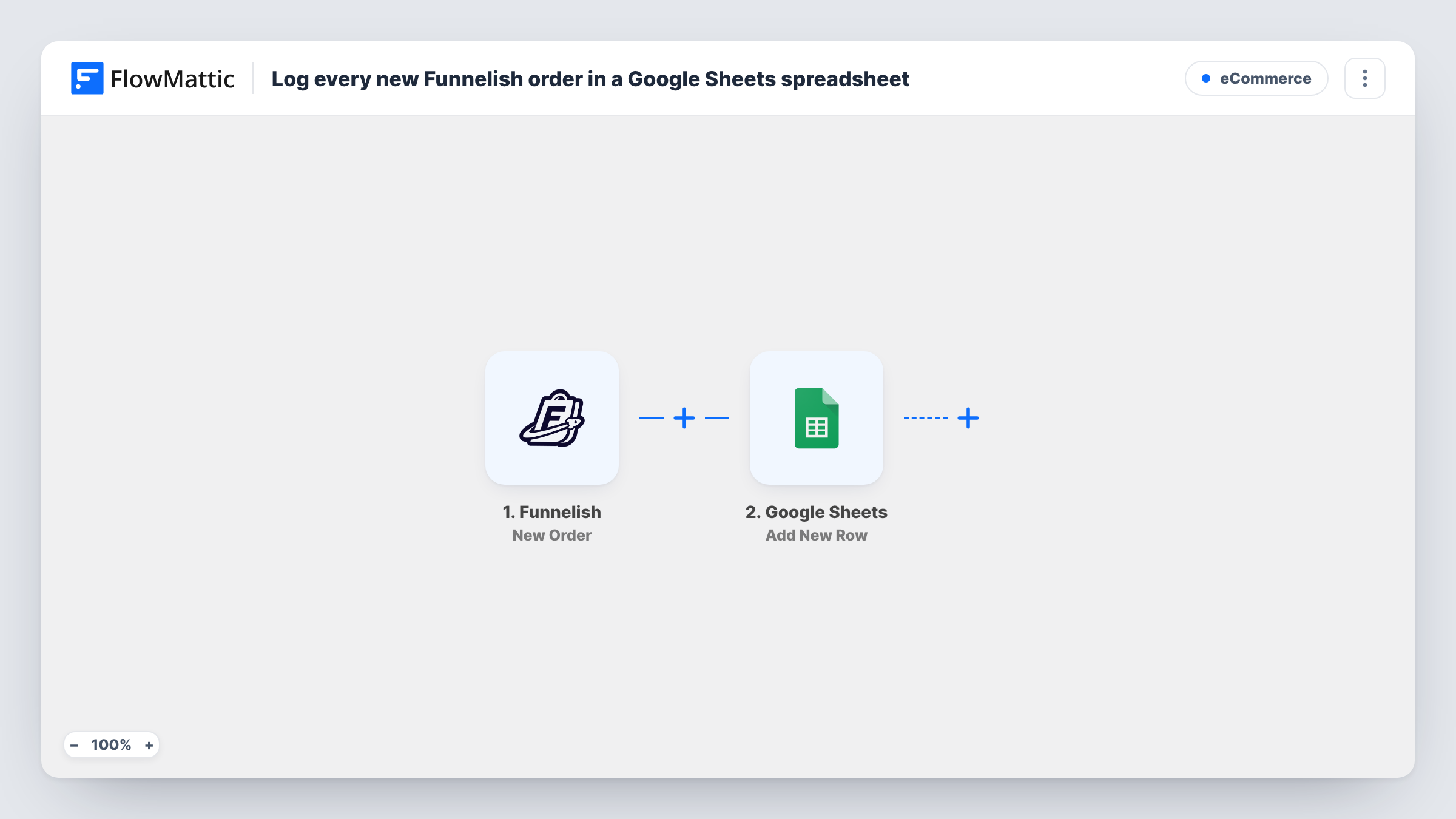
The Funnelish trigger fires when a new order is created. FlowMattic passes the order details to Google Sheets, where Add New Row writes them into the spreadsheet you choose. You pick which order values fill which columns, for example the customer's name, email, product and total.
Each order is written once, as a new row. The workflow doesn't update the row later, so refunds or changes in Funnelish don't show in the sheet. Task History lists every run, which helps you confirm an order reached the log.
Fulfilment partner sheet
A partner who ships your product reads the shared Google Sheet each morning and packs the orders listed since yesterday.
Daily revenue check
A formula over the total column adds up your Funnelish sales for whichever dates you pick.
Comparing funnels
If you run several Funnelish funnels, sorting the sheet by product shows which offer brought in the most orders this month.
How this workflow runs
What happens at each step once the workflow is on, and what you need before you import it.
 Funnelish New Order
Runs when a new order is created in Funnelish. The order details are passed on to the Google Sheets step for mapping.
- Google Sheets Add New Row
Writes the Funnelish order into a new row of your chosen spreadsheet. Connect your Google account and map order values to each column.
What you need
- FlowMatticCore
- Funnelish AccountAccount
- Google Sheets AccountAccount
After importing, map your own data. To keep the template universal, not every step is pre-filled. Open each step in the builder and connect your accounts and fields (channels, lists, sheets, recipients) before you switch the workflow on.
Make it yours
Changes worth making after you import it.
- Place a test order through your funnel after import so FlowMattic captures the order data, then finish the column mapping.
- Add a Filter after the trigger if you only want orders from one funnel or product in this sheet, and build a copy of the workflow for the others.
- Add a Slack Send Channel Message step after Google Sheets if your team also wants a message for each order.
Questions about this workflow
Are past Funnelish orders added to the sheet?
No. The trigger reacts to Funnelish orders placed while this workflow is switched on. Earlier orders need to be added to the sheet separately.
Does a Funnelish refund change the Google Sheets row?
No. The row is written when the order is created and isn't updated afterwards.
Can I choose which Funnelish order details go into the sheet?
Yes. You map each column in the Add New Row step from the values the New Order event provides.
More E-Commerce workflows
Other ready-to-import templates from the same category.





Import this workflow into your WordPress site
Download the JSON, import it from the Workflows screen and connect your accounts. Every run stays on your server, with no per-task fees.
30-day money-back guarantee Unlimited workflows and runs Self-hosted