

Log every new Gelato store product to a Google Sheets spreadsheet
Each time a store product is created in Gelato, FlowMattic adds a row to your Google Sheets spreadsheet with the product details you map, building a running list of everything you have added to your print-on-demand store.
 Gelato
 Google Sheets
2 steps Setup ~5 min Used on 3.0k sites Free to import
What this workflow does
Print-on-demand catalogs grow quickly. Once you have dozens of designs in Gelato, it gets hard to say what was added when, or to share the list with someone who has no Gelato login. A spreadsheet answers both, and this workflow keeps one filled in.
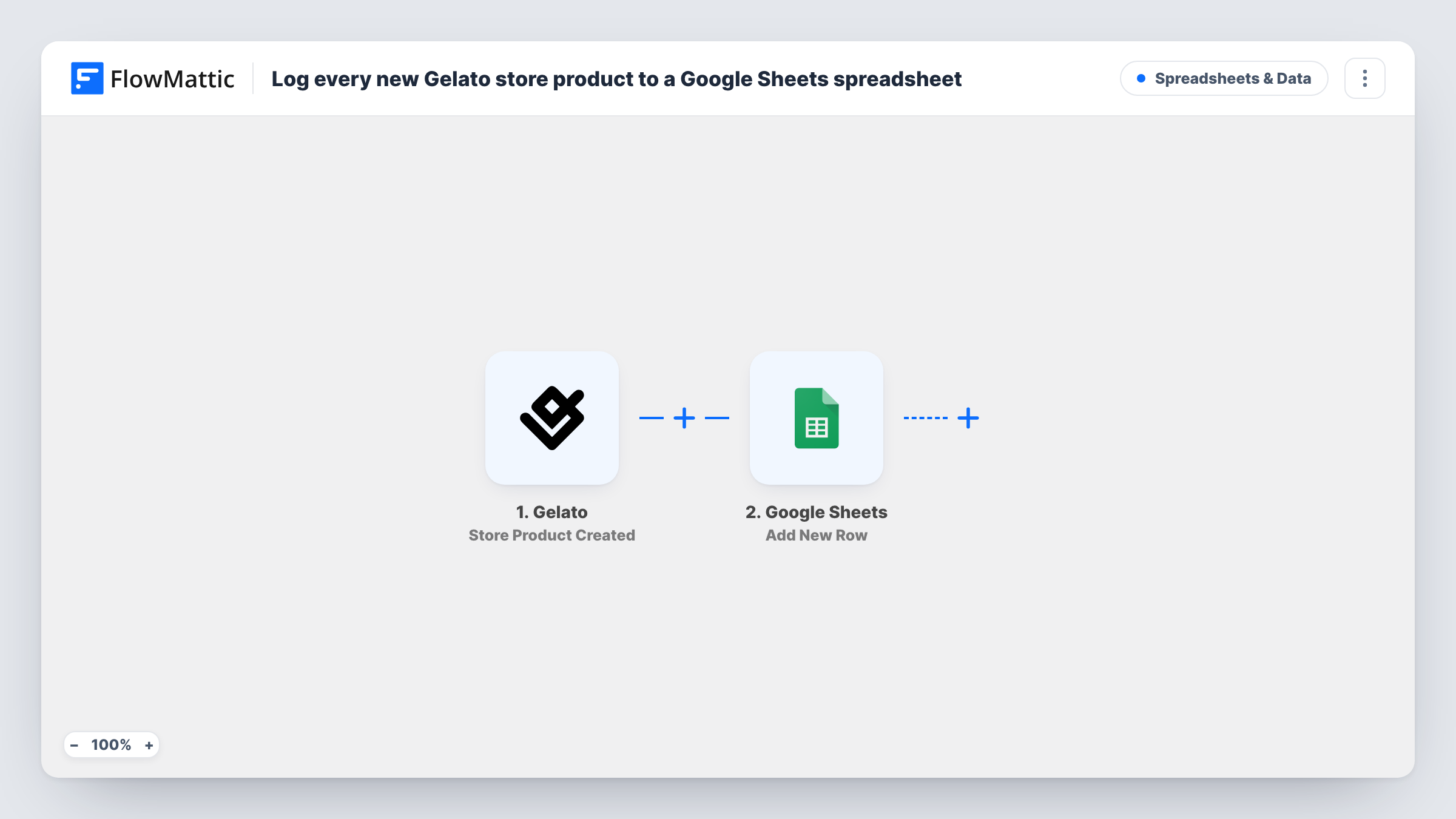
The trigger fires when a store product is created in Gelato. The new product's details pass into FlowMattic. The Google Sheets step then adds a new row with mapped data to the spreadsheet you choose. You decide which product values go in which column, such as the title or the product ID, depending on what the trigger returns.
The sheet records products as they are created. Later edits or deletions in Gelato are not reflected in rows already written, so treat the sheet as a log of additions. Add your own columns for notes, pricing plans or launch dates and fill them in by hand next to each row.
A launch log for a merch shop
Every new design you publish in your Gelato store gets a row, so you can see at a glance what launched each month.
Sharing new products with a marketing helper
A freelancer who writes your social posts reads the sheet to see which Gelato products are new, without needing access to your store.
Planning prices and promotions
Add columns for target price and promotion date. The product rows arrive on their own; you fill in the plans beside them.
How this workflow runs
What happens at each step once the workflow is on, and what you need before you import it.
 Gelato Store Product Created
Fires when a store product is created in your Gelato account. The new product's details are passed on so you can map them into the sheet.
- Google Sheets Add New Row
Adds a row for the new Gelato product to the Google Sheets spreadsheet you choose. Map product values to columns and connect your Google account on import.
What you need
- FlowMatticCore
- Gelato AccountAccount
- Google Sheets AccountAccount
After importing, map your own data. To keep the template universal, not every step is pre-filled. Open each step in the builder and connect your accounts and fields (channels, lists, sheets, recipients) before you switch the workflow on.
Make it yours
Changes worth making after you import it.
- Add a column that records when the row was written, mapped from the trigger data if it carries a creation time, so you can sort products by launch date.
- Add a Slack or email step after the sheet so your team hears about each new Gelato product as it is logged.
- Create a test product in Gelato after import so FlowMattic captures the product data, then map the values into the sheet's columns.
Questions about this workflow
Are my existing Gelato products added to the sheet?
No. The trigger fires for store products created after you turn the workflow on. Type earlier products into the sheet yourself if you want a complete list.
Does editing a Gelato product update its row in Google Sheets?
No. The workflow only adds rows for new products. Changes made later in Gelato do not touch rows already in the sheet.
What product details can go into the sheet?
Whatever the Gelato trigger returns for the new product. Create a test product and look at the captured data in FlowMattic to see which values you can map.
Do I need a Google account with edit access to the Gelato product sheet?
Yes. The Google account you connect must be able to edit the spreadsheet so FlowMattic can add rows to it.
More Spreadsheets & Data workflows
Other ready-to-import templates from the same category.




Import this workflow into your WordPress site
Download the JSON, import it from the Workflows screen and connect your accounts. Every run stays on your server, with no per-task fees.
30-day money-back guarantee Unlimited workflows and runs Self-hosted