

Log every new Nolt post in a Google Sheets spreadsheet
When a user submits a new post to your Nolt board, this workflow adds it as a row in Google Sheets, giving you a master list of feedback and feature requests to sort, tag and review.
 Nolt
Nolt
 Google Sheets
2 steps Setup ~5 min Used on 1.6k sites Free to import
What this workflow does
Nolt is where your users suggest features and report problems. Product reviews, roadmap planning and reports to stakeholders often happen in a spreadsheet, though, and copying posts across by hand means the list is always behind. This workflow adds each new post to Google Sheets as it is submitted.
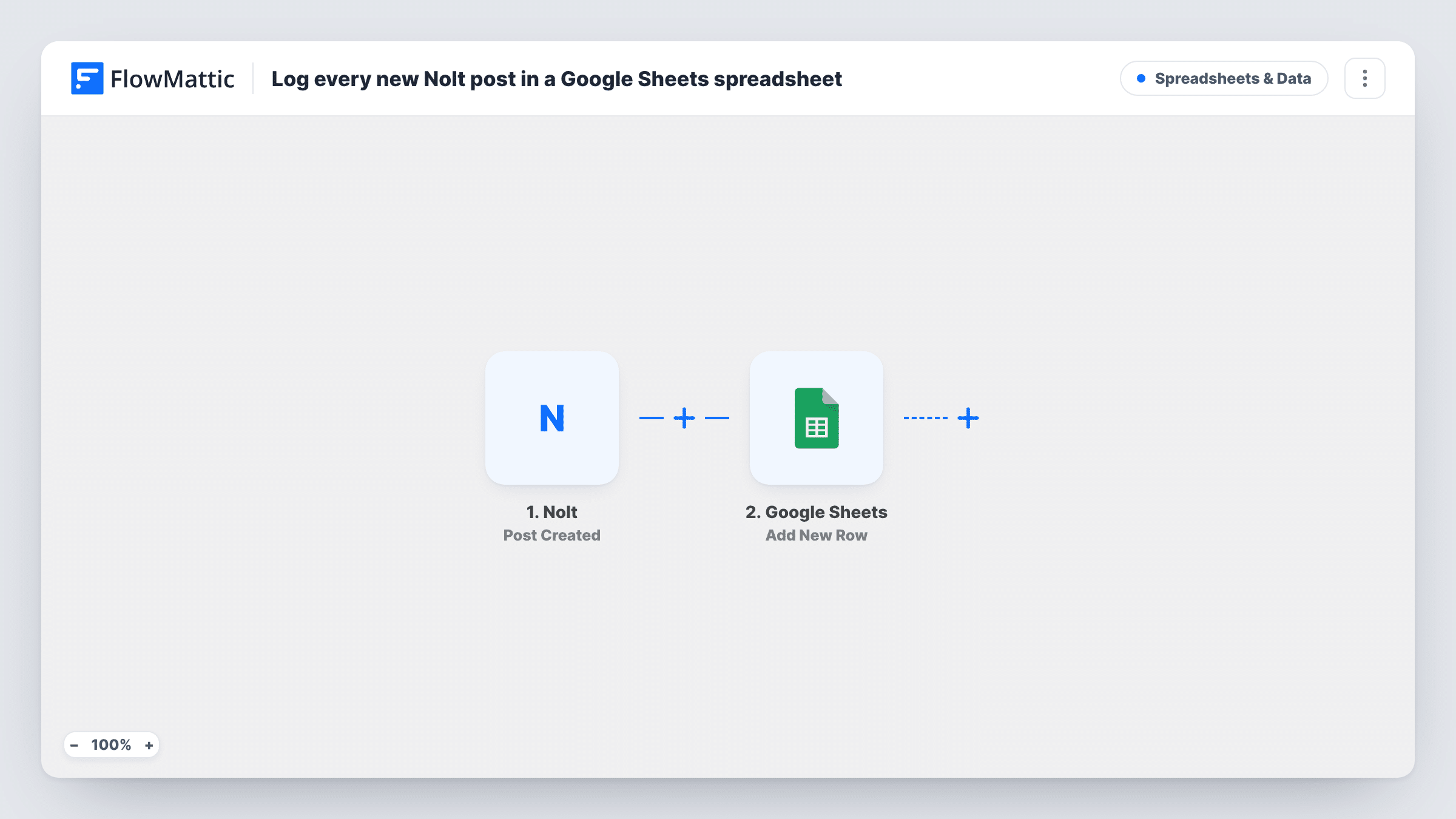
The Nolt trigger fires when a user submits a new post to your board, and FlowMattic receives the post's data. The next step uses the Add New Row action in Google Sheets to write the values you map, such as the title and text of the post, into a new row.
The workflow only reacts to new posts. Votes, comments and status changes made later in Nolt do not reach the sheet, so treat it as a list of what was submitted and when, not a live copy of your board. Add your own columns next to the mapped ones for priority or notes, since the workflow only fills the columns you map. If a row looks wrong, open that run in Task History to see what Nolt sent.
Monthly feedback review
A product manager filters the sheet by date each month and walks the team through every request submitted since the last review.
Scoring requests before roadmap planning
Add effort and impact columns next to the logged posts and score each request in the sheet, without changing anything on the public Nolt board.
Reporting feedback volume to stakeholders
A chart built on the sheet shows how many posts arrive each week, which you can share with people who never open Nolt.
How this workflow runs
What happens at each step once the workflow is on, and what you need before you import it.
 Nolt Post Created
Fires when a user submits a new post to your Nolt board. The post's details are sent to FlowMattic, ready to map into the spreadsheet row.
- Google Sheets Add New Row
Writes one row per new Nolt post to the Google Sheets spreadsheet you choose. Set up a header row, then map each column to a value from the post, for example its title, text or link.
What you need
- FlowMatticCore
- Nolt AccountAccount
- Google Sheets AccountAccount
After importing, map your own data. To keep the template universal, not every step is pre-filled. Open each step in the builder and connect your accounts and fields (channels, lists, sheets, recipients) before you switch the workflow on.
Make it yours
Changes worth making after you import it.
- Map the post's link into its own column if Nolt sends one, so anyone reading the sheet can open the original post and its votes.
- Add a Filter after the trigger if you only want some posts logged, for example posts whose text contains a product area you look after.
- Leave a few empty columns at the right of your mapped ones for owner, priority and decision, and fill them in by hand during reviews.
Questions about this workflow
Will vote counts from Nolt update in the sheet?
No. The row is written once, when the post is created. Later votes, comments or status changes on the Nolt board are not copied to Google Sheets.
Are posts already on my Nolt board added?
No. Only posts submitted after the workflow is turned on are logged. Older posts stay on the board only.
Does every new Nolt post create a row?
Yes, as imported. Each post the trigger receives adds one row, because no step filters posts out.
Which Nolt post fields can go into the Google Sheets row?
Whatever the trigger receives for the post. Submit a test post after connecting Nolt, then look at the captured data to choose the columns you want.
More Spreadsheets & Data workflows
Other ready-to-import templates from the same category.




Import this workflow into your WordPress site
Download the JSON, import it from the Workflows screen and connect your accounts. Every run stays on your server, with no per-task fees.
30-day money-back guarantee Unlimited workflows and runs Self-hosted