

Log every new Subpage lead in a Google Sheets spreadsheet
Every lead created through your Subpage pages is written to a new row in Google Sheets, with the lead details you choose, so you keep a list you can sort, share and export.
 Subpage
 Google Sheets
2 steps Setup ~5 min Used on 1.9k sites Free to import
What this workflow does
Subpage captures leads from your landing pages, but you may want them somewhere your whole team can see, filter and add notes to. A Google Sheet works for that and needs no extra logins. This workflow adds each new Subpage lead to a sheet as it comes in.
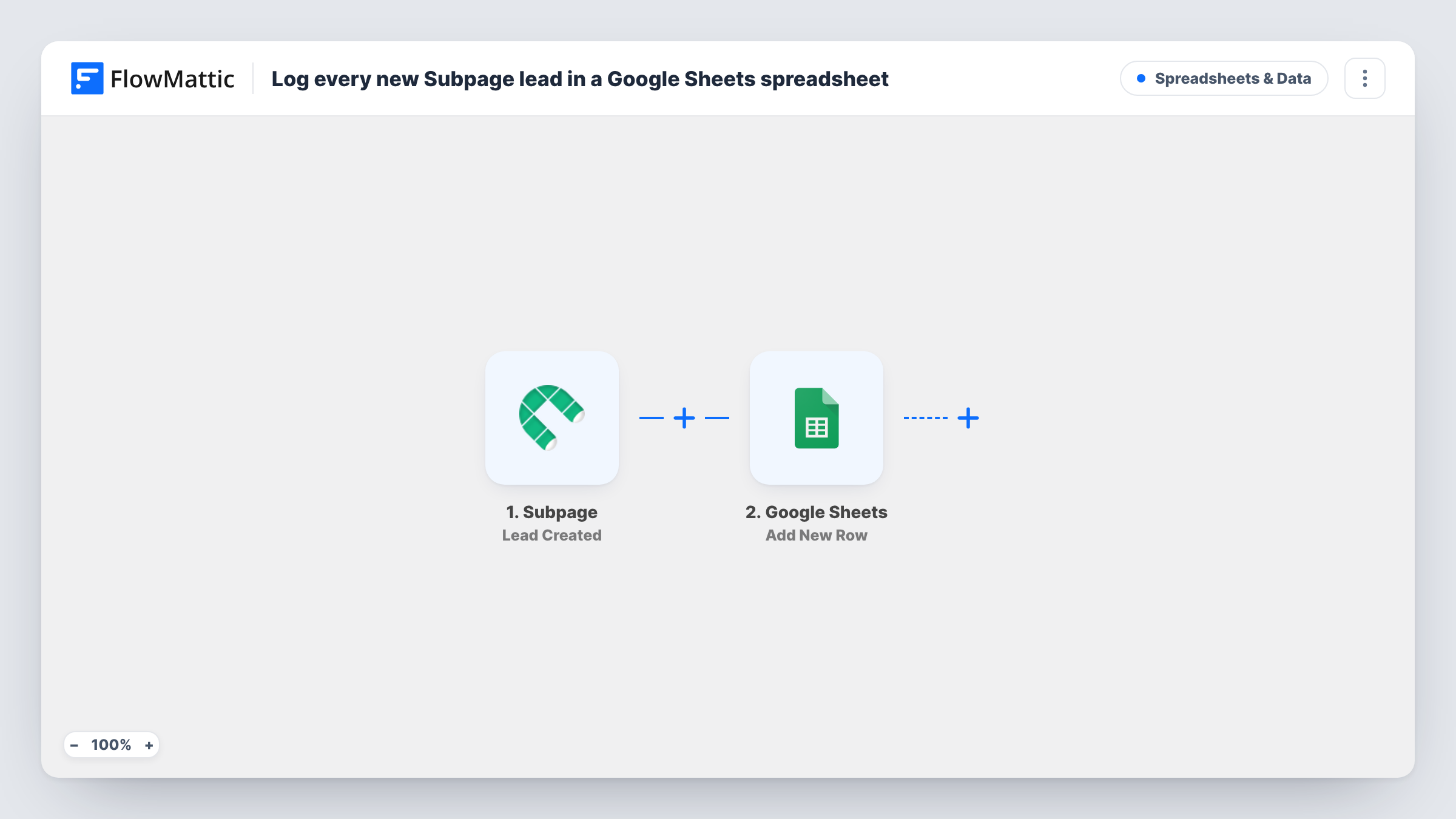
The Subpage trigger fires when a new lead is created. FlowMattic receives the lead's data and passes it to Google Sheets. The Add New Row action writes it to the spreadsheet and sheet you pick, with the lead values mapped to your columns.
Each lead adds one row, and the workflow never edits or removes rows afterwards. Your team can add columns of its own, such as a status or owner, beside the mapped ones. Create a test lead after import to see which values arrive, and check Task History to confirm each row was added.
Shared lead list for a small sales team
Everyone on the team opens the same Google Sheet, picks up new Subpage leads and marks who is following up in an extra column.
Reporting leads per landing page
Map the page or form name into a column, if Subpage sends it, and count leads per page with a pivot table.
Handing leads to a client
You build landing pages for a client in Subpage. They get a shared sheet with every lead, without access to your Subpage account.
How this workflow runs
What happens at each step once the workflow is on, and what you need before you import it.
 Subpage Lead Created
Fires when a new lead is created in Subpage. The lead's details are passed on to be mapped into the spreadsheet.
- Google Sheets Add New Row
Places each Subpage lead on a new row of the spreadsheet you choose. Connect your Google account, pick the sheet and map the lead values to its columns.
What you need
- FlowMatticCore
- Subpage AccountAccount
- Google Sheets AccountAccount
After importing, map your own data. To keep the template universal, not every step is pre-filled. Open each step in the builder and connect your accounts and fields (channels, lists, sheets, recipients) before you switch the workflow on.
Make it yours
Changes worth making after you import it.
- Add a column for the date the lead arrived, mapping a timestamp from the Subpage lead if it is sent, so you can sort the list by age.
- Add a Filter after the trigger that continues only when the lead's email is not empty, so incomplete sign-ups don't fill the sheet.
- Add a Slack or email step after Google Sheets if someone should hear about each new lead as well as see it in the sheet.
Questions about this workflow
Will Subpage leads captured before import be added to the sheet?
No. The trigger reacts to new leads only. Earlier leads would have to be copied into the sheet some other way.
What happens if the same person signs up on two Subpage pages?
If Subpage records each sign-up as a new lead, each one adds its own row and the person appears twice. Sort the sheet by email to spot repeats.
Which Subpage lead details can go into Google Sheets?
Whatever the Lead Created event sends. Make a test sign-up after import and look at the trigger data to see the available values.
More Spreadsheets & Data workflows
Other ready-to-import templates from the same category.




Import this workflow into your WordPress site
Download the JSON, import it from the Workflows screen and connect your accounts. Every run stays on your server, with no per-task fees.
30-day money-back guarantee Unlimited workflows and runs Self-hosted