

When a new form is submitted in Tripetto, generate a row in Smartsheet for data tracking
Every Tripetto form response is added as a new row in the Smartsheet sheet you choose, with each answer mapped to a column, so your team tracks submissions where it already plans its work.
 Tripetto
 Smartsheet
2 steps Setup ~5 min Used on 811 sites Free to import
What this workflow does
Tripetto is built for conversational forms with branching logic, and the answers it collects often need follow-up: a request to approve, an application to review, a report to act on. If that follow-up happens in Smartsheet, this workflow puts each response there as a row your team can assign, comment on and track.
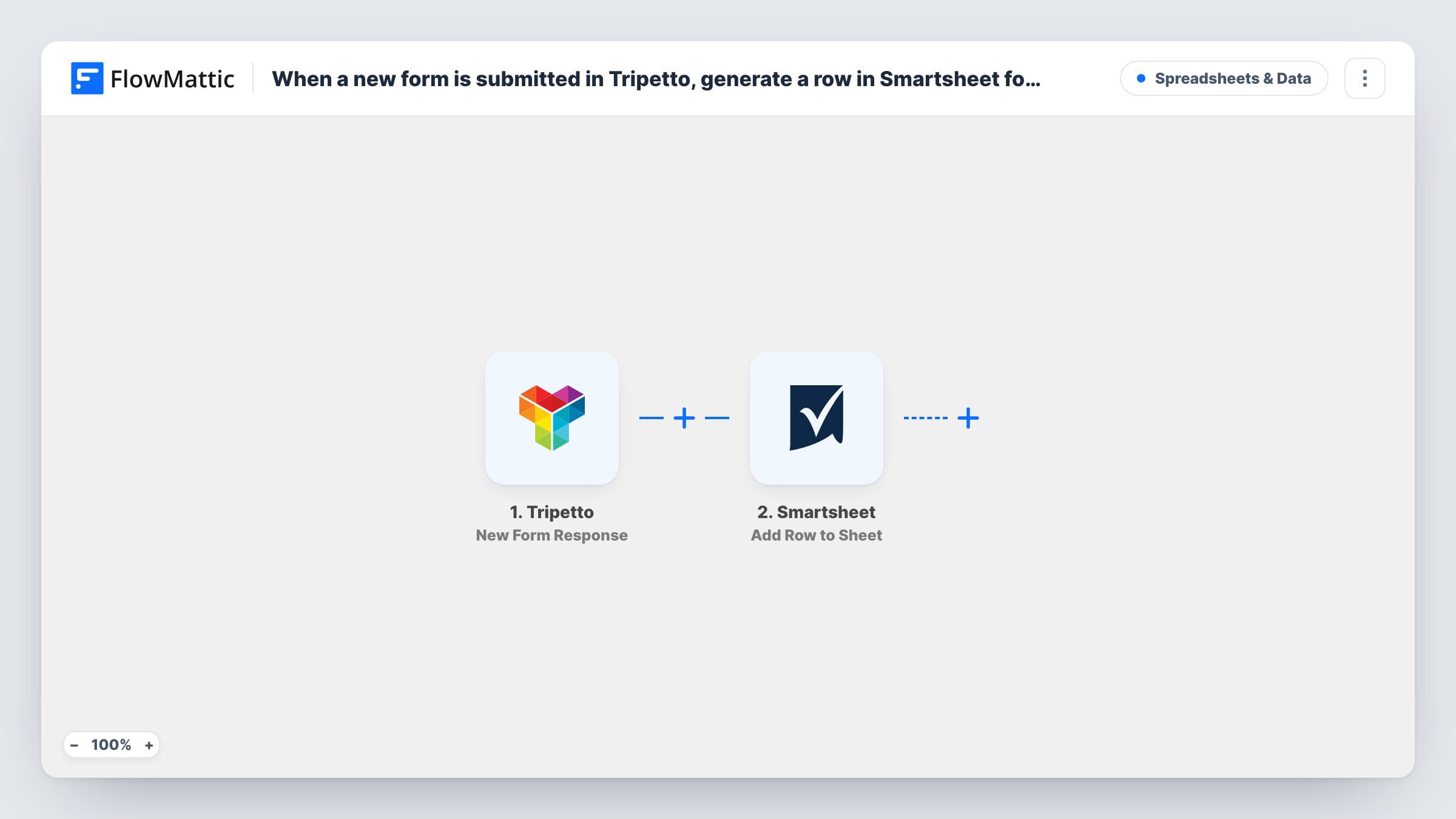
The Tripetto trigger, New Form Response, fires when a form is submitted. Each answer in the response becomes data you can map. FlowMattic then runs Add Row to Sheet in Smartsheet, writing a new row to the sheet you choose with the answers placed in the columns you map them to.
Every response creates one new row; nothing is merged or updated. Questions a respondent skipped because of Tripetto's branching arrive empty, so those cells stay blank. Task History keeps a record of each run, which helps you trace a response that didn't land as expected.
Internal request intake
Staff fill in a Tripetto request form for equipment or access. Each request becomes a Smartsheet row the operations team assigns and moves through its approval columns.
Event or program applications
Applicants answer a branching Tripetto form, and every application lands in a Smartsheet review sheet where reviewers score it in extra columns.
Customer feedback tracking
Responses from a Tripetto feedback survey go to a Smartsheet sheet, where your product team tags and follows up on each one.
How this workflow runs
What happens at each step once the workflow is on, and what you need before you import it.
 Tripetto New Form Response
Fires when a respondent submits your Tripetto form. The answers from that response are passed on and can be mapped to Smartsheet columns.
- Smartsheet Add Row to Sheet
Adds a new row to the Smartsheet sheet you select, with Tripetto answers in the columns you map. Connect your Smartsheet account and pick the sheet on import.
What you need
- FlowMatticCore
- Tripetto AccountAccount
- Smartsheet AccountAccount
After importing, map your own data. To keep the template universal, not every step is pre-filled. Open each step in the builder and connect your accounts and fields (channels, lists, sheets, recipients) before you switch the workflow on.
Make it yours
Changes worth making after you import it.
- Add columns in Smartsheet that the workflow doesn't fill, such as Owner and Status, so your team can work each response without the next row overwriting anything.
- Submit one complete test response after import so every Tripetto answer shows up in FlowMattic, then map them to the Smartsheet columns.
- If one Tripetto form serves several teams, swap in a Router with a condition on the answer that decides the team, and give each route its own Add Row to Sheet step.
Questions about this workflow
Do my Smartsheet columns need to match the Tripetto questions?
No. You decide which answer goes in which column when mapping. The columns need to exist in the sheet first, and any you leave unmapped stay empty on new rows.
What happens to Tripetto questions the respondent never saw?
Branching can skip questions, and a skipped question has no answer to send. The mapped Smartsheet cell for it stays blank on that row.
Will older Tripetto responses be added to Smartsheet?
No. The trigger reacts to new submissions, so the sheet starts filling from the moment the workflow is active. Responses collected before then stay in Tripetto.
More Spreadsheets & Data workflows
Other ready-to-import templates from the same category.




Import this workflow into your WordPress site
Download the JSON, import it from the Workflows screen and connect your accounts. Every run stays on your server, with no per-task fees.
30-day money-back guarantee Unlimited workflows and runs Self-hosted