

Log every signed ArcSite proposal PDF in a Google Sheets spreadsheet
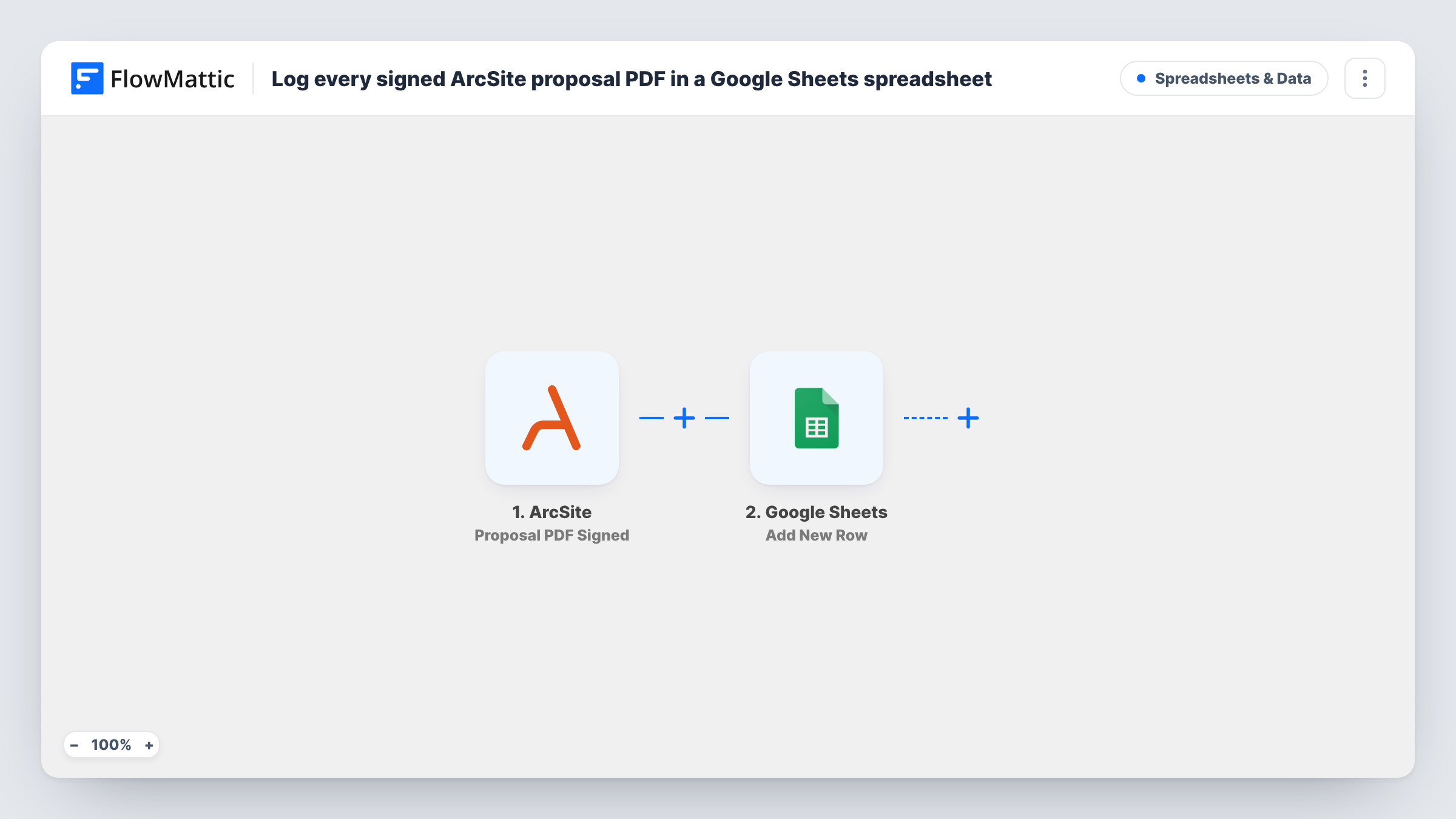
Each time a proposal PDF is signed in ArcSite, this workflow adds a row to your Google Sheets spreadsheet with the details you map, building a running list of signed proposals.
 ArcSite
 Google Sheets
2 steps Setup ~5 min Used on 2.5k sites Free to import
What this workflow does
A signed proposal is the point where a field visit turns into booked work. If your estimators use ArcSite for drawings and proposals, the signatures sit inside ArcSite, while the office often tracks revenue and scheduling in a spreadsheet. This workflow writes each signature to that sheet as it happens.
The ArcSite trigger, Proposal PDF Signed, fires when a proposal PDF is signed. FlowMattic receives the data ArcSite sends about the proposal and its project. Next, Google Sheets Add New Row appends a row to the spreadsheet you choose. You decide which columns to fill, such as the customer, project name and signing date.
One signature makes one row; nothing is totalled or deduplicated. The sheet is a log you can sort, filter or chart however you like. Whether a link to the signed PDF can go in a column depends on what ArcSite includes, so check a test run. Task History shows each run if a signed proposal seems to be missing.
Office scheduling for signed jobs
A roofing company's estimators get proposals signed on site in ArcSite. The office scheduler works from the sheet to book crews for each signed job.
Sales tracking per estimator
A remodeling firm maps the estimator's name into a column, then uses a pivot table to see how many proposals each person closed this month.
Handoff to bookkeeping
The bookkeeper reads the shared sheet to know which signed proposals need a deposit invoice, without logging in to ArcSite.
How this workflow runs
What happens at each step once the workflow is on, and what you need before you import it.
 ArcSite Proposal PDF Signed
Fires when a proposal PDF is signed in ArcSite. The proposal and project details ArcSite sends become available to map into spreadsheet columns.
- Google Sheets Add New Row
Appends a row to the Google Sheets spreadsheet you pick for every signed proposal. Connect your Google account and map ArcSite fields such as the customer and project name.
What you need
- FlowMatticCore
- ArcSite AccountAccount
- Google Sheets AccountAccount
After importing, map your own data. To keep the template universal, not every step is pre-filled. Open each step in the builder and connect your accounts and fields (channels, lists, sheets, recipients) before you switch the workflow on.
Make it yours
Changes worth making after you import it.
- Get one proposal signed as a test after import, so FlowMattic captures ArcSite's fields and you can see what is available before choosing columns.
- Add a Slack Send Channel Message step after the sheet to tell your crew leads each time a proposal is signed.
- Include the ArcSite project ID or name as its own column so each row can be matched back to the project in ArcSite.
Questions about this workflow
Is the signed ArcSite PDF saved into Google Sheets?
No. Sheets holds text, not files. If ArcSite includes a link to the PDF in its data, you can map that link into a column; check a test run.
Do proposals signed before import get a row?
No. Only signatures made after the workflow is turned on start a run, so add older ones by hand if you want a complete list.
What if a customer signs a revised ArcSite proposal?
Each signed proposal PDF starts its own run, so a revised proposal that is signed again adds another row. Sort by project to spot them.
Can I log unsigned ArcSite proposals too?
Not with this template. It reacts only to signatures. Look at the other ArcSite triggers in FlowMattic if you want earlier proposal stages logged.
More Spreadsheets & Data workflows
Other ready-to-import templates from the same category.


Import this workflow into your WordPress site
Download the JSON, import it from the Workflows screen and connect your accounts. Every run stays on your server, with no per-task fees.
30-day money-back guarantee Unlimited workflows and runs Self-hosted