

Log new Ordergroove subscriptions to a Google Sheets spreadsheet
Each time a customer creates a subscription in Ordergroove, FlowMattic adds a row to your Google Sheets spreadsheet, building a running list of new subscriptions you can sort, share and report on.
 Ordergroove
 Google Sheets
2 steps Setup ~5 min Used on 3.2k sites Free to import
What this workflow does
Ordergroove manages your subscription programme, but the numbers you share with the rest of the business often live in spreadsheets. Exporting new subscriptions by hand every week is slow and easy to get wrong. This workflow adds each one to a sheet as it is created.
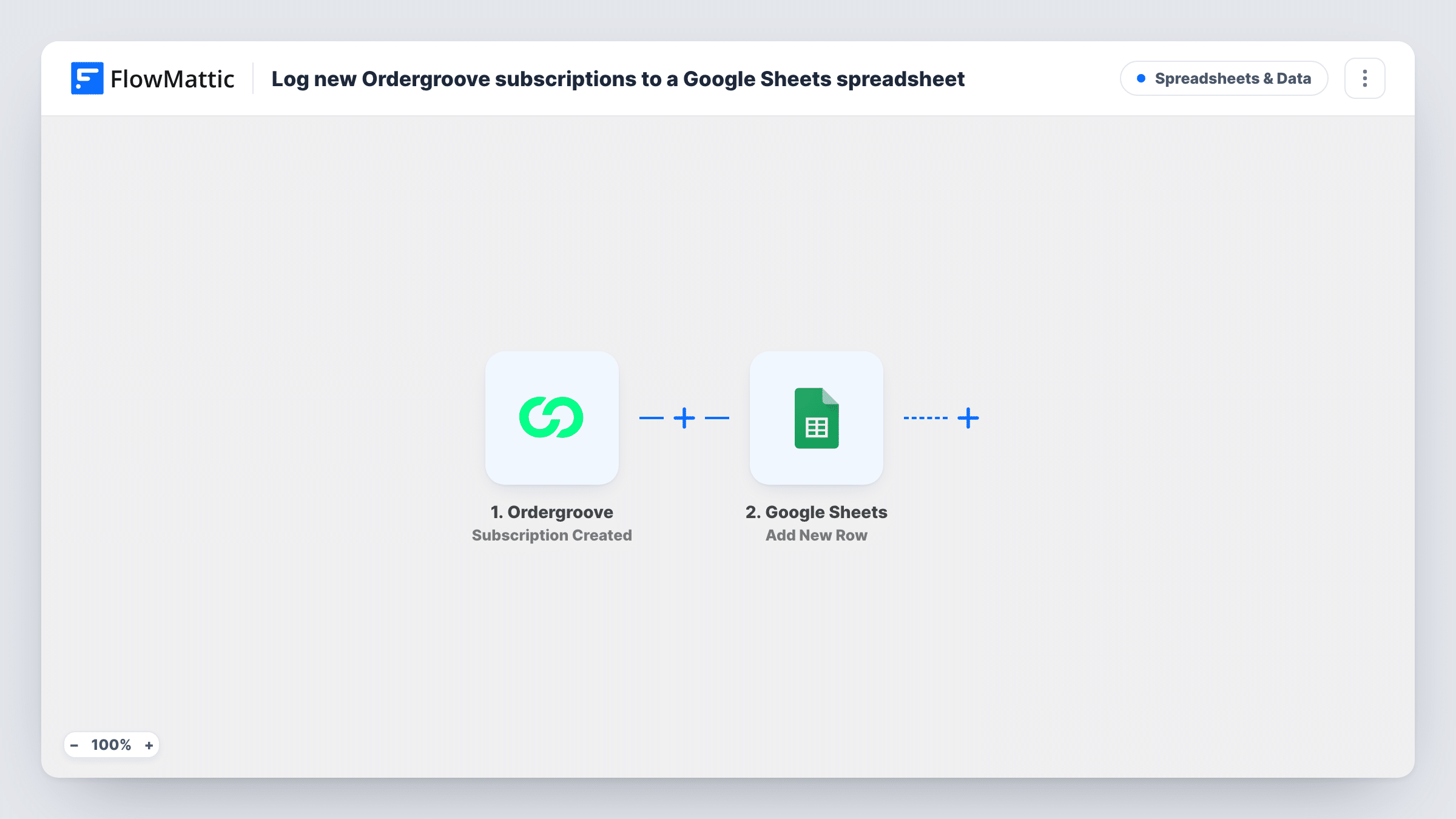
The Ordergroove trigger, Subscription Created, fires when a customer creates a subscription. FlowMattic passes the subscription data to Google Sheets, where Add New Row writes the values you mapped into the sheet you selected.
The sheet records new subscriptions only. Cancellations, frequency changes and SKU swaps are separate Ordergroove triggers and do not change existing rows. A customer who starts two subscriptions appears twice, once per subscription.
Weekly subscription reporting
An ecommerce manager filters the sheet by date each Monday to count the subscriptions started in the past week and share the figure with the team.
Tracking subscribe-and-save on new products
After launching a product with a subscribe option, the merchandising team watches the sheet to see which items customers subscribe to.
Welcome outreach list
A customer care team works down the sheet to send a personal welcome note to each new subscriber.
How this workflow runs
What happens at each step once the workflow is on, and what you need before you import it.
 Ordergroove Subscription Created
Fires when a customer creates a subscription in Ordergroove. The subscription data is passed to Google Sheets for mapping.
- Google Sheets Add New Row
Writes each new subscription to its own row in the sheet you picked. Map the Ordergroove values to your columns and connect your Google account on import.
What you need
- FlowMatticCore
- Ordergroove AccountAccount
- Google Sheets AccountAccount
After importing, map your own data. To keep the template universal, not every step is pre-filled. Open each step in the builder and connect your accounts and fields (channels, lists, sheets, recipients) before you switch the workflow on.
Make it yours
Changes worth making after you import it.
- Import a second copy with Ordergroove's Subscription Canceled trigger and point it at another tab, so you have starts and cancellations side by side.
- Add your own columns for notes or follow-up status and leave them out of the mapping, so the workflow never writes over them.
- Create a test subscription after import so FlowMattic captures the fields Ordergroove sends, then map the ones your report needs.
Questions about this workflow
Does a cancelled Ordergroove subscription update its row?
No. The workflow only adds rows for Subscription Created events. Use the Subscription Canceled trigger in another workflow to log cancellations.
Are existing Ordergroove subscriptions added to the sheet?
No. The sheet starts filling from the moment you turn the workflow on; earlier subscriptions stay only in Ordergroove.
Which Ordergroove details go into Google Sheets?
The ones you map. After a test subscription, choose which values fill each column of the sheet.
More Spreadsheets & Data workflows
Other ready-to-import templates from the same category.



Import this workflow into your WordPress site
Download the JSON, import it from the Workflows screen and connect your accounts. Every run stays on your server, with no per-task fees.
30-day money-back guarantee Unlimited workflows and runs Self-hosted