

When a comment is deleted in Freelo, remove the corresponding entry from Airtable
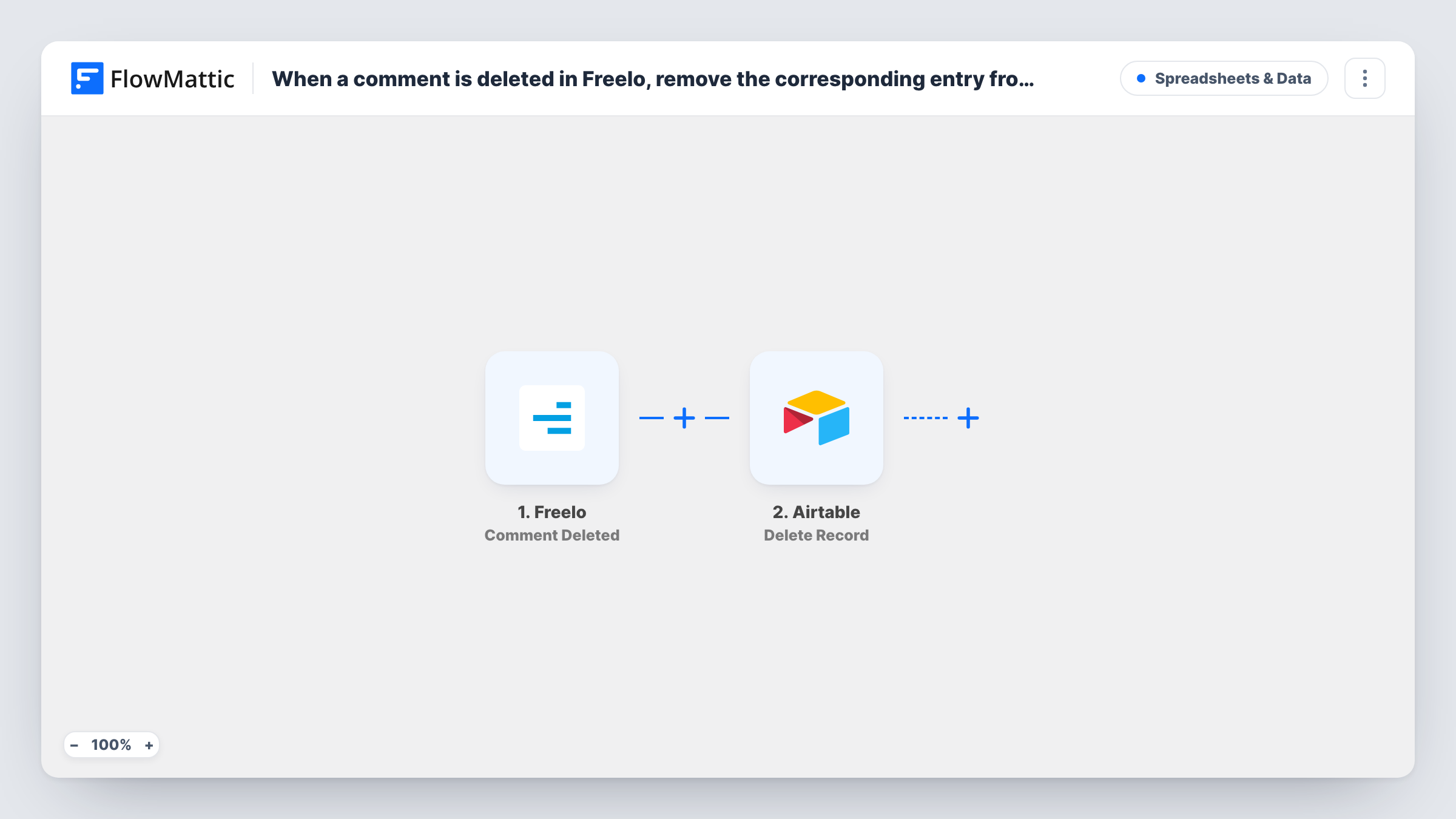
When a comment is deleted in Freelo, FlowMattic searches your Airtable table for the record that holds that comment and deletes it, so your Airtable log matches what’s left in Freelo.
 Freelo
 Airtable
3 steps Setup ~5 min Used on 1.2k sites Free to import
What this workflow does
Teams that copy Freelo comments into Airtable, for reporting, client logs or a searchable archive, end up with stale rows when someone deletes a comment in Freelo. This workflow does the cleanup: a deleted comment in Freelo removes its entry from Airtable as well.
The Freelo Comment Deleted trigger fires when a comment is deleted and passes on the comment's details. For the rest of the flow to find the right row, your Airtable table has to store something unique from Freelo, ideally the comment ID, in its own field when the entry is first created.
The first Airtable step, Search Record, looks for records using a filter formula. It ships unmapped: pick the base and table, then write a formula that compares your Freelo ID field with the ID from the trigger. The second step, Delete Record, removes an existing record. Map the record ID from the search result into it.
Deleting is permanent from the workflow's side, so test carefully. Delete a test comment in Freelo and check Task History to see which record the search returned and what Airtable answered for the delete. If the search finds nothing, there is no record ID to pass on to the delete step.
Client-facing comment log
An agency keeps an Airtable view of Freelo comments shared with a client, and comments deleted in Freelo disappear from that view too.
Clean data for reporting
A project office counts comments per project in Airtable, and removed comments no longer inflate the numbers.
Archive that respects deletions
A team that archives task discussions in Airtable removes a record when its author deletes the comment in Freelo, for example after posting something by mistake.
How this workflow runs
What happens at each step once the workflow is on, and what you need before you import it.
 Freelo Comment Deleted
Fires when a comment is deleted in Freelo. The deleted comment's details, including its ID, are available to match against your Airtable records.
- Airtable Search Record
Looks up the row for the deleted comment using an Airtable filter formula. Unmapped as shipped: choose the base and table and write a formula that matches your stored Freelo comment ID to the one from the trigger.
- Airtable Delete Record
Deletes the matching Airtable record. Map the record ID returned by the search step, then confirm with a test that the correct row is removed.
What you need
- FlowMatticCore
- Freelo AccountAccount
- Airtable AccountAccount
After importing, map your own data. To keep the template universal, not every step is pre-filled. Open each step in the builder and connect your accounts and fields (channels, lists, sheets, recipients) before you switch the workflow on.
Make it yours
Changes worth making after you import it.
- Store the Freelo comment ID in a dedicated Airtable field in whatever workflow creates the records, since the search can only match what the table holds.
- Put a Filter between Search Record and Delete Record that continues only when a record ID came back, so runs with no match stop before the delete step.
- Test the filter formula in Airtable itself first, so you know it returns exactly one record for a given comment ID.
- Use Freelo's Comment Edited trigger with Airtable's Update Record action in a second workflow, if edited comments should update their rows too.
Questions about this workflow
How does the workflow know which Airtable record belongs to the Freelo comment?
Through the filter formula in the Search Record step. Your table must hold the Freelo comment ID, and the formula compares that field with the ID in the trigger data.
Can I undo a record this workflow deleted?
Not from FlowMattic. Delete Record removes the record from Airtable. Look to Airtable's own restore options if you need it back, and test with throwaway comments first.
What if the Freelo comment was never copied to Airtable?
The search finds no record, so there is nothing for Delete Record to remove. A Filter between the two Airtable steps keeps those runs from reaching the delete.
Does deleting a Freelo task also remove its comments here?
This workflow listens only for deleted comments. FlowMattic's Freelo integration has a separate Task Deleted trigger you could use in another workflow.
More Spreadsheets & Data workflows
Other ready-to-import templates from the same category.




Import this workflow into your WordPress site
Download the JSON, import it from the Workflows screen and connect your accounts. Every run stays on your server, with no per-task fees.
30-day money-back guarantee Unlimited workflows and runs Self-hosted