

Log new Uscreen membership events in a Google Sheets spreadsheet
Each Uscreen membership event of the type you select is written to a new row in your Google Sheets spreadsheet, building a running log of member activity that you can sort, share and chart.
 Uscreen
 Google Sheets
2 steps Setup ~5 min Used on 1.3k sites Free to import
What this workflow does
A spreadsheet is often the simplest place to watch how your Uscreen membership is moving. You can count joins by week, share the list with a partner, or chart it without touching Uscreen's admin. This workflow builds that log for you, one row per event.
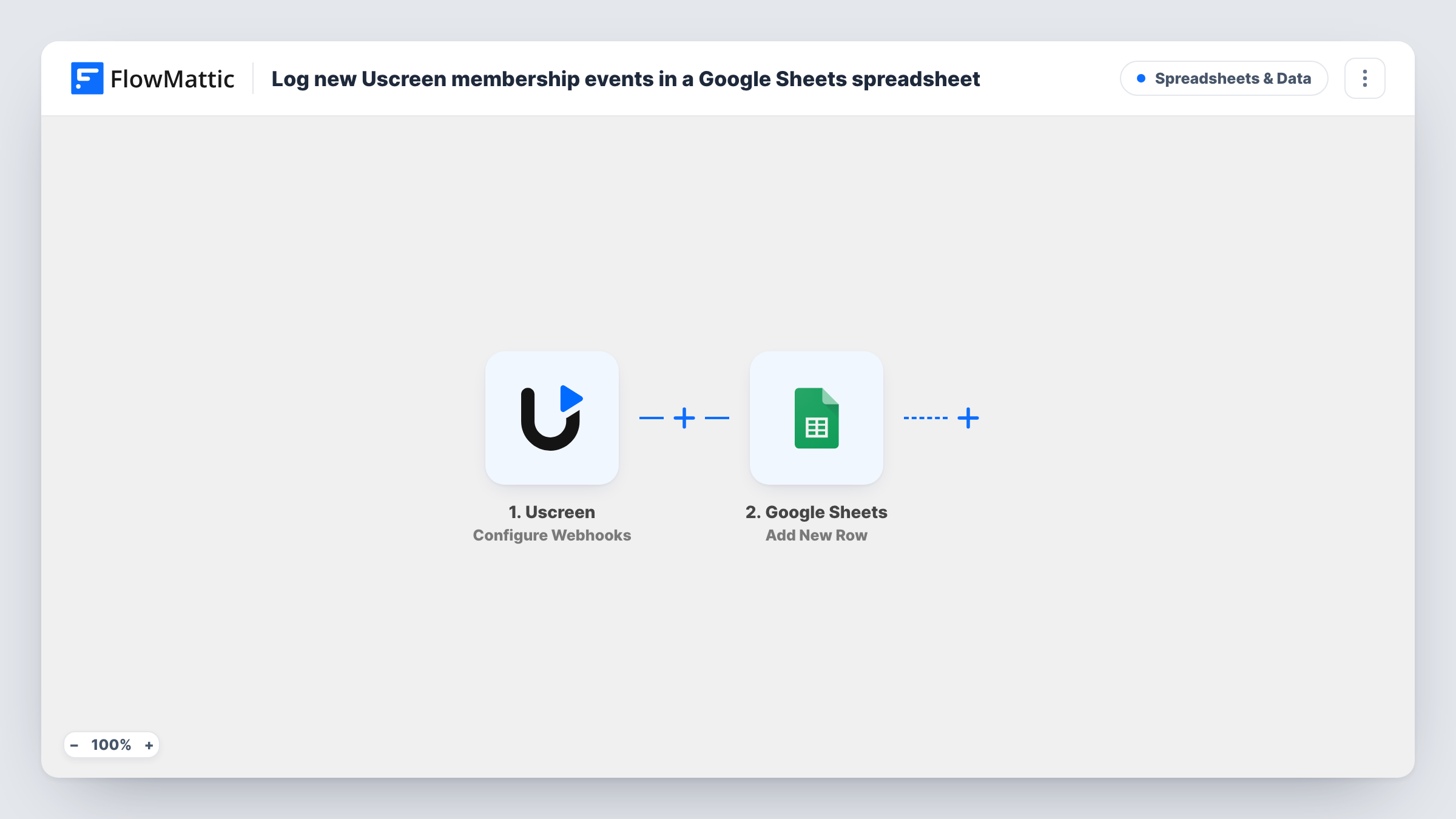
The Uscreen trigger is Configure Webhooks, where you select the event type to listen for. Choose the membership event you want to track, such as new sign-ups. Each time Uscreen sends that event, its data reaches FlowMattic and is ready to map.
The Google Sheets step is Add New Row. It appends a row to the spreadsheet and sheet you pick, with Uscreen fields placed in the columns you map. Rows are only ever added, never updated, so the same member can appear more than once if Uscreen sends several events for them. You can review every run, and the row data it sent, in Task History.
Weekly membership count for a creator
A video creator logs each new Uscreen member in a sheet and adds a simple formula to count joins per week.
Sharing sign-ups with a business partner
A co-owner who has no Uscreen login reads the shared Google Sheet to see who has joined the membership and when.
Raw data for a membership chart
A small studio feeds the sheet into a chart or a dashboard tool that reads Google Sheets, using the Uscreen event rows as its source.
How this workflow runs
What happens at each step once the workflow is on, and what you need before you import it.
 Uscreen Configure Webhooks
Takes in the Uscreen webhook event you select. Pick the membership event you want logged, and its data is handed to the Google Sheets step for each event Uscreen sends.
- Google Sheets Add New Row
Appends one row to the Google Sheets spreadsheet and sheet you choose. Map the Uscreen fields, such as the member's email and the event date if Uscreen sends them, to your columns, and connect your Google account.
What you need
- FlowMatticCore
- Uscreen AccountAccount
- Google Sheets AccountAccount
After importing, map your own data. To keep the template universal, not every step is pre-filled. Open each step in the builder and connect your accounts and fields (channels, lists, sheets, recipients) before you switch the workflow on.
Make it yours
Changes worth making after you import it.
- Set up the sheet's header row before import, then trigger one Uscreen event so FlowMattic captures the fields you will map to each column.
- Want to log several kinds of Uscreen events? Import a copy of the workflow for each event type and point each copy at its own tab in the spreadsheet.
- Add a column that holds the event type as a fixed value in the Add New Row step, so the rows stay readable if you later combine logs from several workflows.
Questions about this workflow
Which Uscreen membership events are logged in the sheet?
Only the event type you select in the Configure Webhooks trigger. Each event of that type adds one row. Other Uscreen activity does not run this workflow.
Will a Uscreen member who appears again update their existing row?
No. Add New Row only appends, so a second event for the same member adds another row. That keeps a full history, which you can sort or deduplicate in the sheet.
Do I need a prepared Google Sheets file before importing?
Yes. Create the spreadsheet and a header row first, then pick that file and sheet in the Add New Row step and map the Uscreen fields to its columns.
More Spreadsheets & Data workflows
Other ready-to-import templates from the same category.




Import this workflow into your WordPress site
Download the JSON, import it from the Workflows screen and connect your accounts. Every run stays on your server, with no per-task fees.
30-day money-back guarantee Unlimited workflows and runs Self-hosted